Safety observation software gives field workers a fast, mobile way to log what they see — a near miss, an unsafe behaviour, a potential hazard — from the device in their pocket. It routes that observation to the right person, tracks it to a corrective action, and stores the record with a full audit trail.
This guide is for operations managers, HSE leads, and safety supervisors in construction, oil and gas, wind energy, manufacturing, and utilities who need observation tools that work in real field conditions — offline, on mobile, with fast adoption from non-technical crews. I reviewed more than 15 platforms based on those criteria and narrowed the list to seven.
Contents:
- How I Selected This List
- Quick Comparison
- The 7 Best Safety Observations Tools
- 1. Fluix: Best for Field Safety Observations in Regulated Industries
- 2. SafetyCulture (now Mitti): Best for Broad EHS Coverage
- 3. Intelex: Best for AI-Powered Observations Workflows
- 4. VelocityEHS: Best for Enterprise EHS
- 5. SafetyIQ: Best for Lone-Worker Observation Tracking
- 6. EcoOnline: Best for Connected EHS and Chemical Management
- 7. Vatix: Best for Lone Worker safety Inspections
- How to Choose the Right Safety Observation Software
- FAQ
How I Selected This List
I evaluated each platform against how it performs in actual field conditions, not how it presents in a demo:
- Mobile usability — can a technician log an observation in two minutes while wearing gloves?
- Offline capability — does the platform work without signal in remote locations, underground, or offshore?
- Corrective action routing — does a logged observation automatically reach the right person, or does someone manually chase it?
- Reporting depth — does the platform produce trend data that a safety manager can actually act on?
- Adoption friction — will field crews use it consistently for safety observations, or will it sit unused?
I also checked G2 and Capterra for recurring reviewer themes and cross-referenced against the queries field teams actually use to search for these tools.
Quick Comparison
| Best for | Starting price | |
|---|---|---|
| Fluix | Field safety observations in regulated industries | $29/user/month |
| SafetyCulture (now Mitti) | Broad EHS coverage | Free / $24/user/month |
| Intelex | AI-powered observation workflows | From $49/user/month |
| VelocityEHS | Enterprise EHS | Quote-based |
| SafetyIQ | Lone worker observation tracking | Quote-based |
| EcoOnline | Connected EHS and chemical management | Quote-based |
| Vatix | Lone worker safety inspections | From £199/month |
The 7 Best Safety Observations Tools
1. Fluix: Best for Field Safety Observations in Regulated Industries
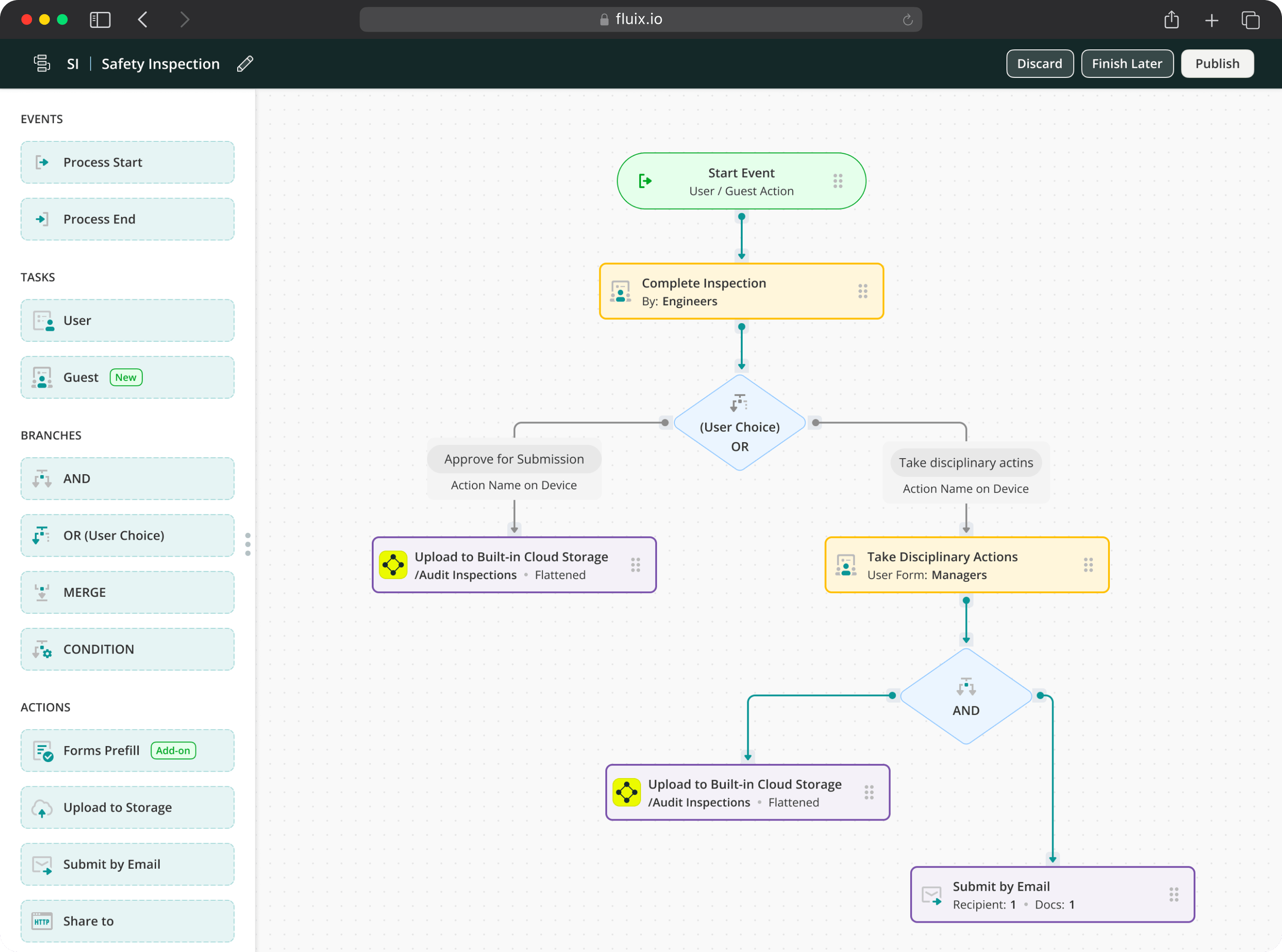
Fluix is inspection management software regulated industries use to run safety inspections, log incidents, capture observations, and maintain audit-ready records. Safety observation is one workflow within that system.
What separates Fluix from most observation tools on this list is what happens after the observation is submitted. A technician logs a hazard from their phone — with a photo, GPS timestamp, and description — and that observation creates a corrective action assigned to a named person with a due date. A supervisor can review the observation, add notes, and close the loop before the finding counts as resolved. The full record is stored and searchable.
The offline capability is specifically built for the environments where observations matter most: wind turbine nacelles, offshore platforms, underground utilities sites, and rural construction zones. Full offline mode — form capture, photo documentation, GPS timestamps, and e-signatures — works without signal and syncs automatically when connectivity returns.
Fluix’s MCP connector lets safety managers query live observation data through Claude, Copilot, or ChatGPT. “Which sites have the most open corrective actions from observations this month?” answered in plain language, without a report.
Key Features
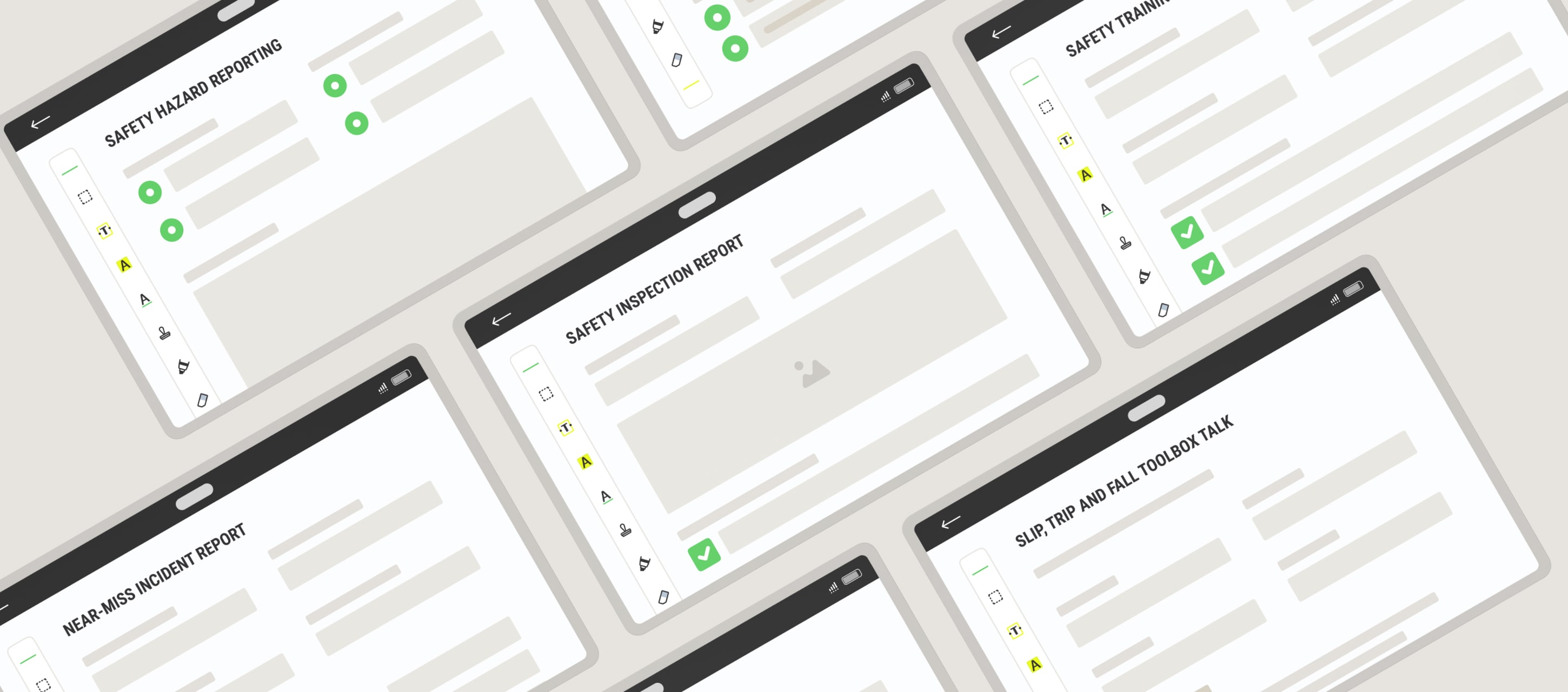
- Mobile safety observation forms — offline-first, iOS and Android
- Multi-step approvals with push-back capability
- Incident and near miss reporting on the same platform
- Field Intelligence MCP connector — query live observation data through Claude, Copilot, and ChatGPT
- Task scheduling and automated notifications
- Dashboards and analytics
- Guest access for external contractors
- Integrations: Procore, Power BI, Salesforce, HubSpot, Airtable
Pricing
- Crews: $29 per user/month, 5+ users
- Operations: $49 per user/month, 15+ users
- Enterprize: Custom, 25+ users
Ratings
4.8 — Capterra, 4.8 — G2
Improve Your Safety Operations with One of the Most Highly-Rated Tools for Field Teams
2. SafetyCulture (now Mitti): Best for Broad EHS Coverage
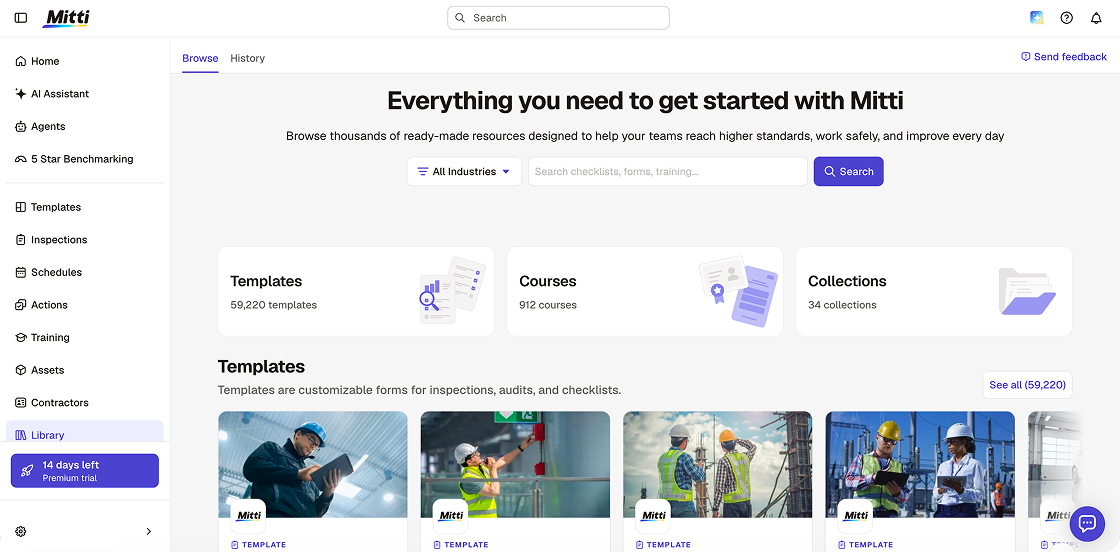
Mitti (formerly SafetyCulture, originally iAuditor) is the safety observation platform most teams try first, and for good reason. The template library now exceeds 59,000 customisable options. The mobile app is excellent. The free plan for up to 10 users is functional enough to run real observations from day one. If you need to deploy observation reporting across a non-technical workforce quickly, Mitti is the fastest path to live.
Alongside the August 2026 rebrand from SafetyCulture, Mitti launched a significant AI suite: AI Agents that monitor site activity and run routine tasks in the background, an AI Assistant that surfaces observation patterns and compares against safety standards, AI Issue Creation that converts photos and voice recordings into structured reports automatically, and 5-Star Benchmarking that scores each site in a portfolio.
The honest limitation for teams in regulated industries: Mitti’s task management is one-directional. Once a worker closes an observation or action, it is closed. There is no native mechanism for a senior reviewer to push it back with notes before it counts as resolved. For teams in aviation, offshore energy, or engineering where multi-stage sign-off is a compliance requirement, that is a real gap.
Key Features
- Customisable safety observation and inspection templates with AI template generation
- Mobile-first capture with full offline support
- Visual dashboards to focus safety efforts
- Smart alerts that automatically escalate unresolved observations
- AI Issue Creation — photos and voice to structured reports automatically
- Training module — 1,000+ courses with AI course builder
- IoT sensor integration for real-time environmental monitoring
Pricing
- Free: $0, up to 10 users
- Lite Seat: $5/user/month
- Premium: $24/user/month (annual) / $29/user/month (monthly)
- Enterprise: Custom
Ratings
4.6 — Capterra, 4.6 — G2
See also: Best SafetyCulture (Mitti) alternatives →
3. Intelex: Best for AI-Powered Observations Workflows
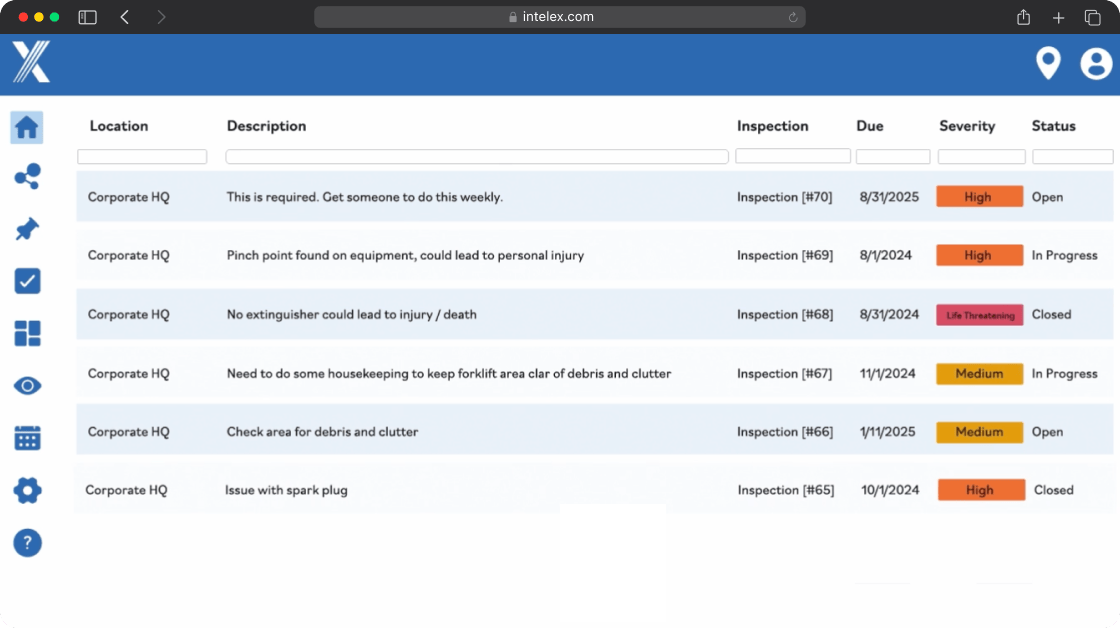
Intelex bridges field observations and enterprise safety management. Field crews log observations quickly on mobile while safety managers gain insights to develop a comprehensive EHS strategy across multiple sites.
In 2026, Intelex has shipped four product launches focused heavily on AI. The capabilities most relevant to safety observation teams: Input AI, which lets users describe an observation by speech or text and have AI populate the form fields automatically; a paper-to-digital workflow where technicians can print a checklist, complete it by hand, photograph it, and AI fills in the digital record; the COMET AI Assistant for root cause analysis; and Insight AI, which structures free-text observation and incident data so it can be trended across a programme. Intelex also added a new SafetyNet Mobile app for iOS and Android.
The honest limitation though: new users encounter a steep learning curve. The platform is enterprise-grade in scope and requires configuration time and dedicated admin resources. The 25-user minimum on the Essentials plan also rules it out for smaller operations.
Key Features
- Voice-to-text and dictation for hands-free observation logging
- Input AI
- Paper-to-digital checklist workflow
- COMET AI Assistant — root cause analysis support
- SafetyNet Mobile app — new iOS/Android experience
- Bowtie Risk Assessment — visual hazard and control diagrams
- Live gas-detection data integration via Industrial Scientific iNet
- Reporting and pattern identification across sites
Pricing
- Essentials: $49/user/month, 25-user minimum, billed annually
- Advanced and Enterprise: custom pricing
Ratings
4.2 — Capterra, 4.1 — G2
4. VelocityEHS: Best for Enterprise EHS
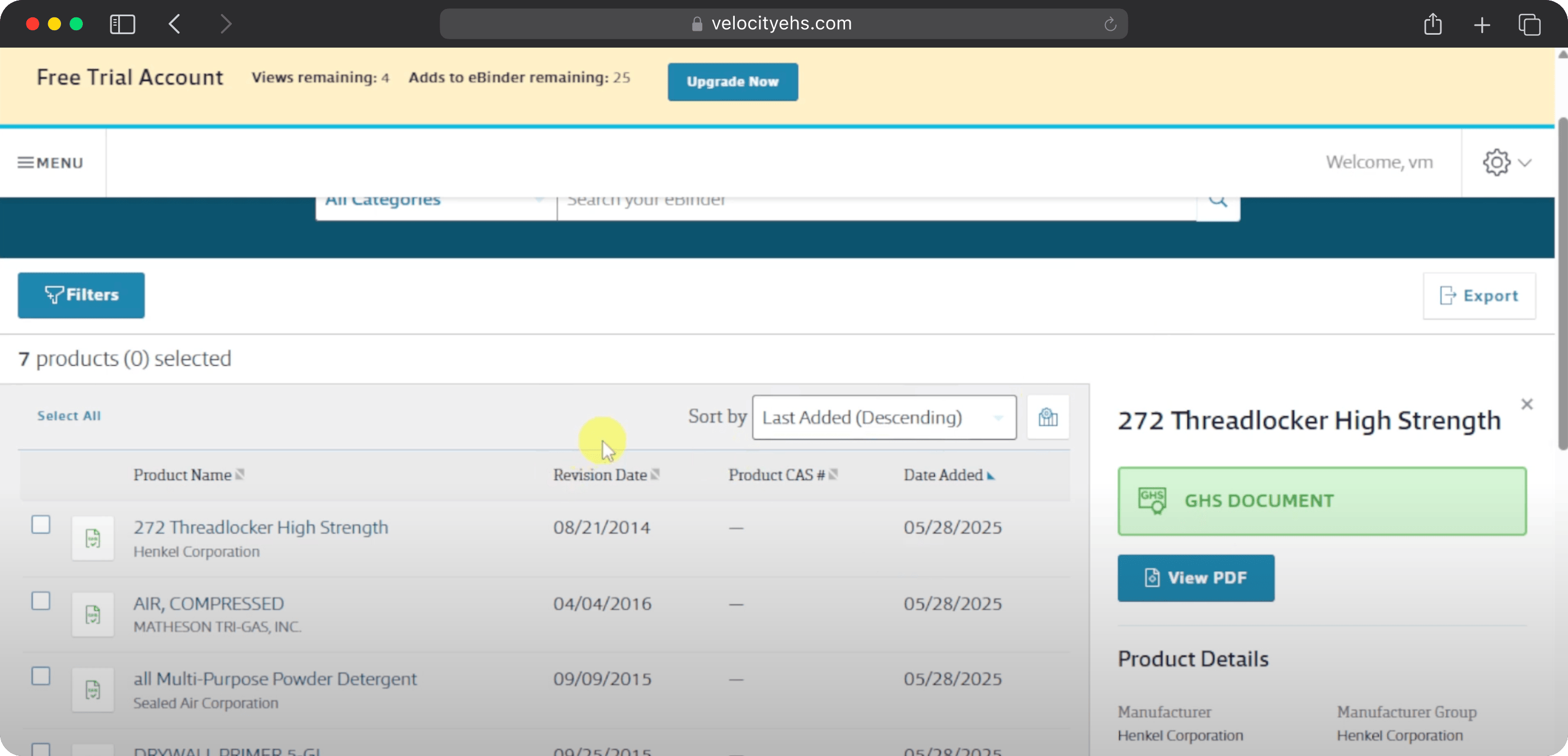
VelocityEHS is built for enterprise organisations managing complex multi-site EHS programmes. Its embedded AI assistant, Vēlo, was named Occupational Health & Safety magazine’s 2026 New Product of the Year in the AI Technology category.
The most distinctive 2026 addition for field-facing safety work: the AI Hands & Wrists Assessment which uses video analysis to flag repetitive grip and wrist risk patterns. For manufacturing and assembly operations where repetitive strain is a leading cause of lost-time injuries, this is a useful capability that no other platform on this list offers.
VelocityEHS supports 20+ languages, making it a strong fit for global operations where observations need to be submitted and reviewed across multiple languages.
Where it is not the right fit: field-first teams that need a fast, mobile-focused observation app without the overhead of an enterprise EHS platform. The scope and cost reflect the enterprise it is built for.
Key Features
- Mobile safety observation and near miss reporting
- AI Hands & Wrists Assessment
- Smart reminders keep safety tasks on track
- 20+ language support for global operations
- Corrective action tracking and trend identification
- Environmental compliance and sustainability reporting
- ISO 27001 and SOC 2 Type II certified
Pricing
Quote-based — contact VelocityEHS. Enterprise investment reflecting the platform’s scope.
Ratings
4.4 — Capterra, 4.4 — G2
5. SafetyIQ: Best for Lone-Worker Observation Tracking
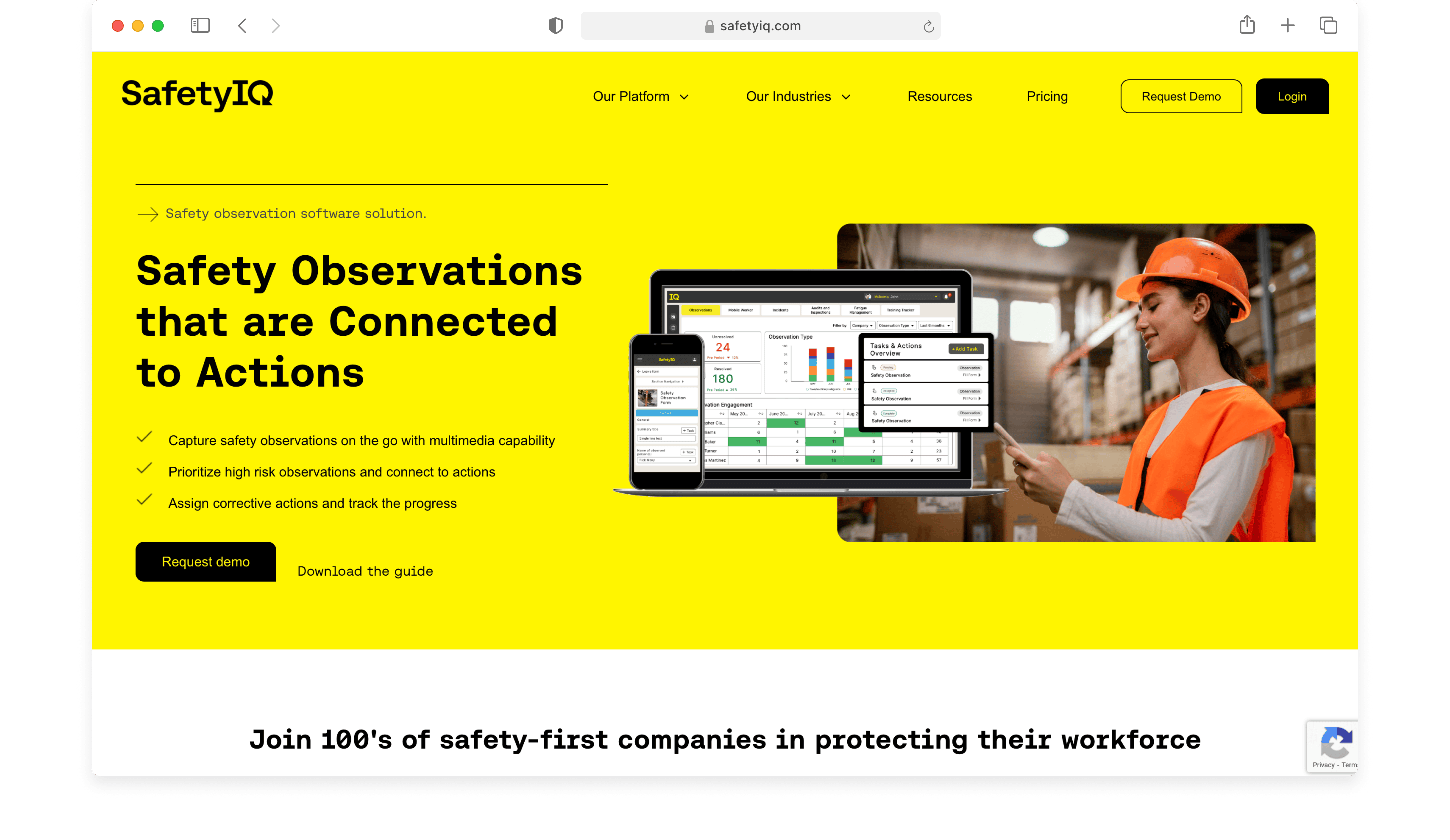
SafetyIQ is built for mining, oil and gas, manufacturing, and construction — remote locations where crews work alone or in hazardous conditions.
Every plan includes a mobile app with full offline mode — observations, check-ins, and journey management all work without signal. The platform’s module set reflects the specific risk profile of field-heavy industries: alongside Safety Observations and BBS, it covers Journey Management (tracking mobile workers in transit), Lone Worker check-ins, Fatigue Management, and Equipment Management — modules that most EHS platforms either do not offer or treat as add-ons.
The platform lets teams tag observations by priority and route them to the right specialists using custom categories — so a high-voltage observation automatically reaches an electrical safety lead, not a general safety inbox. Automated alerts keep the right people informed without manual chasing
Key Features
- Mobile safety observation reporting with offline mode
- Lone Worker check-in and safety monitoring
- Equipment Management inspection workflows
- Management of Change (MoC)
- Automated alerts and escalation rules
- Real-time dashboards across all sites and crews
- Power BI, Garmin, Geotab, and Netstar integrations for GPS and fleet-connected safety
Pricing
Annual subscription priced by team size, number of sites, and modules.
Ratings
4.5 — Capterra, 4.8 — G2
6. EcoOnline: Best for Connected EHS and Chemical Management
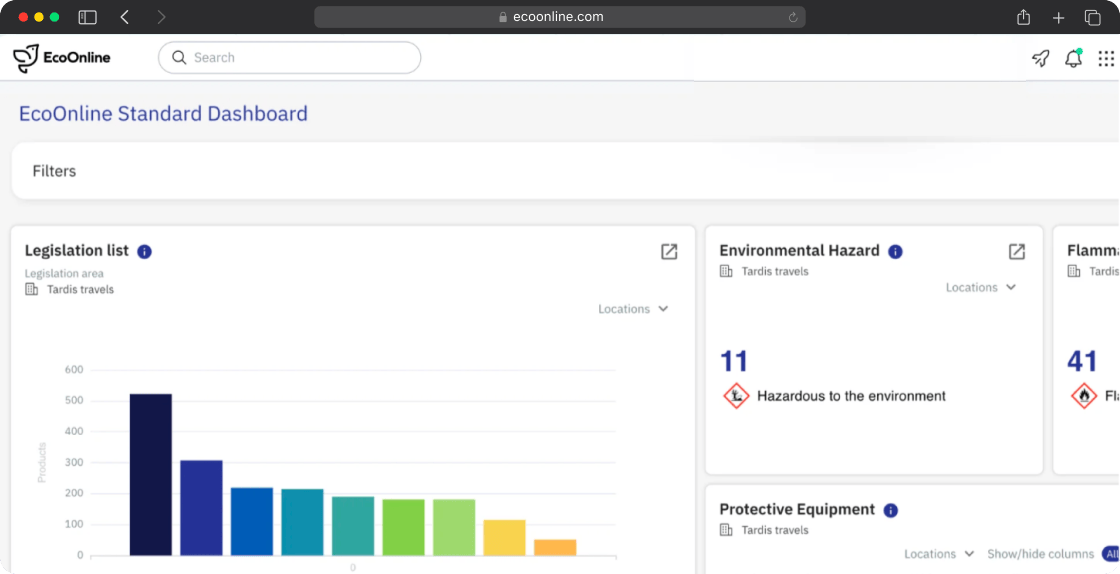
EcoOnline is a mobile-first EHS platform that works offline. It covers safety observations and near miss reporting alongside chemical management, permit to work, ESG reporting, and environmental compliance in a connected suite.
EcoOnline features EcoOne — a connected experience that brings observations, audits, chemical safety, permit-to-work data, ESG, and training into one real-time view with AI visualisations. Eduardo Lache-Chacon, Head of SHEQ Office at Hitachi Rail, described EcoOne as giving “a fully integrated view of our global operations, replacing previously fragmented regional systems.”
In March 2026, EcoOnline added a StaySafe lone worker wearable integration with Flic — a panic-button device that connects to the StaySafe app for field workers in remote or high-risk locations. For teams that need safety observation capability alongside lone worker protection, this is a meaningful differentiator.
EcoOnline prices on an organisational scope basis with “zero per-user fees” on some packages — a significant advantage for large frontline workforces where per-seat pricing quickly becomes expensive.
Key Features
- Mobile safety observation and near miss reporting with offline mode and auto-sync
- Smart prioritisation flags urgent observations first
- EcoOne connected intelligence — AI visualisations, natural-language queries across all EHS data
- StaySafe lone worker app with Flic wearable panic-button integration
- Observation documentation with photos, videos, and GPS location data
- Integrated chemical safety and SDS management
- Permit to work and ESG reporting
Pricing
Custom
Ratings
4.6 — Capterra, 4.3 — G2
7. Vatix: Best for Lone Worker safety Inspections
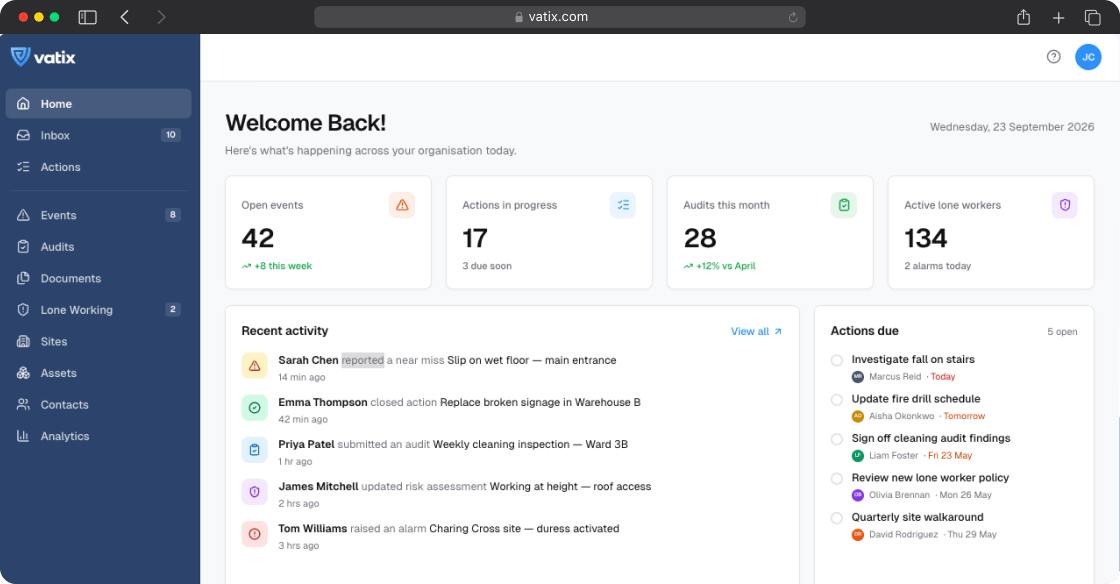
Vatix is a connected safety management platform built around making safety observations traceable for frontline teams. They can be submitted through the mobile app, a web form, or a QR code — with anonymous reporting supported for organisations where workers may be reluctant to put their name on a near miss or hazard report. Once submitted, automated assignment rules route each observation to the right workflow and the right people without manual intervention.
The Workforce user tier — £2.50/person/month on Essentials — means large frontline workforces can submit observations and complete assigned actions without requiring a full platform licence.
The Professional plan adds an AI Document Assistant for smart drafting and review scheduling, and the Enterprise tier includes predictive analytics and cross-site benchmarking. Vatix is UK-based with BS 8484-accredited lone worker protection — particularly relevant for UK and European teams with specific regulatory requirements.
Key Features
- Safety observation reporting via mobile app, web, or QR code — including anonymous reporting
- Automated assignment rules route each observation to the right workflow
- Audits and inspections with scoring, signatures, and photo evidence
- AI Document Assistant — smart drafting and review scheduling (Professional plan)
- Predictive analytics and cross-site benchmarking (Enterprise)
- Live dashboards — 40+ chart types and KPI tracking
- Lone worker protection with BS 8484:2022 accreditation
- Workforce user tier — low-cost access for frontline reporting staff
- Custom fields, configurable workflows, and custom branding (Professional)
Pricing
- Essentials: £199/month
- Professional: £399/month
- Enterprise: Custom
Ratings
4.5 — G2
How to Choose the Right Safety Observation Software
The right tool depends on what is actually failing in your current observation process.
If observations are not getting reported at all — the reporting process is too slow or too far from where the work happens. Mitti, Vatix, and SafetyIQ are the fastest to deploy with the lowest friction for non-technical crews.
If observations are reported but nothing happens — the follow-up process is broken. Fluix, Intelex, and SafetyIQ have the strongest corrective action routing and tracking workflows. Fluix specifically is built for the multi-step sign-off chain that regulated industries require before a finding counts as resolved.
If you need offline capability in genuinely remote environments — Fluix, SafetyIQ, and EcoOnline all have confirmed offline track records in mining, offshore, and remote construction environments.
If you want to query your observation data through AI – every platform on this list has AI capabilities. For example, Fluix’s MCP can connect Fluix to Claude, Microsoft Copilot, or ChatGPT once, and you can ask questions about your live observation and safety data in plain language directly in the AI interface.
To see how this works in practice with safety observations in Claude, watch this video guide:
FAQ
- What is safety observation software?
Safety observation software is a digital platform that helps field teams log safety hazards, near misses, unsafe behaviours, and positive safety observations from mobile devices. The best platforms connect the observation to a corrective action assigned to a named person, track that action to closure, and generate an audit trail that holds up under regulatory review. It is used by operations managers, HSE leads, and safety supervisors in construction, oil and gas, wind energy, manufacturing, aviation, and utilities.
2. Does safety observation software work offline?
Offline capability is essential for most field teams, but not all platforms deliver it equally. Fluix is specifically built for high-risk, low-connectivity environments — offshore platforms, remote pipeline routes, wind turbine nacelles, and underground sites. SafetyIQ and EcoOnline both have strong offline track records in mining and remote operations. Mitti’s offline mode works in standard conditions but has documented photo sync issues in extended low-connectivity environments. Test offline mode in airplane mode with photo capture during any trial before committing.
3. What is the difference between a safety observation and an incident report?
A safety observation documents something noticed in the field — a hazard, an unsafe behaviour, a near miss — before it results in harm. An incident report documents something that has already happened and caused injury, damage, or a near miss that reached a specific severity threshold.
4. Which safety observation software is best for construction?
For construction, the key requirements are offline capability, fast mobile capture in PPE conditions, and OSHA-compliant documentation. Fluix is used by construction companies including Dyna Crane and Centuri for safety inspections and observation reporting. Mitti has strong construction adoption for teams that need a fast, template-first deployment. SafetyIQ is the strongest option for construction teams managing mobile workers across remote job sites.
5. Which safety observation software works for remote and lone worker teams?
SafetyIQ is the most purpose-built for remote field teams — with Journey Management for mobile workers in transit, Lone Worker check-ins, and Fatigue Management alongside safety observations. EcoOnline’s StaySafe lone worker integration with wearable Flic panic buttons adds a hardware layer for the most isolated environments. Vatix has BS 8484-accredited lone worker protection for UK teams.
6. How much does safety observation software cost?
Pricing varies widely by platform and team size. Fluix starts at $29/user/month. Mitti has a free plan for up to 10 users and a Premium plan at $24/user/month annually. Intelex starts at $49/user/month with a 25-user minimum. Vatix publishes its pricing fully at £199/month for Essentials (5 users) with Workforce users available at £2.50/person/month. VelocityEHS, SafetyIQ, and EcoOnline are all quote-based. Calculate the cost at your current team size and at double before committing — some platforms look affordable at 10 users and expensive at 50.