In this article, you’ll find 10 safety management software features that help businesses improve safety operations, collect field data, and contribute to building a strong safety culture.
Key Features of Health and Safety Software:
- 1. Customizable Safety Checklists & Forms
- 2. Mobile Access with Offline Functionality
- 3. Incident Reporting
- 4. Automated Workflows & Approvals
- 5. Task Scheduling
- 6. Photo Capture in Safety Checklists
- 7. Compliance with OSHA, ISO, and Internal Safety Standards
- 8. Hazard Identification & Risk Assessment
- 9. Team Collaboration
- 10. Safety Training & Certification Tracking
- What Features of Health and Safety Management Software Fluix Offer for Field Teams
1. Customizable Safety Checklists & Forms
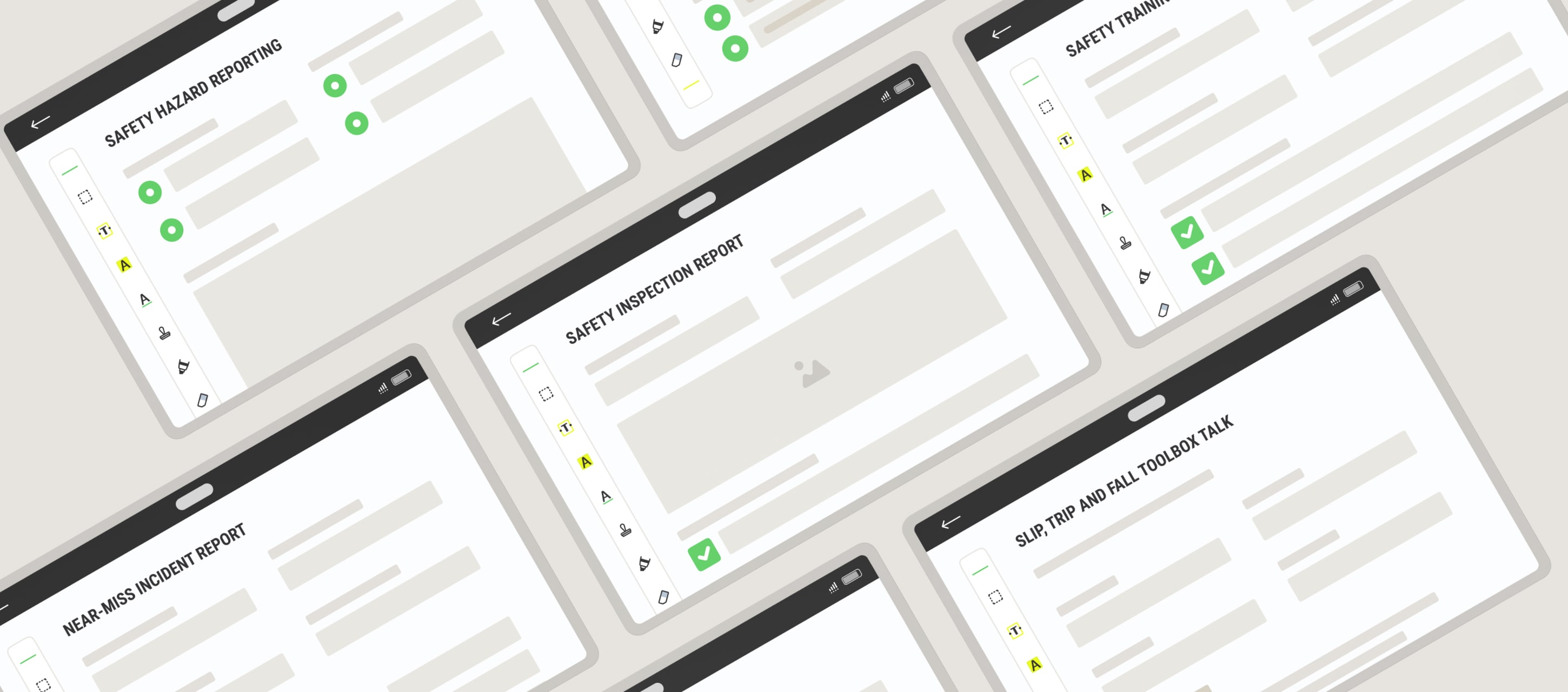
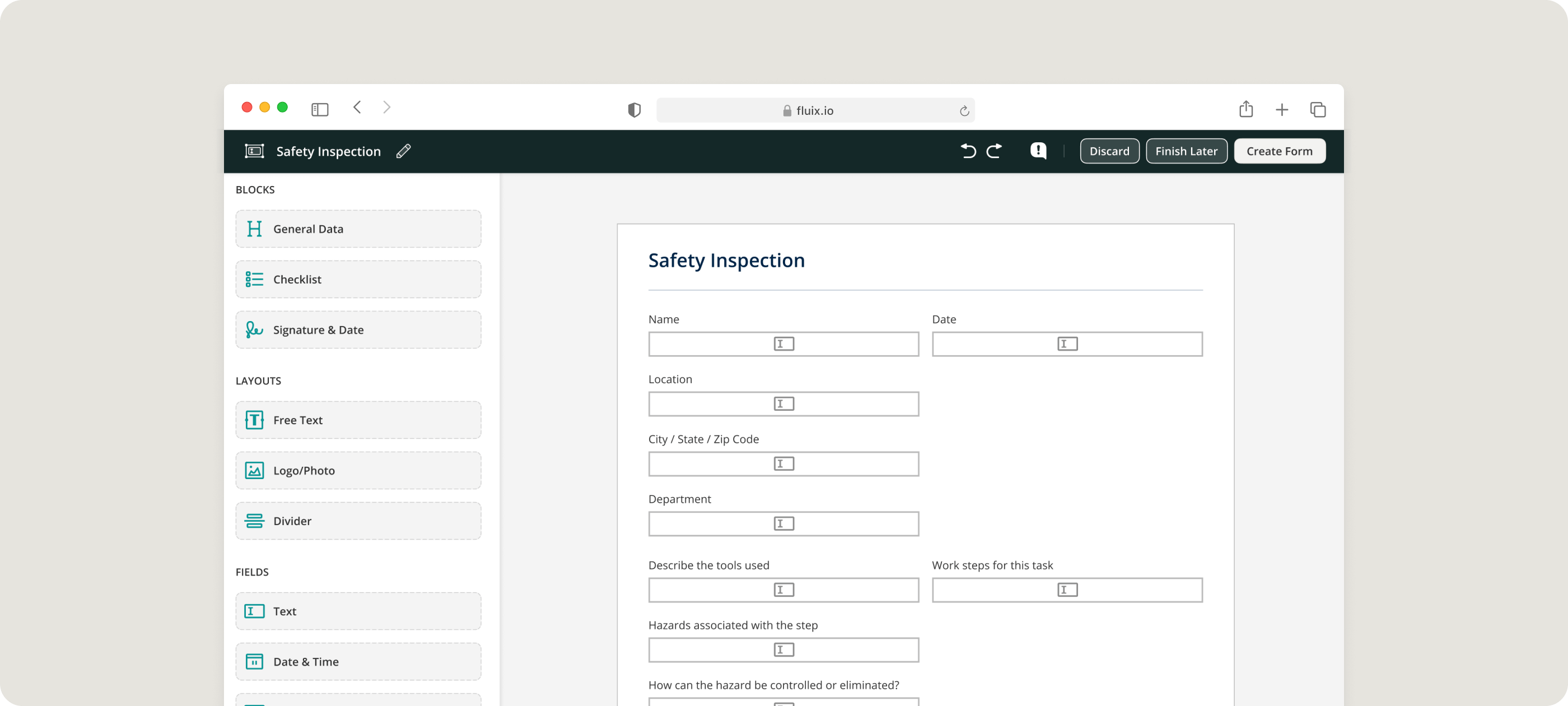
HSE tools let you re-create existing paper documents or build dynamic forms from scratch for JSAs, risk assessments, site inspections, and toolbox talks, with no IT support required. Using the drag-and-drop editor, conditional fields, and drop-down menus ensures every form is aligned with the task at hand. This allows companies to standardize safety documentation across teams while using specific workflows and terminology.
2. Mobile Access with Offline Functionality
Remote job sites, like wind farms, pipelines, or telecom towers, often have little to no signal. Mobile app lets teams access safety documents, complete checklists, and submit incident reports even without an internet connection. Once they’re back online, everything syncs automatically and securely.
3. Incident Reporting
Digital tools makes it easy for field workers to submit structured incident reports, including photos, notes, and location data, from their mobile devices. Reports are automatically routed to safety leads or supervisors for rapid response and investigation.
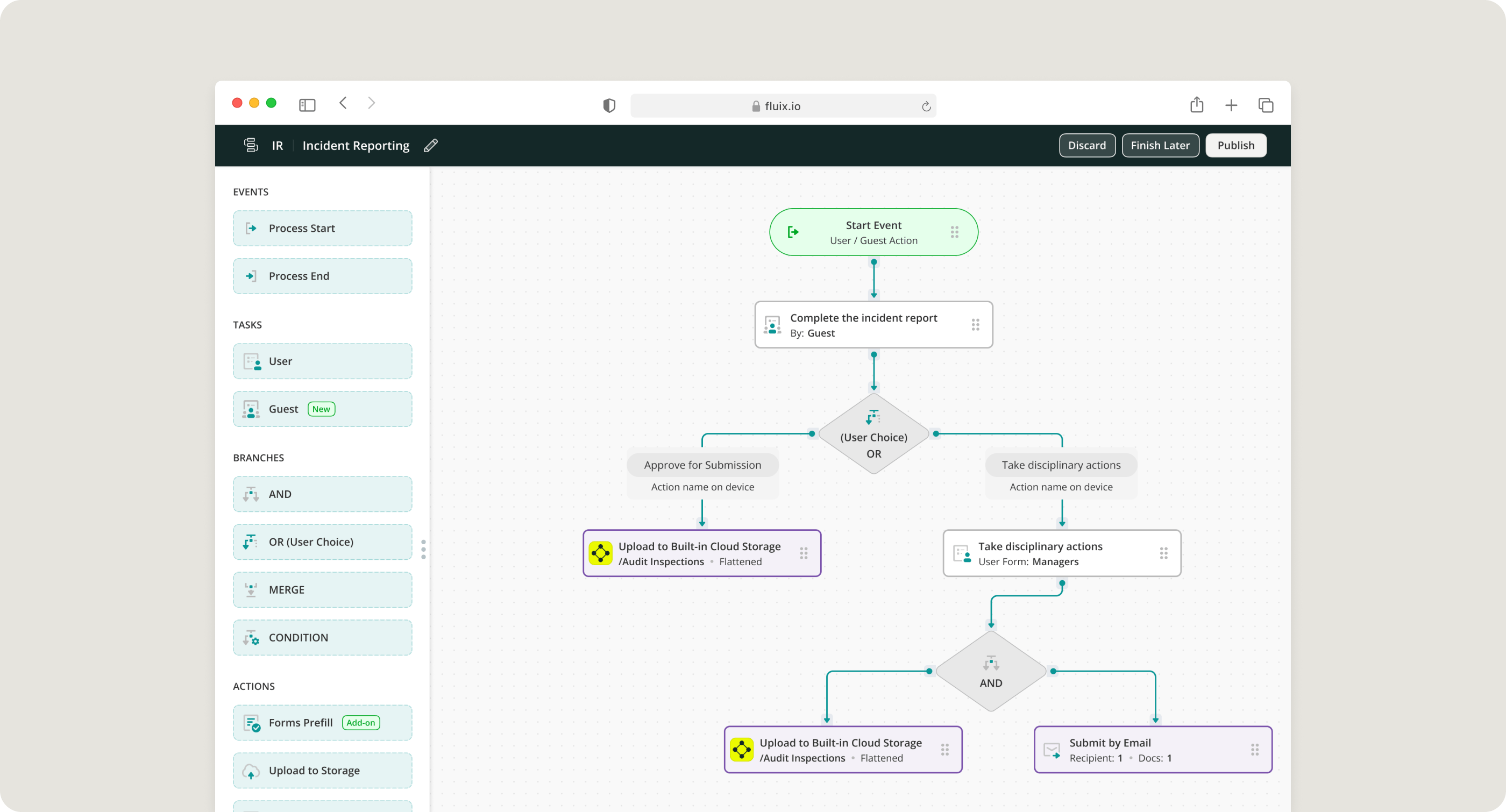
4. Automated Workflows & Approvals
You can build multi-step workflows that route forms to the right people based on predefined rules. Whether it’s a safety audit, incident report, or daily inspection, approvals happen faster, and nothing falls through the cracks. Each step in the workflow is documented and traceable, allowing for clear oversight of safety-related tasks.
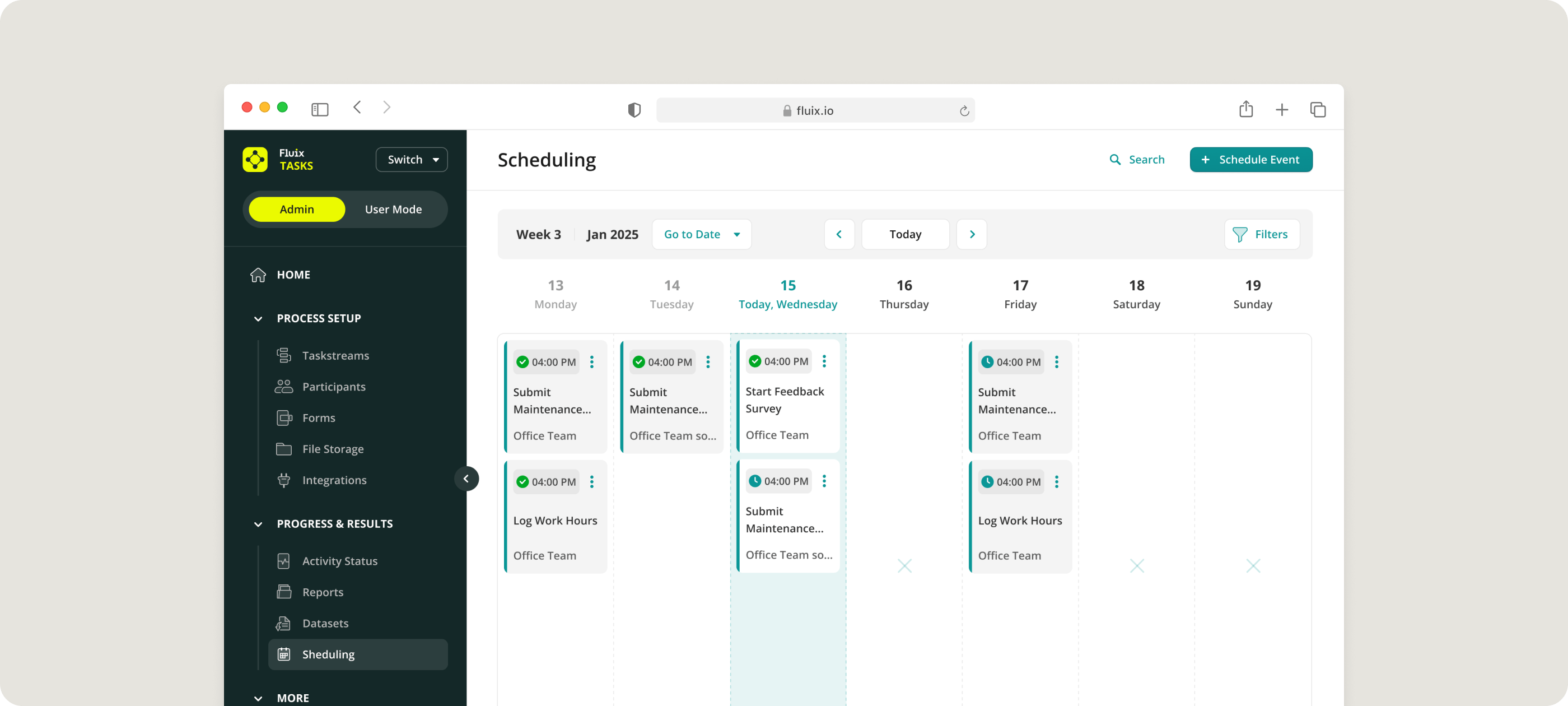
5. Task Scheduling
Using safety management tools, you can assign tasks based on roles, trigger recurring tasks, and set deadlines all while keeping everything linked to the relevant forms or procedures. So that you stay on top of inspections, audits, and safety meetings with built-in task scheduling.
WHAT IF SAFETY MANAGEMENT SAVED YOU $300K THIS YEAR?
Find out your potential savings now
6. Photo Capture in Safety Checklists
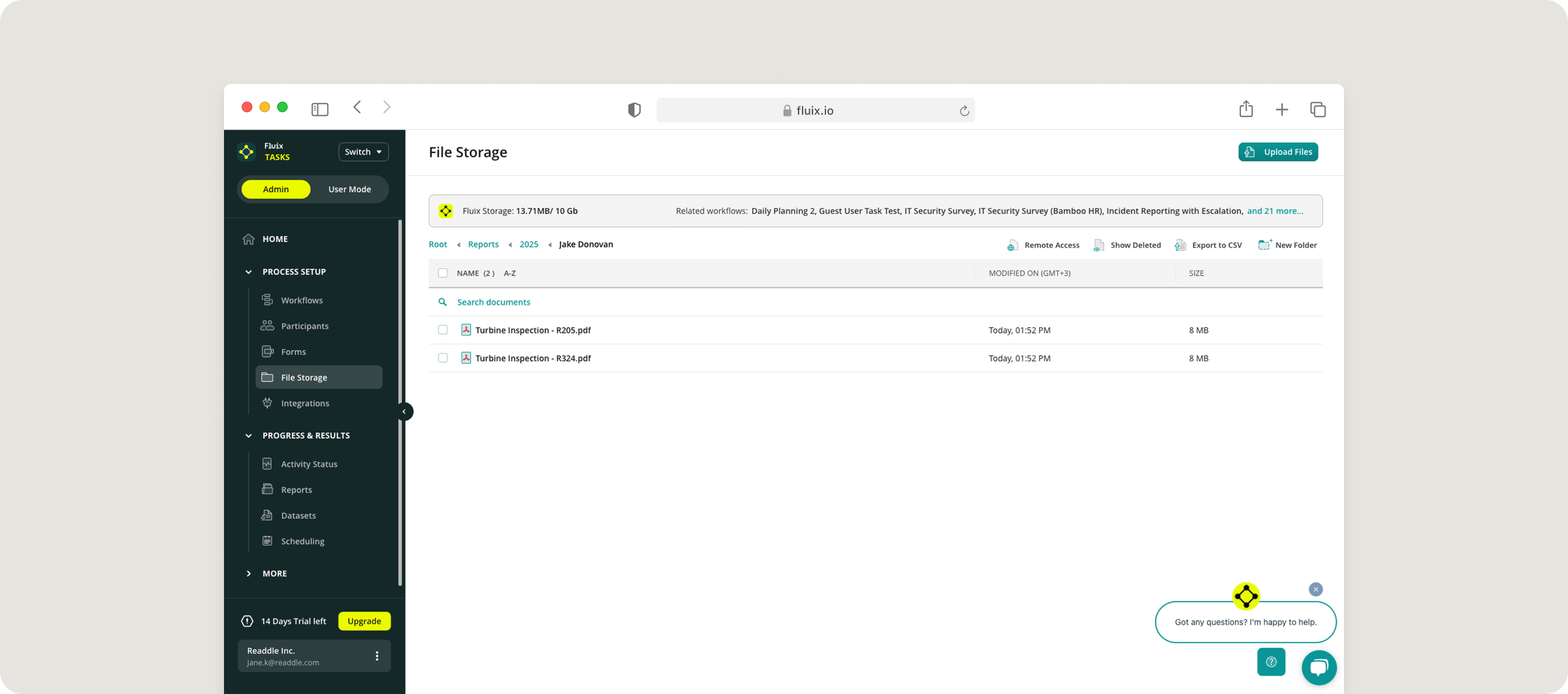
Teams can take and embed images directly into any safety form. This adds visual evidence to reports, helping supervisors understand hazards or verify site conditions without needing to be there physically.
7. Compliance with OSHA, ISO, and Internal Safety Standards
All safety documentation is centralized, searchable, and controlled through role-based permissions. Version control ensures your teams are always working from the latest procedure or checklist, and audit trails make it easy to prove compliance.
8. Hazard Identification & Risk Assessment
Field teams can perform digital risk assessments in minutes and submit structured hazard reports from their phones. This data is instantly available to safety managers for analysis and decision-making.
9. Team Collaboration
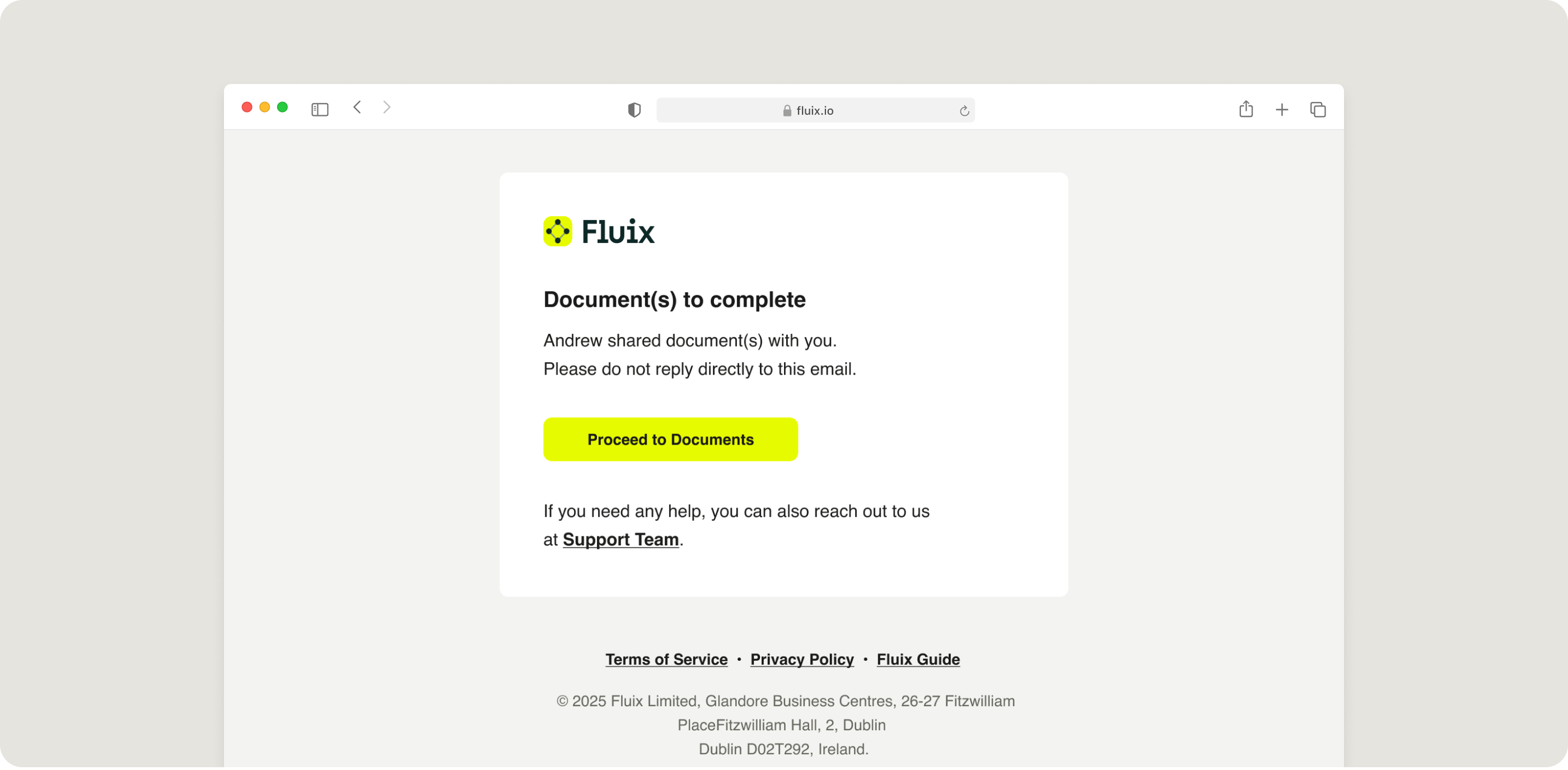
When you need a subcontractor to sign a safety policy or a client to review a permit, with safety platforms, external partners can collaborate with you without paper bureaucracy.
For example, such feature as a Guest Access lets you invite anyone to complete forms or sign documents via a simple link. They open it in their browser, fill it out, and submit.
10. Safety Training & Certification Tracking
Professional tools track employee training records and certifications, keeping everything stored in one place and tied to each team member’s role or job type.
What Features of Health and Safety Management Software Fluix Offer for Field Teams
Safety management software offered by Fluix combines essential features like customizable checklists, offline access, task automation, and audit-ready documentation into one platform. Built for field environments, it supports teams working in remote, high-risk, or highly regulated industries.
Here’s what customers say after putting Fluix to work in the field:
“The fact that you can use Fluix offline is an absolute must for us. It means that technicians can work on a boat, from their car, or from the top of a turbine.” James Bird, Maintenance Engineer, RWE Renewables
“We use Fluix to verify the information gathered by the sales rep, so we can guarantee that what was sold to the customer will actually fit in their home on installation day.” Bob Camire, Co-Founder & VP of Sales, Bath Experts
“Fluix allowed us to reduce the training time and made it easier for technicians to upskill on multiple projects.” Susanne Svenningsen, Training Program Manager, Siemens Gamesa
With Fluix, you get a system that adapts to your job site, eliminates slowdowns, and delivers the data you need to lead with confidence. Ready to make safety simple, smart, and scalable? Our experts are ready to help.