We know you’re busy, so we’ve pulled together the top updates from Q2 that’ll help your team work smarter and faster – without the fluff.
Contents:
Task Scheduling
This quarter, scheduling got a serious upgrade. If you’ve been handling tasks across mixed teams, you’ll like what’s new:
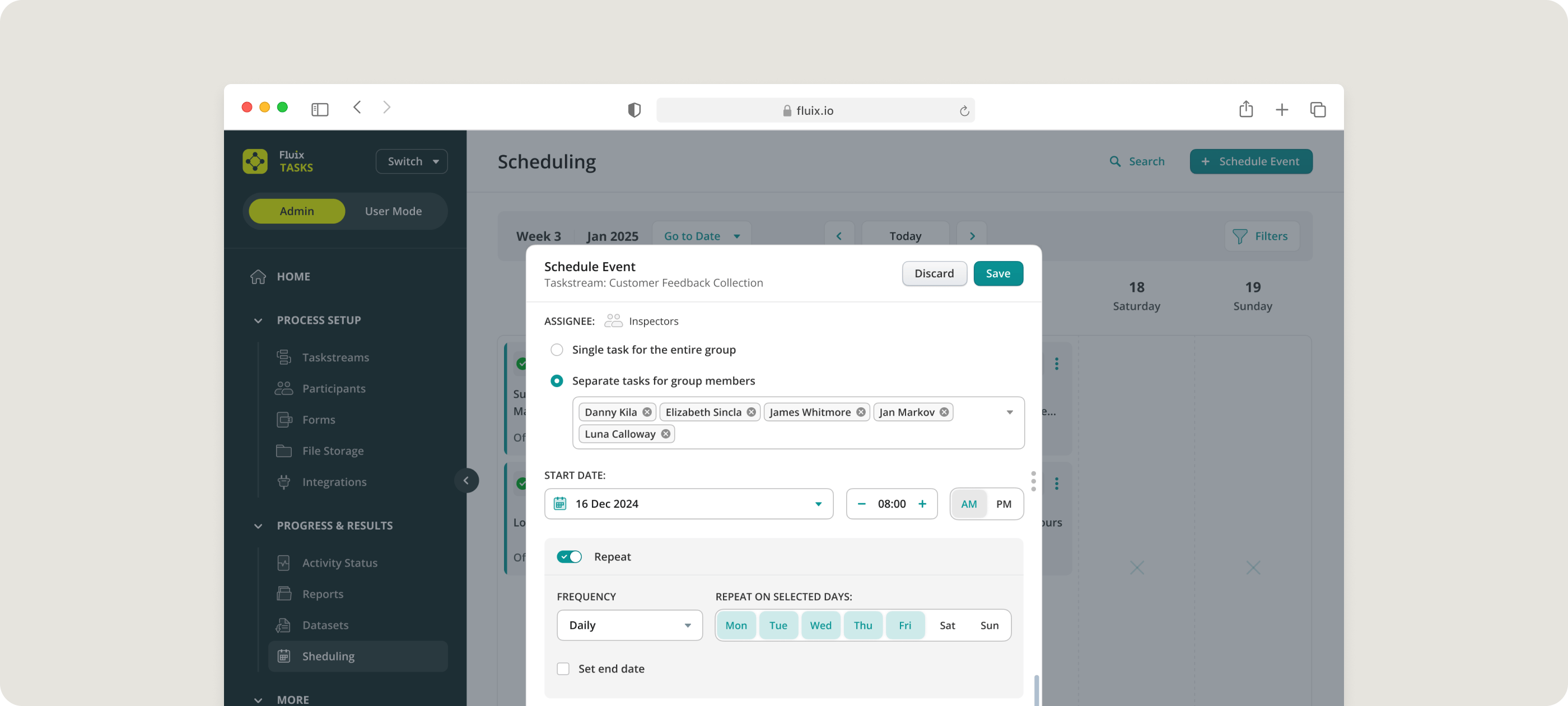
- Assign to an Individual. Now you can assign a task to a specific person, even if it’s part of a group.
- Drag & Drop Rescheduling. If you need to move an inspection or site visit, just drag and drop it on the calendar. No clicking into settings. It’s that simple.
Coming Soon:
With the next release, you’ll be able to:
- Change the assignee in recurring events
- Set up inspections for custom timeframes (e.g., every 2 months or 2 years)
WHAT IF WORKFLOW AUTOMATION SAVED YOU $300K THIS YEAR?
Find your potential savings with Fluix
Prefill From Data Sources
This one’s big, especially if you use Excel to manage lists.
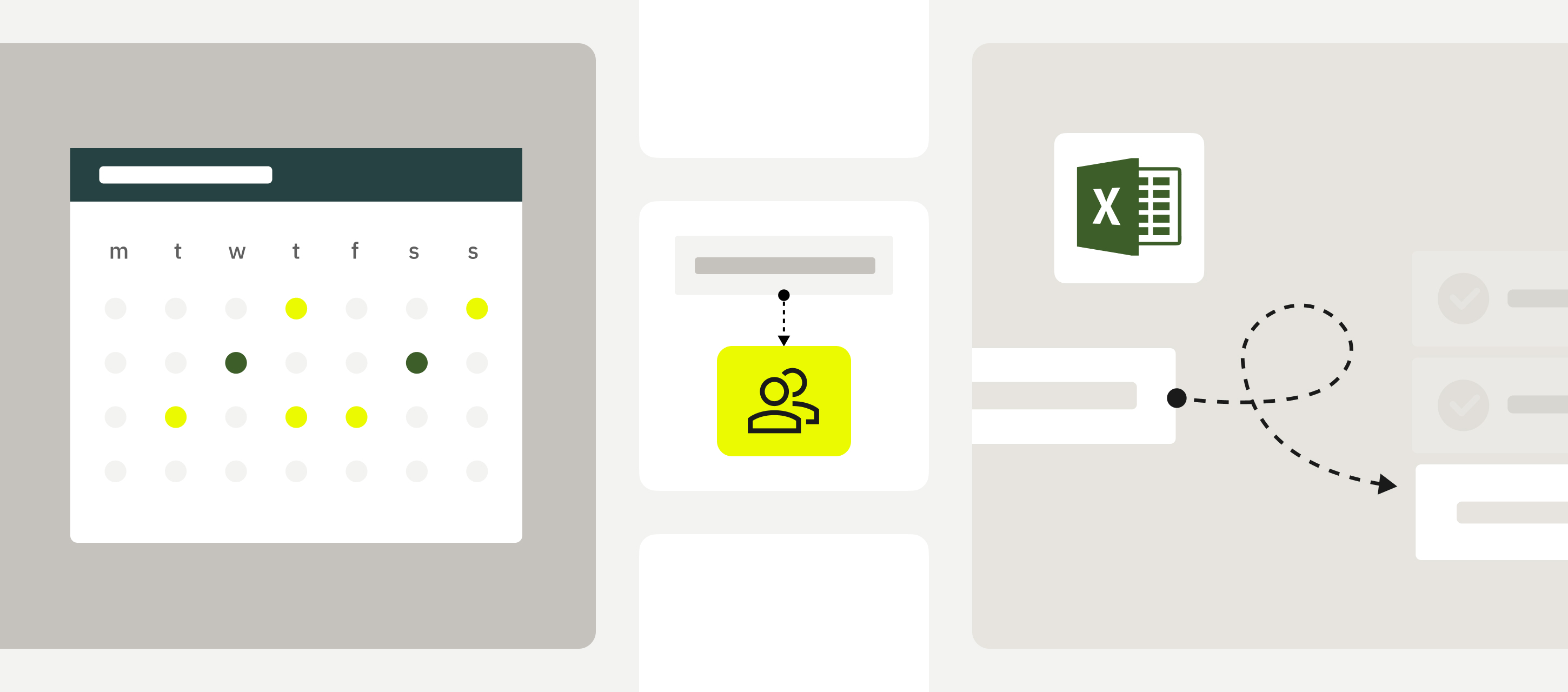
- For Admins: Link your CSV or Excel file to Fluix and map data directly into dropdowns and text fields. That means less manual setup and way fewer mistakes.
- For Field Teams: Pick a dropdown value, and other fields fill in automatically. Say goodbye to repetitive typing and hello to faster, more accurate forms.
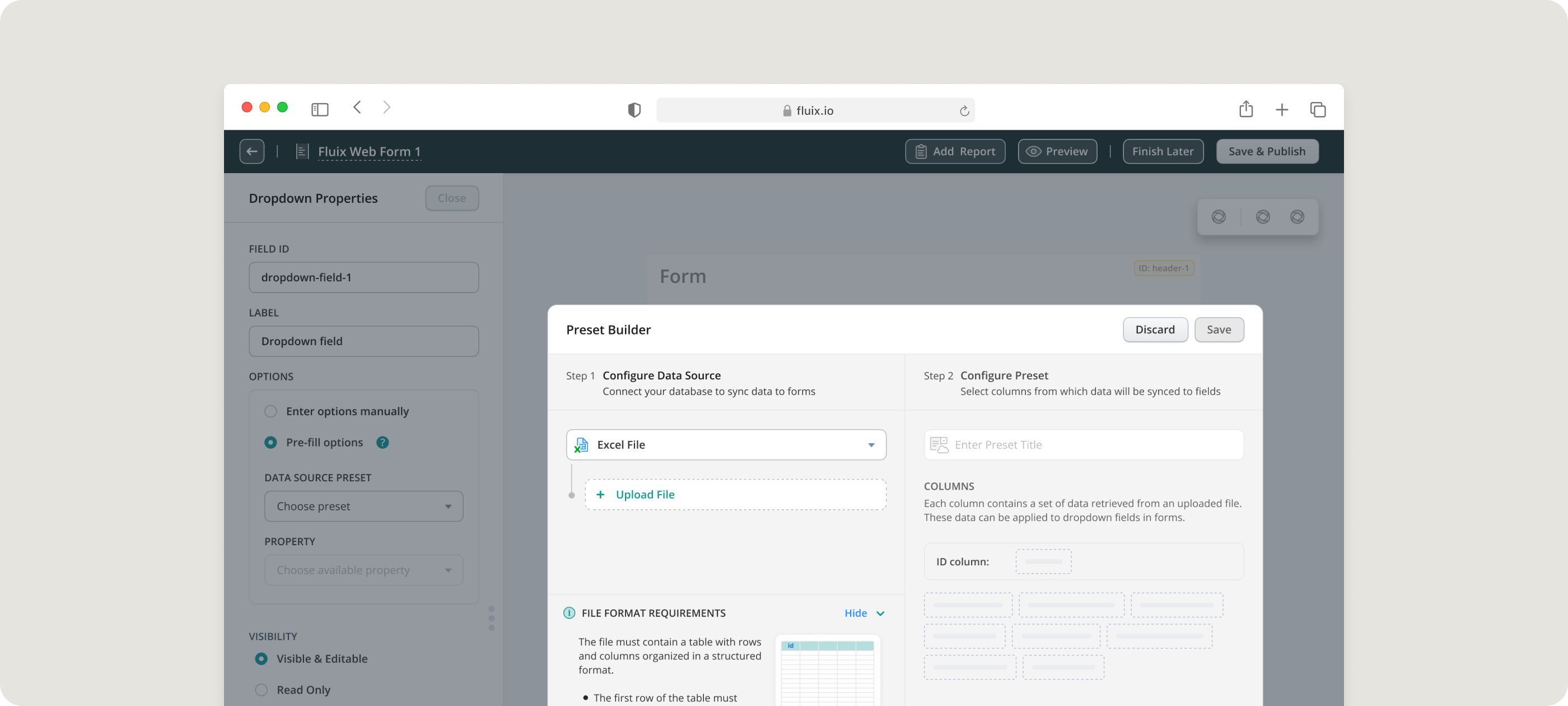
This feature is already helping teams keep work flowing:
“Now, instead of giving the field staff multiple job folders with hundreds of copies of safety and quality assurance documents, we give them a tablet that has prefilled templates with simple inputs and digital signatures.” Lachlan Jamieson, Project Manager, NKT
“Our office staff pre-fill forms before handing them over to the production team in the field. Our installers then access the forms on an iPad and do all of their work onsite on one small, portable device.” Ale Garofalo, Corporate IT Director, Synergy
By the way, we have different prefill options (for example, from previously completed forms), and you can read about them all in this guide on data prefill.
Mobile Apps
Fluix Tasks are getting sharper than ever. Here’s what’s changed on the go:
- Sections in dynamic forms
- Grouped task clusters for clarity
- Better home page layout
Coming Soon:
- Bulk upload of multiple photos
- Task links in emails
- Toolbar and sorting upgrades
- Undo finished tasks
These changes will make fieldwork faster, smoother, and more user-friendly.
What’s Next?
Here’s what’s cooking for Q3:
- Sections in forms
- Issue summary for inspections
- More onboarding improvements
- Deeper insight into safety inspections and sidebar usage
At Fluix, we’re building with one goal: to make life easier for your teams in the field. Let’s keep pushing forward.