Managing inspections, maintenance, or customer data often comes down to one thing: having centralized asset information that can be easily applied to your processes.
With Fluix Assets, you can organize all your assets in one place, link them to your field teams’ forms, and track activity and related tasks. In this article, we’ll explore what Fluix Assets is, how it works, the benefits for field teams, and answer common questions.
Note: Fluix Assets are available starting with the Pro plan. Compare Fluix plans on our pricing page to see all features available.
Contents:
What Is Fluix Assets?
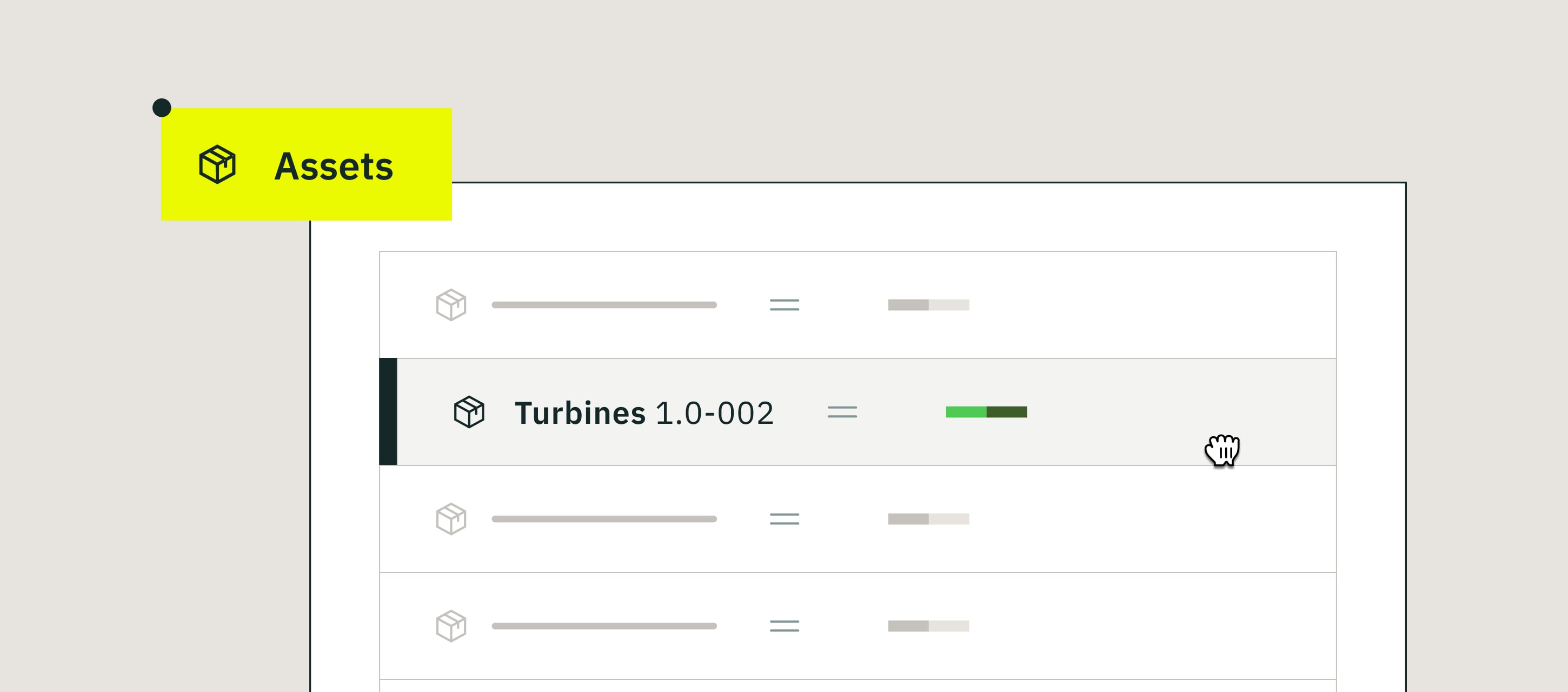
Fluix Assets is a centralized database where you can store and manage your company’s assets – equipment, vehicles, properties, customer records, and more.
You can organize them into collections based on their type, with each collection having specific characteristics or fields.
Key Assets features include:
- Asset Collections – Assets are organized into collections, which act as groups for different types of assets (e.g., “server equipment,” “vehicles,” “solar panels”, “customers”).
- Creation & Editing – You can add assets manually or import from CSV or Excel files. Change the details later, if needed.
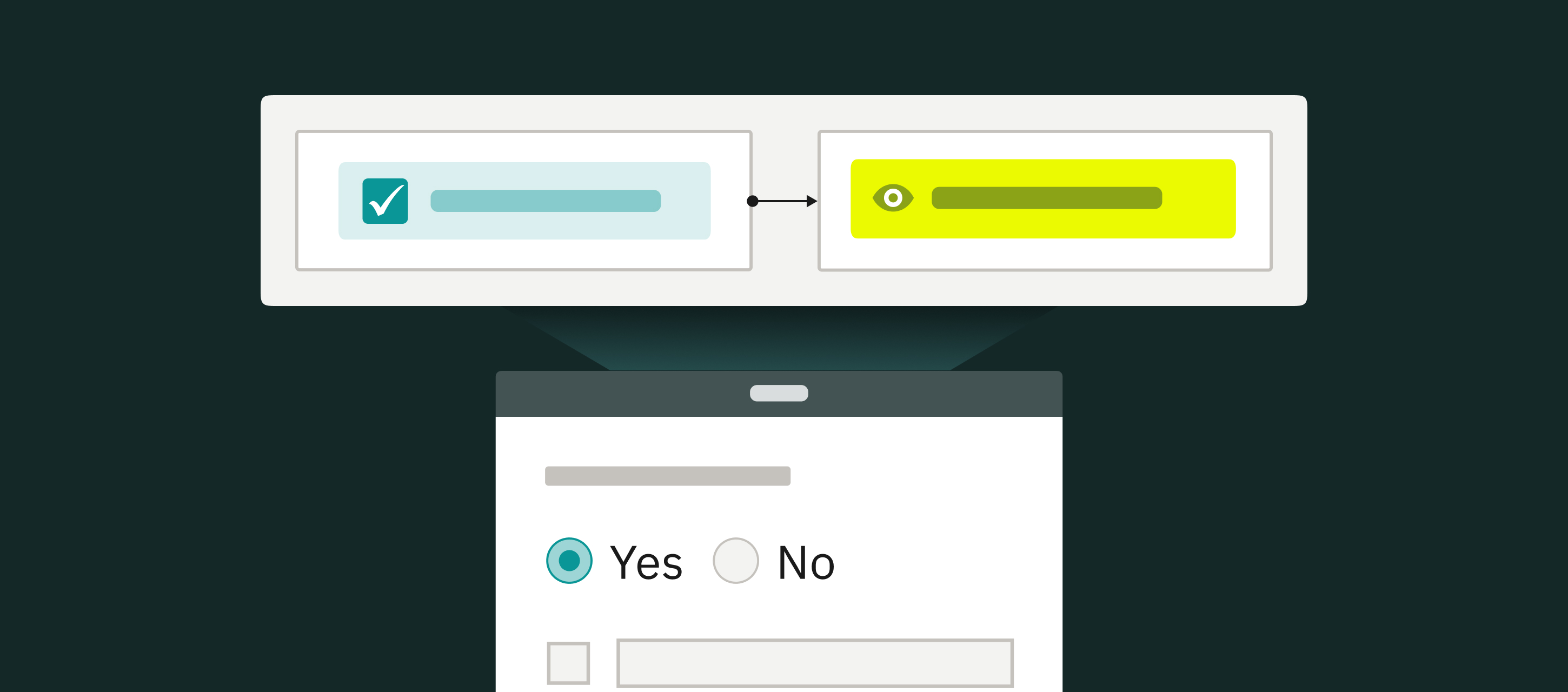
- Form Integration – Admins can select a specific asset collection and map its properties (e.g., “Asset Name,” “Asset Type”) to fields in dynamic forms. And users can select them when filling out inspection checklists.
- Activity Status – You have centralized asset tracking, filtering tasks and processes by specific assets or collections.
- Exporting – Export assets in Excel or CSV formats to share with whoever needs to see them.
If you manage processes that heavily involve assets (particularly inspections, maintenance, and maintenance scheduling, or repair), having all the asset library in one palace will be a huge time-saver.
How You Can Use Fluix Asset Library
Your use of Assets will vary by business need and industry, but here are the most common applications:
- Centralized Asset Management. One hub for all asset data so that you don’t search through or import spreadsheets.
- Assets for Inspections & Maintenance. Your field teams can select an asset in their inspection checklist, with key details automatically pre-filled.
- Customer Database. Store customer records (contracts, work orders, site visits) for more efficient contract signing.
- Installation Projects. Manage equipment installations by linking each installed asset to its service record. Teams can log installation details directly in forms, ensuring accurate data capture for audits and warranty claims.
WHAT IF SMART AUTOMATIONS SAVED YOU $300K THIS YEAR?
Find your potential savings with Fluix
Benefits of Having One Asset Database in Fluix
- Consistent & Accurate Data. Standardized fields reduce errors and ensure every asset record follows the same format.
- Less Manual Data Entry. Assets pre-fill form fields automatically, so your field crews avoid repetitive typing.
- Asset Usage Tracking. See the full history of inspections, tasks, and processes tied to each asset.
- Faster Form Creation. Add asset dropdowns and prepopulate supporting fields in a few clicks.
- Reduced Risk of Outdated Info. Update assets once in the database, and the changes flow into all connected forms.
Read More Read More 7 best inspection management software for the field in 2026
What Customers Say About Field Asset Management in Fluix
“Fluix reduced the average time needed to complete a vehicle inspection checklist, including time to take photos, from 22 minutes to 12.5 minutes, or almost in half.” Paul Wilson, Project Manager, CPP
“Now, instead of giving the field staff multiple job folders with hundreds of copies of safety and quality assurance documents, we give them a tablet that has prefilled templates with simple inputs and digital signatures.” Lachlan Jamieson, Project Manager, NKT
“Our office staff pre-fill forms before handing them over to the production team in the field. Our installers then access the forms on an iPad and do all of their work onsite on one small, portable device. Fluix makes things easier for everyone.” Ale Garofalo, Corporate IT Director, Synergy
Fluix Assets FAQs
1. What types of assets can I store in Fluix?
Anything your business needs, for example, vehicles, equipment, properties, tools, or customer records.
2. How do I connect assets to forms?
Admins map asset fields to form fields. When a user fills out the form, related data (like serial number or location) auto-fills.
3. Can I import existing asset lists?
Yes. You can upload CSV or Excel files to bulk add assets.
4. Can I filter or organize assets in Fluix?
Yes. Assets can be grouped into collections (e.g., Vehicles, Equipment, Customers) and filtered by properties such as type, status, or activity history.
5. How do Fluix Assets help with inspections?
By linking assets to forms, inspections are faster and more accurate, with no need for repetitive data entry.
Last Word
Fluix Assets helps operations teams save time, reduce errors, and keep asset data consistent across inspections, maintenance, and installations.
Instead of importing from spreadsheets, you can manage everything in one equipment asset database, link it directly to forms, and track progress in real time.
Want to see Fluix Assets in action? Book a demo and explore how it can simplify inspections and maintenance tasks for your team.