When managing multiple teams who run inspections across different sites, you need clear access levels to keep things structured and relevant. Each admin should stay focused on their own operations, and field teams should only see the forms and workflows relevant to their project.
In this article, you’ll see how to achieve that clarity with Projects – a flexible tool to manage multiple projects independently within a single Fluix account.
Note: Fluix Projects are available starting with the Crews Plan, which includes one project free. Unlimited projects start with the Operations Plan. Compare Fluix plans on our pricing page to view all available features.
Contents:
What Is Projects in Fluix?
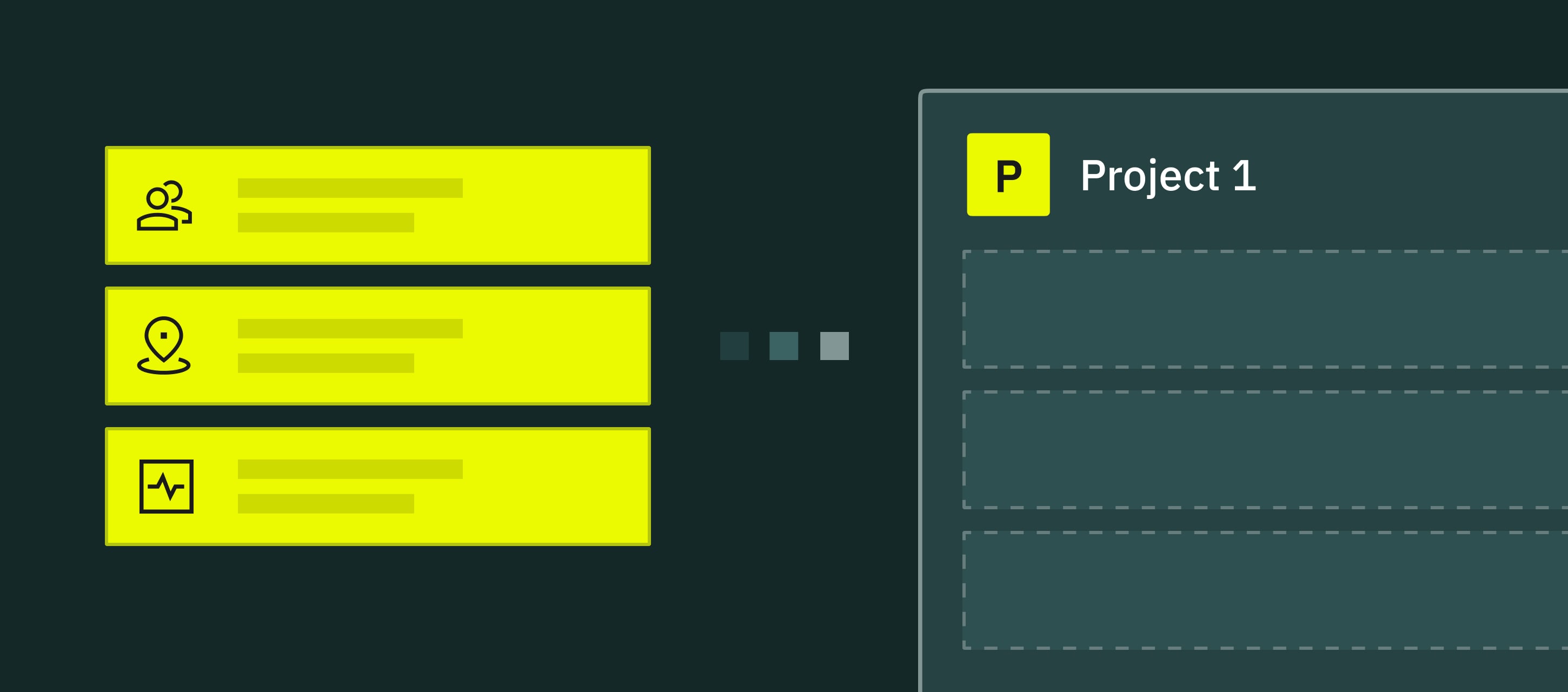
Projects is a functionality that helps organize your work in Fluix based on how your operations run – by location, department, team, or job site.
Instead of every team seeing every form or workflow, Projects lets you group the right people with the right information. This keeps each project self-contained, clean, and easier to manage.
Key Projects features include:
- Project Admin Role: Each project has its own admin, responsible only for that project’s setup and data.
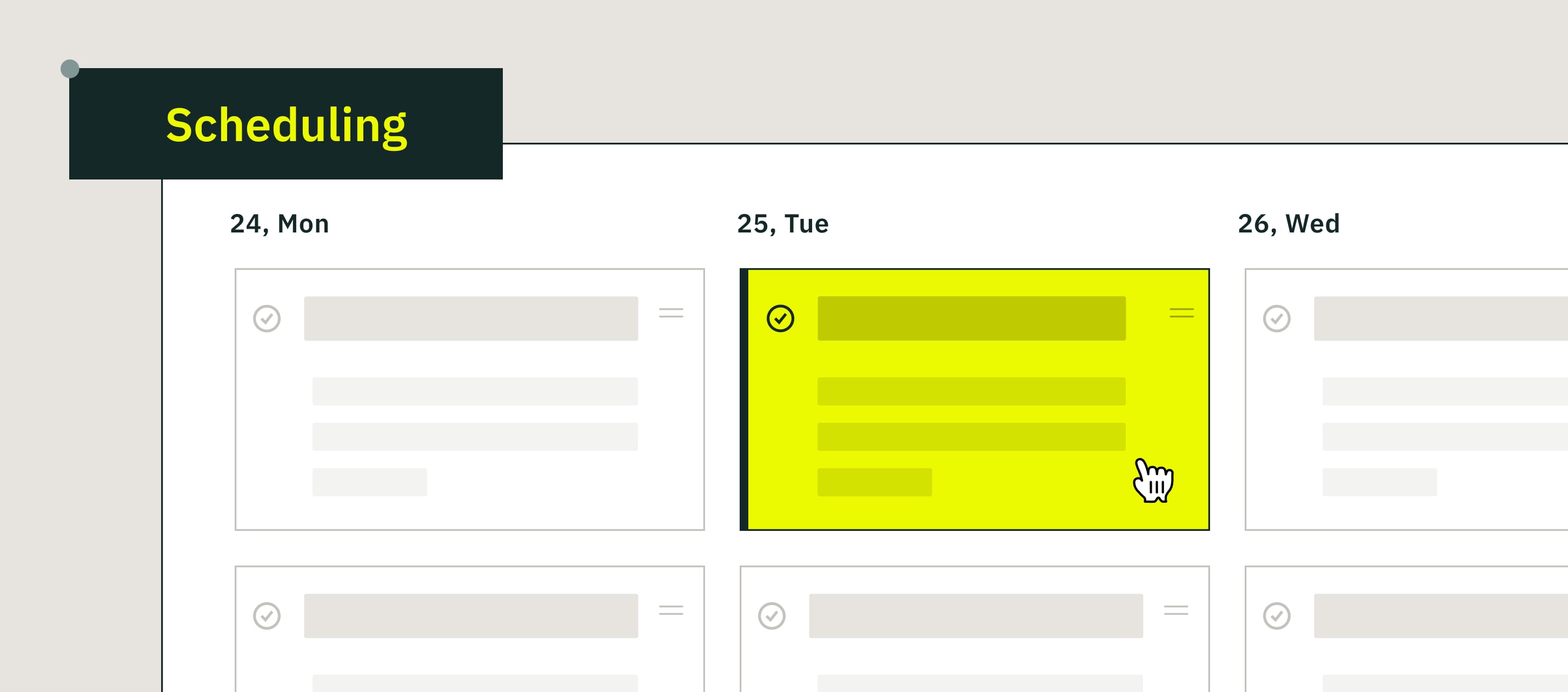
- Granular User Permissions: Admins can define who can see or complete tasks and forms in them.
- Organized Setup: Workflows, forms, and assets can be separated by site or department to avoid cross-access.
- Reusable Templates: You can reuse or copy forms and workflows between projects to speed up deployment.
- Activity Status: Monitoring of progress and spot issues inside each project’s workspace.
What You Can Do with Projects
Your use of Projects will depend on how your operations run, but here are the most common ways field and site managers put it to work:
- Run inspections across multiple sites without cross-contamination. Keep each site’s checklists, reports, and teams in its own project.
- Give each location or department its own admin. Let site leads manage their own teams, workflows, and updates without waiting on or affecting global admin changes.
- Localize forms, workflows, and groups to match field conditions. Adjust forms for a specific site (equipment type, safety rules, local regulations) without impacting other projects.
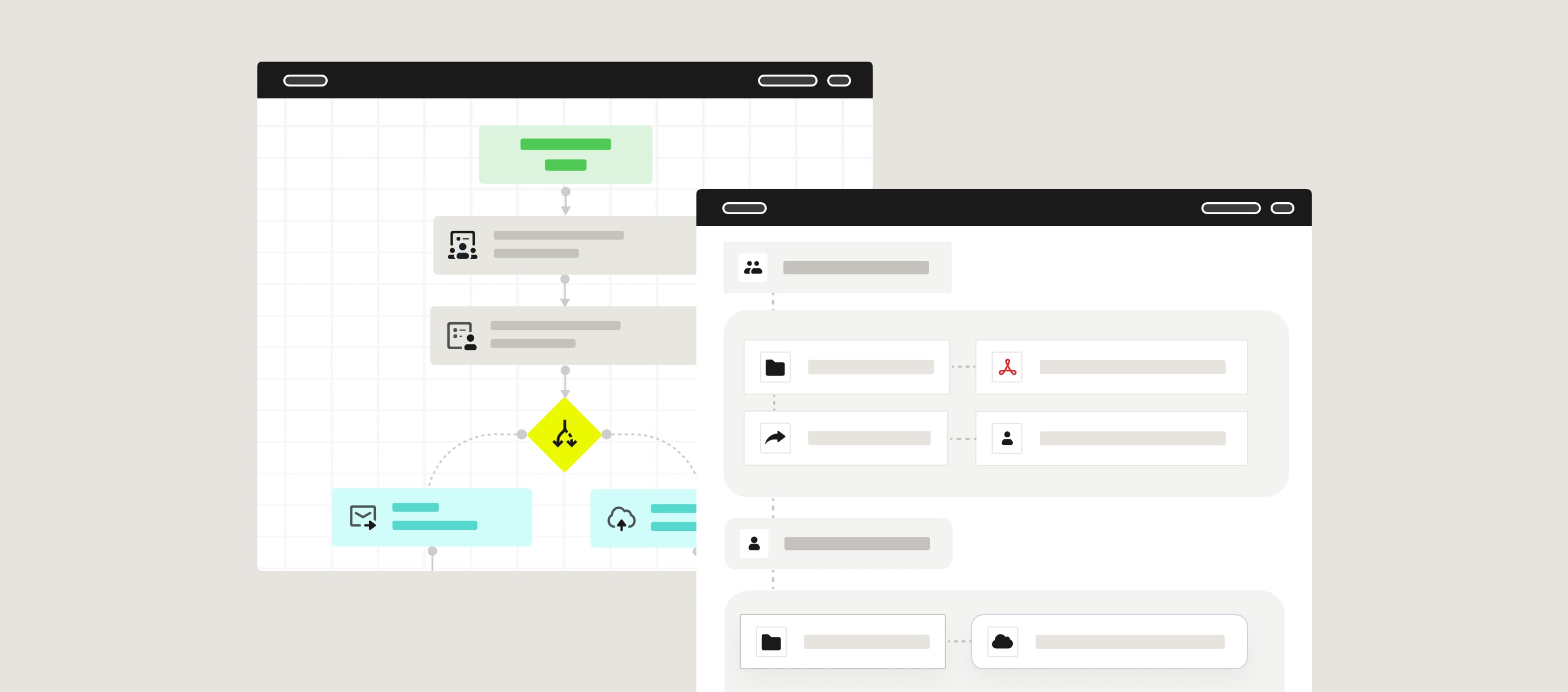
- Standardize processes while keeping flexibility. Copy an approved workflow into a new project and tweak the details to fit local needs.
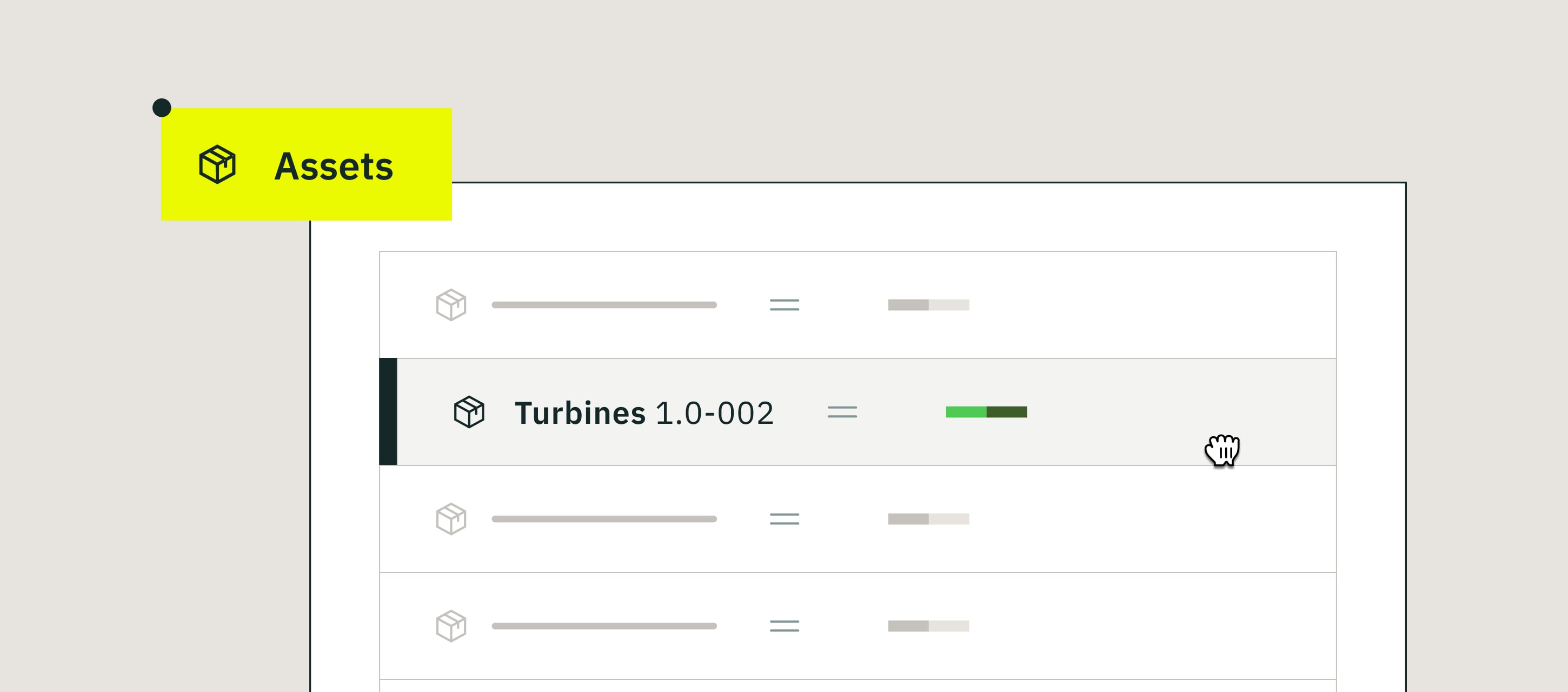
- Separate assets by site or region. Avoid mix-ups by linking only relevant assets and equipment to the project where they’re used.
Want help setting up your first Project?
Book a quick walkthrough with our team
Benefits of Managing Inspections with Fluix Projects
You can get the most value from Projects when your inspections are recurring, spread across multiple sites, and involve different teams with different responsibilities. In those environments, structure and access control are essential.
- Clear Structure, Fewer Errors. End users see only what’s relevant to their form or task.
- Faster Setup. Reuse workflows and forms instead of rebuilding everything.
- Better Data Security. Each Project Admin controls access to their own environment.
- Improved Oversight. Managers can review, track, and analyze project activity independently.
- Consistent Processes. Projects standardize how your teams work across multiple locations.
Read More Read More 7 best inspection management software for the field in 2026
What Customers Say About Managing Inspection in Fluix
“Ease of use for technicians in the field to have correct, updated documentation. Checklists with photos can then be filled in by technicians and be sent off for multiple layer approval”. Tucker Manning, Skagen Blade Technology
“We use Datasets in Fluix to help with operational inspections on the biomass plant. Fluix then sends the data over to PowerBI, where we can build reports and identify trends.” Matthew Hobbs, Central EC&I Systems Team Manager, Drax
“With Fluix, we decreased wind farm inspection time by 43%, that enabled us to cut project costs.” Paul Wilson, Project Manager, CPP
Fluix Projects FAQ
- What is a Project in Fluix?
A Project is a dedicated workspace that contains its own workflows, forms, and users.
- Who can manage Projects?
Each Project can have one or more Project Admins who manage only their project’s environment.
- Can I restrict user access across projects?
Yes. Users only see the projects they’re assigned to.
- Can a user be part of multiple projects?
Yes. Many field supervisors and regional managers work across several projects and can switch between them in Fluix.
- Can I report on multiple projects at once?
Yes. You can run high-level reporting across the entire account or filter results by individual projects.
Last Word
When your inspections span multiple sites, teams, and workflows, you need clarity to keep operations running safely and on schedule. Projects gives you that by separating workspaces, tightening access, and keeping every team focused on their tasks.
If you’re ready to bring more structure and visibility into your inspections, let’s walk through your setup together.