


Before creating a Workflow itself, please make sure to have the main elements ready:
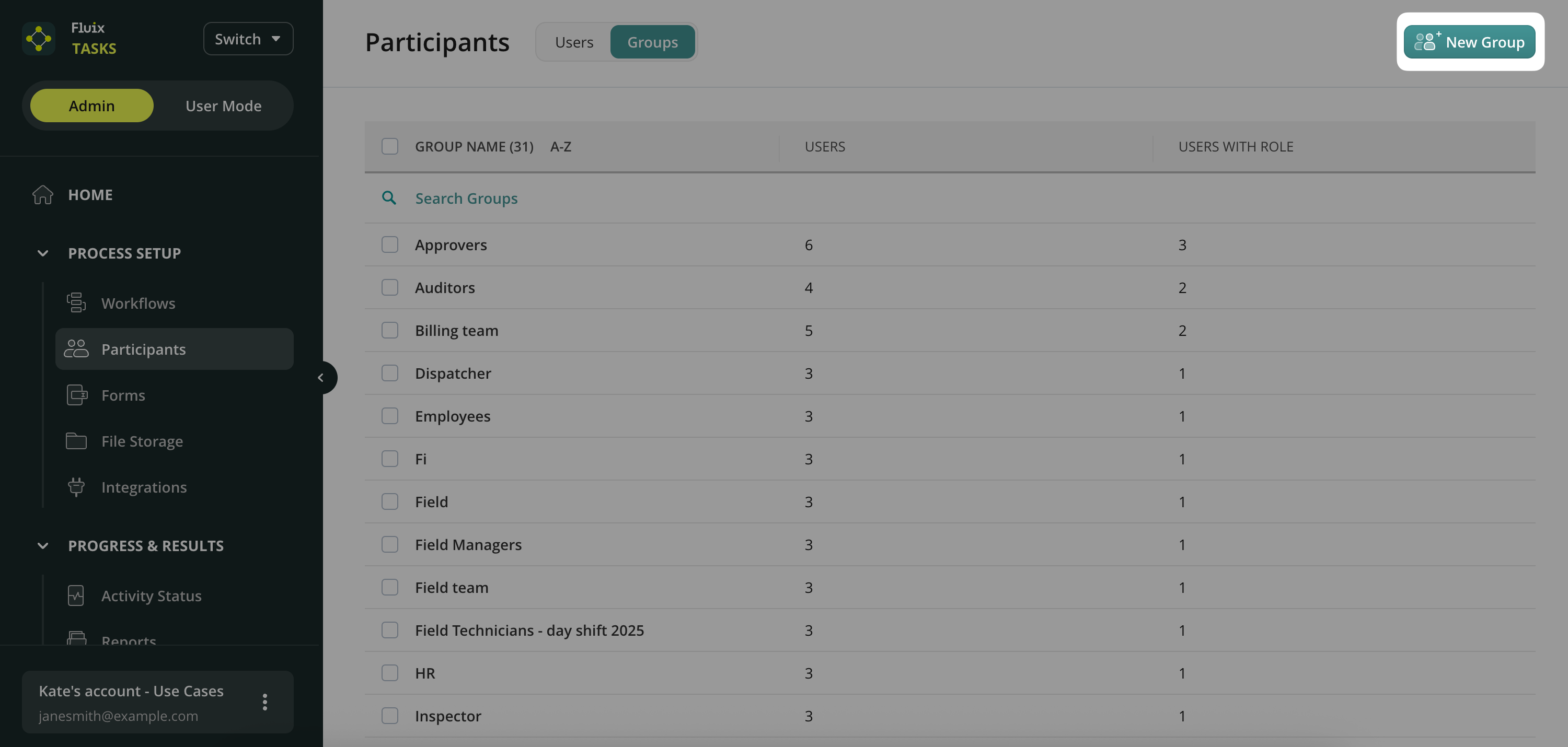
1) User Groups that will participate in a Workflow. Navigate to Admin tab -> Process Setup -> Participants section to create the Groups and add the users:
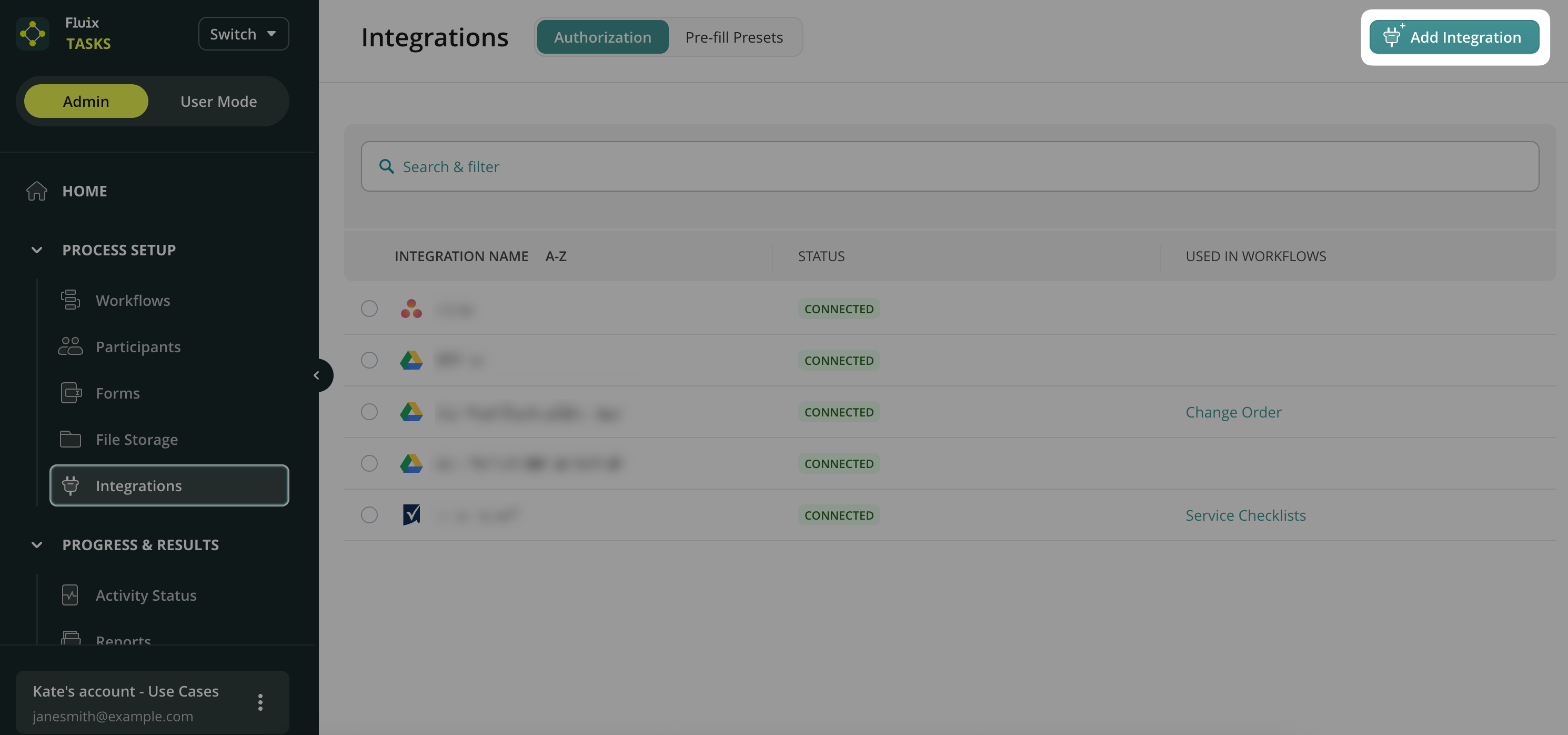
2) Cloud storage. If you want to store the forms/documents completed in the Fluix app in a cloud storage and you already use a certain service, you can connect it to Fluix in the Process Setup -> Integrations section.
If you don’t use a storage provider, you can create a workflow using our built-in Fluix cloud storage.
To start creating a Workflow, let’s get familiar with its elements.