


When a document is sent to you for signature from Fluix, you may be asked to enter a one-time password (OTP) before signing. This extra step helps keep documents secure. In this article, we will explain the process in detail.
When is OTP required?
The OTP will be requested if:
- The document was sent using the Send for Signature submit option in Fluix Docs
- The document is being signed by an external recipient (you don’t need a Fluix account)
Step-by-step: How to sign a document with OTP
1.Check your email
You’ll receive an email with a button to open the document and one-time password (OTP):
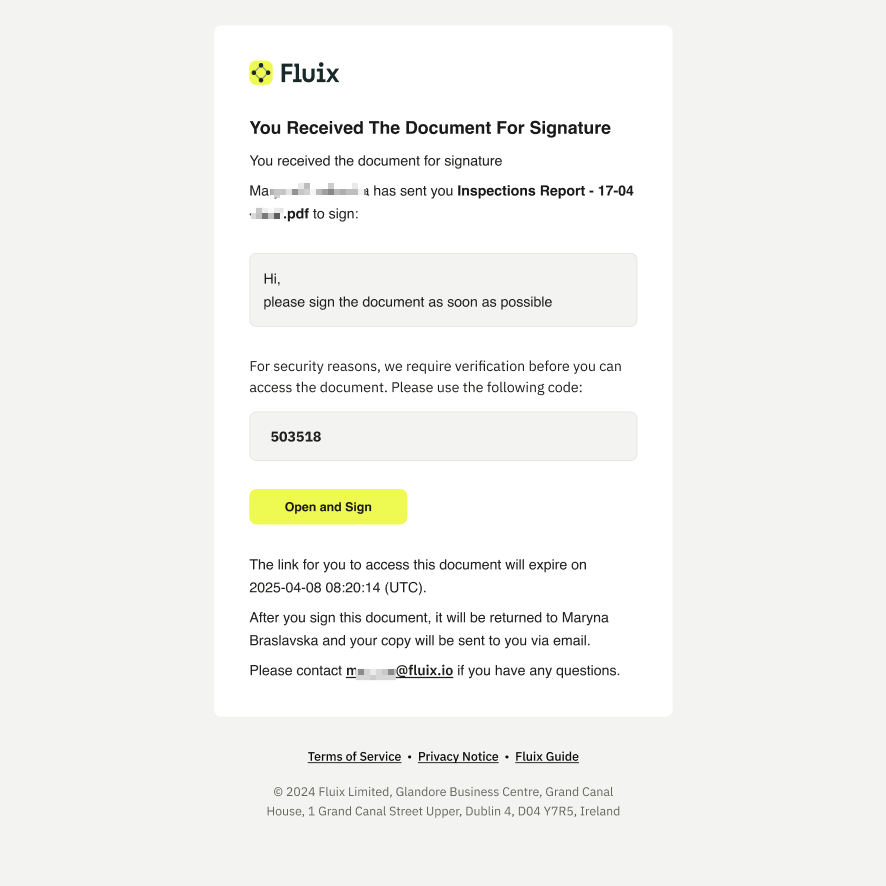
2.Copy the code and open the document. A window will appear asking for the one-time password.
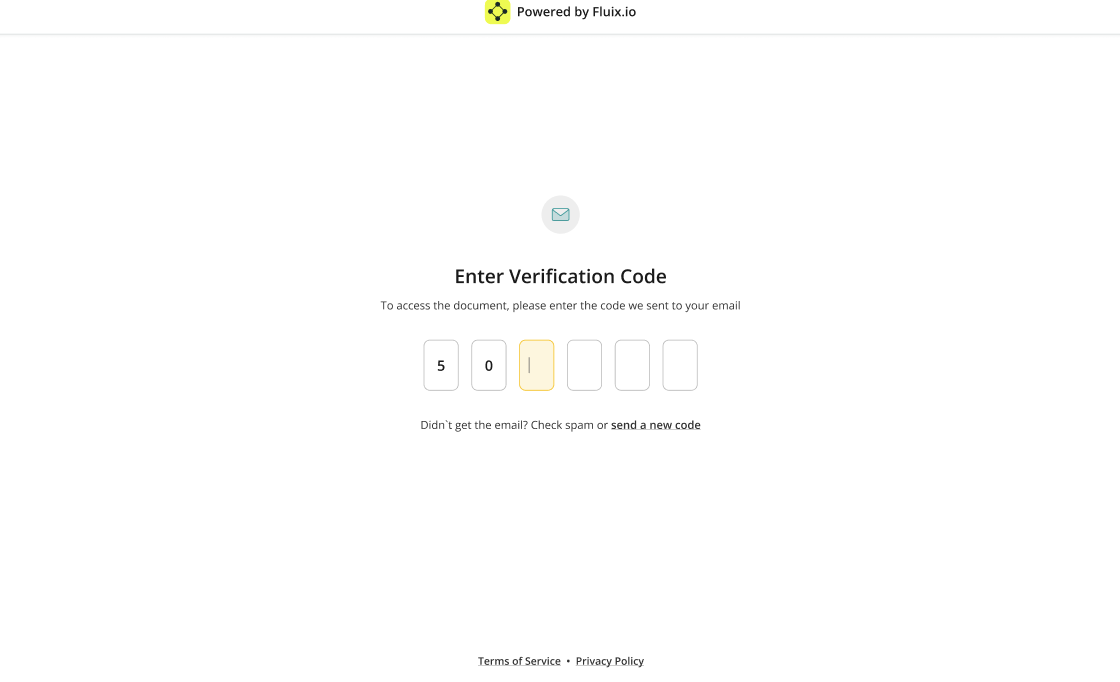
3.Sign the document
Once the OTP is confirmed, you can review and sign the document as usual.
If you need any assistance, feel free to contact the person who sent you the document or contact the Fluix Support team at support@fluix.io.