


Absolutely! As part of our professional services during your onboarding with Fluix, we offer a form creation service. You may share your existing form with us in any format—text, image, PDF, or DOC —and we’ll convert it into a professional, fillable PDF or web form tailored for seamless use in Fluix. Drop us a line at support@fluix.io to discuss these details.
Alternatively, you can use the built-in Fluix Form Builder available in your Fluix account. This tool lets you create web forms that easily integrate into your recurring workflows within Fluix.
Fluix supports versatile data collection methods:
- PDF Forms: Continue using your existing PDF forms with ease.
- Dynamic Mobile-Friendly Forms: Create forms with conditional logic that adapt to user input, simplifying data collection for your team.
- Static Web Forms: Create web forms with classic layouts that look similar to paper forms.
To create the web form, follow a quick instruction below:
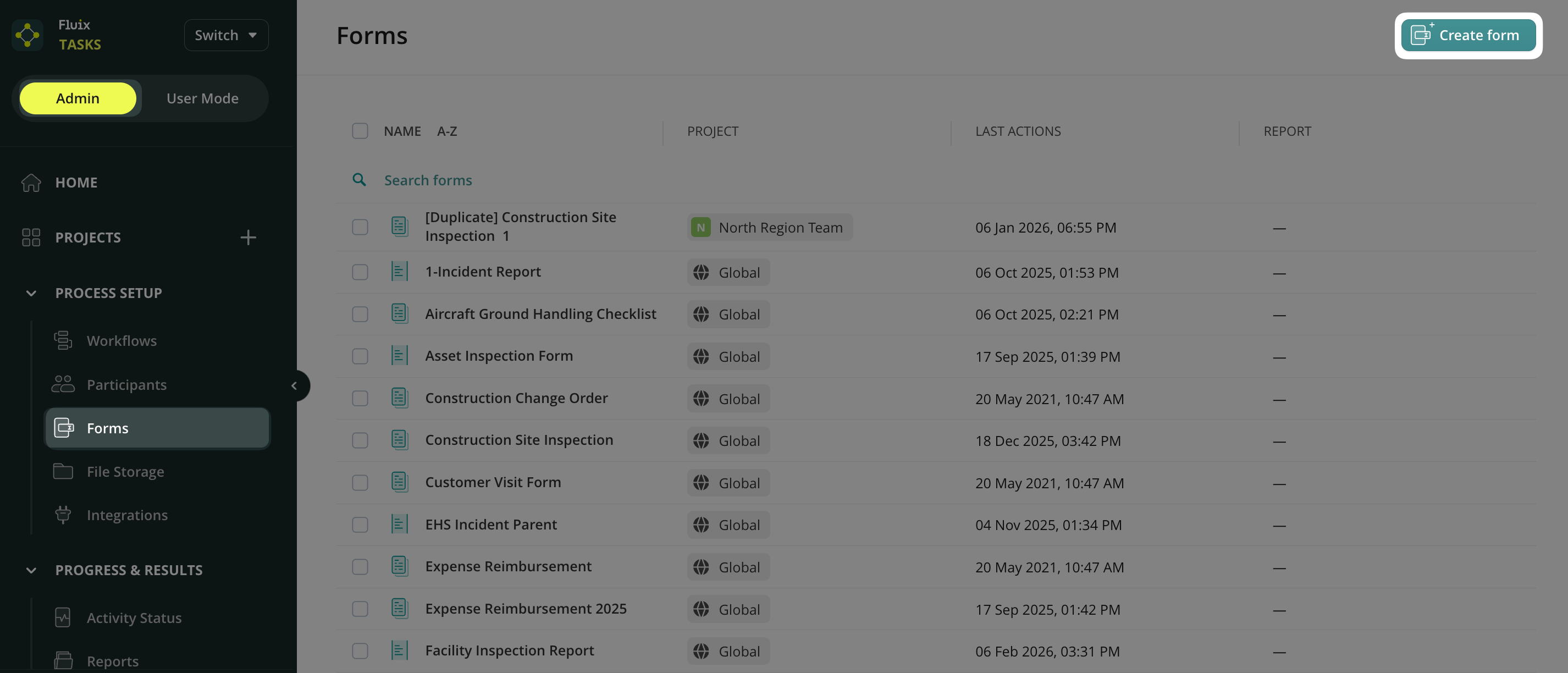
1. In the Admin Panel of your account, open the Forms section.
2. Click Create Form.
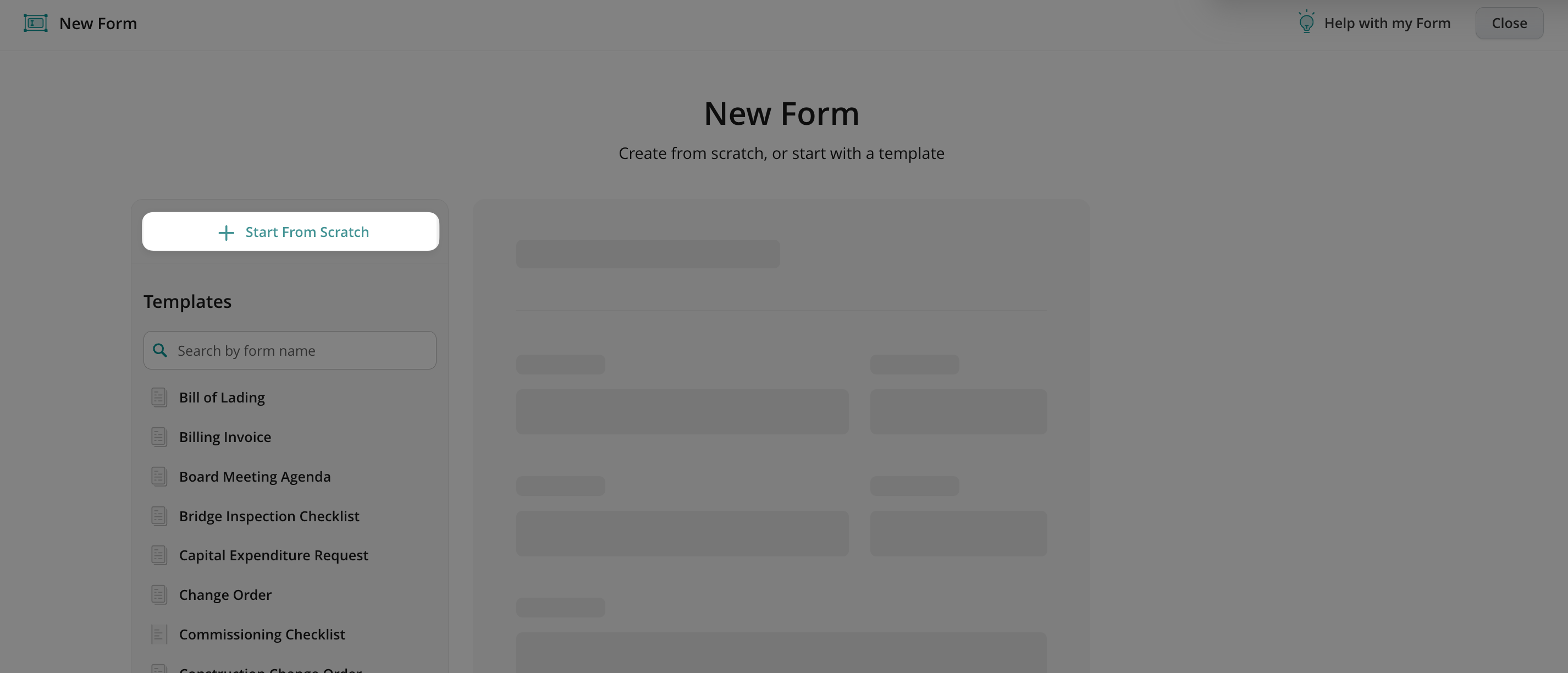
3. Click the Start from Scratch button.
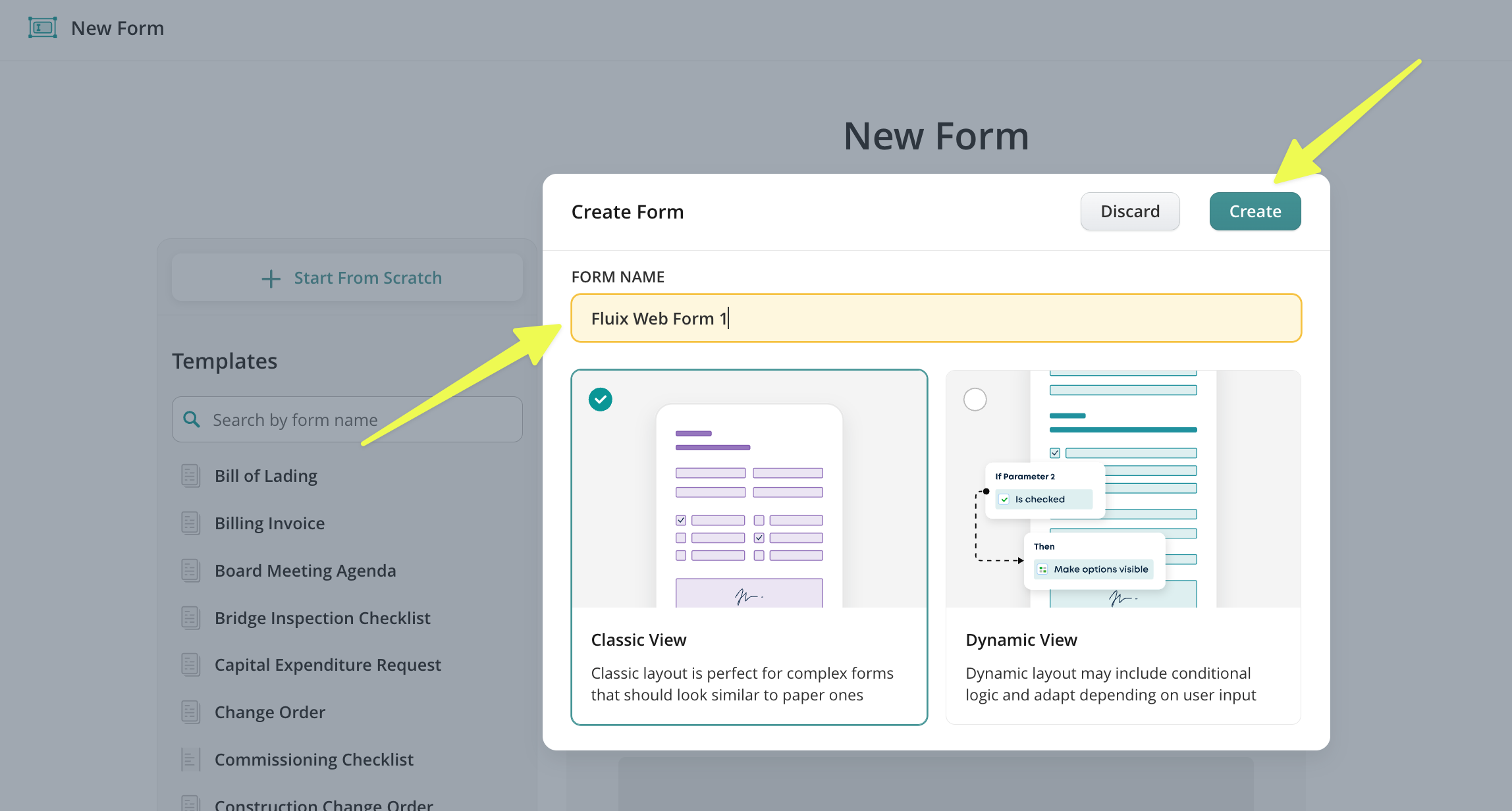
4. Name the form and choose the form’s type (Classic View or Dynamic).
5. Click Create.
Feel free to contact us at support@fluix.io with any questions or comments.