


In the Recents section on your device, you will find a list of files that you have recently opened.
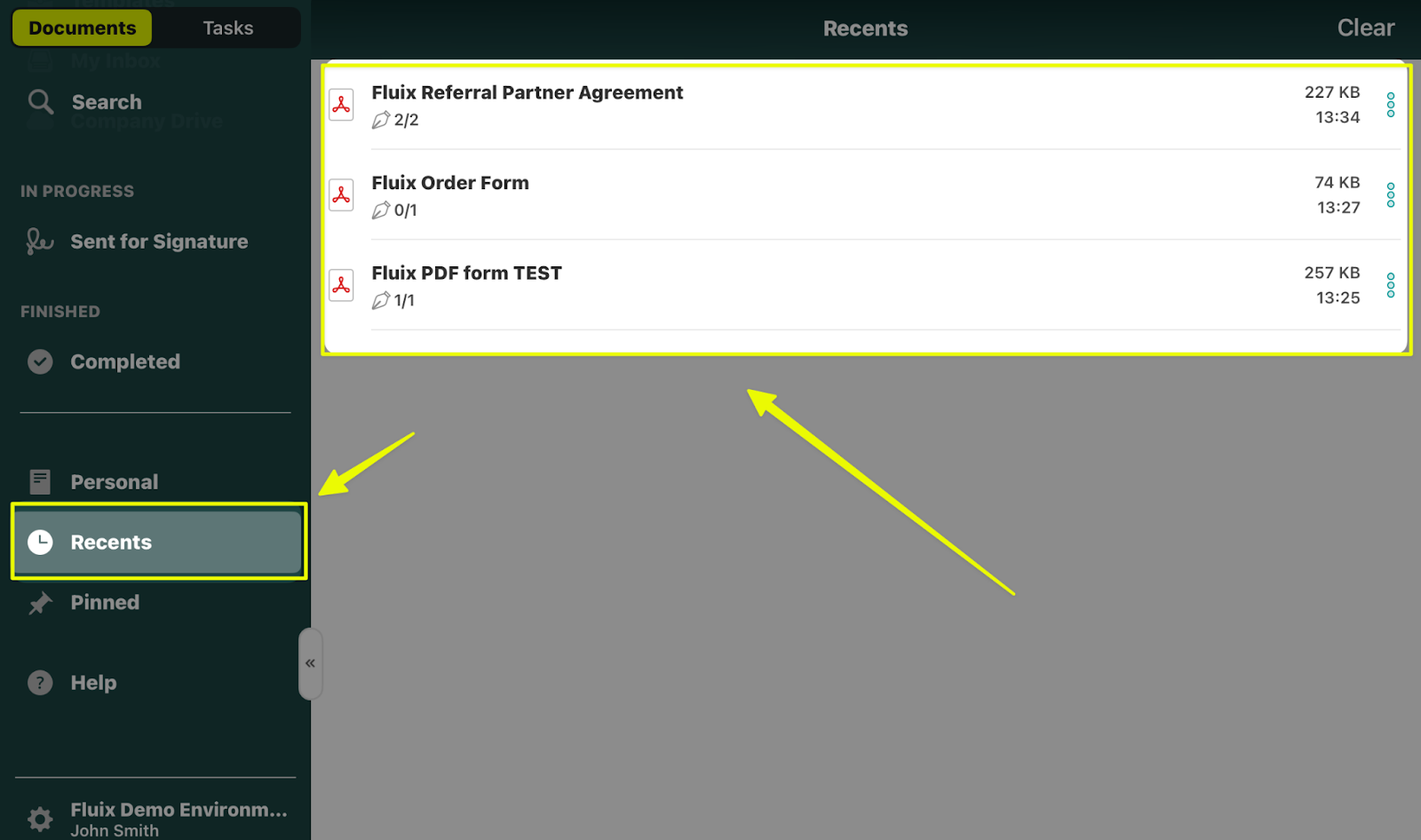
You can tap on the three dots next to the name of any document in the Recents section to check the initial document’s location in the Fluix Docs app and the document’s modification date.
For example, you can choose one of the options below:
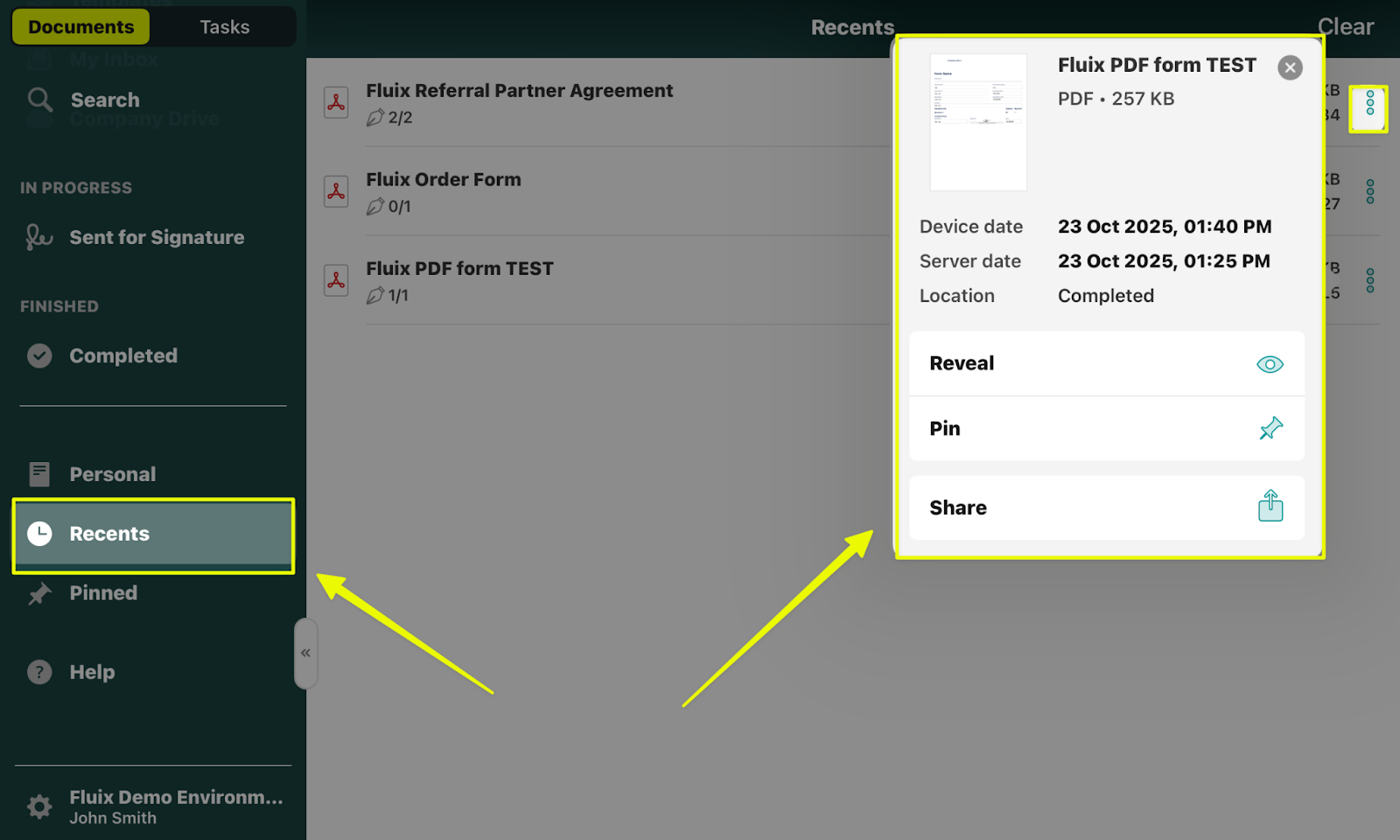
- Reveal – will redirect you to the section in the Fluix Docs app where this document is currently located.
- Pin – will move the document to the Pinned section of the app, providing quick access to the document.
- Share — This option allows you to share the respective document with anyone using any third-party tool or save a document to your device (if this option has been enabled by your company account’s Admin beforehand).
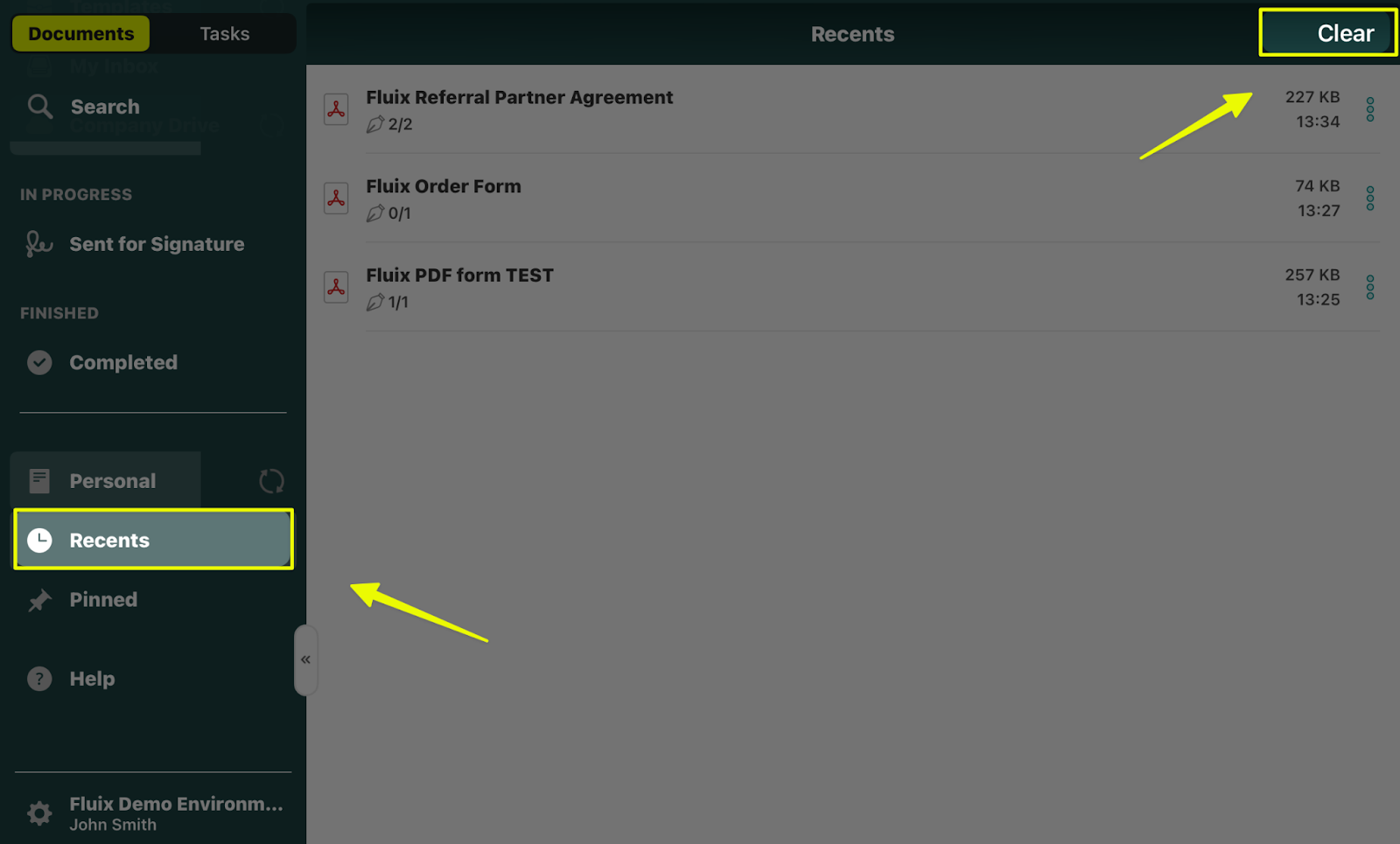
To remove the documents from the Recents section, tap the Clear button in the upper-right corner of the screen:
Can’t find what you’re looking for? Feel free to contact us at support@fluix.io if you have any questions or comments.
Check what you can do with Fluix. Explore features >