


If you would like to quickly access the respective document from different sections of your account, you may save it to the Pinned section.
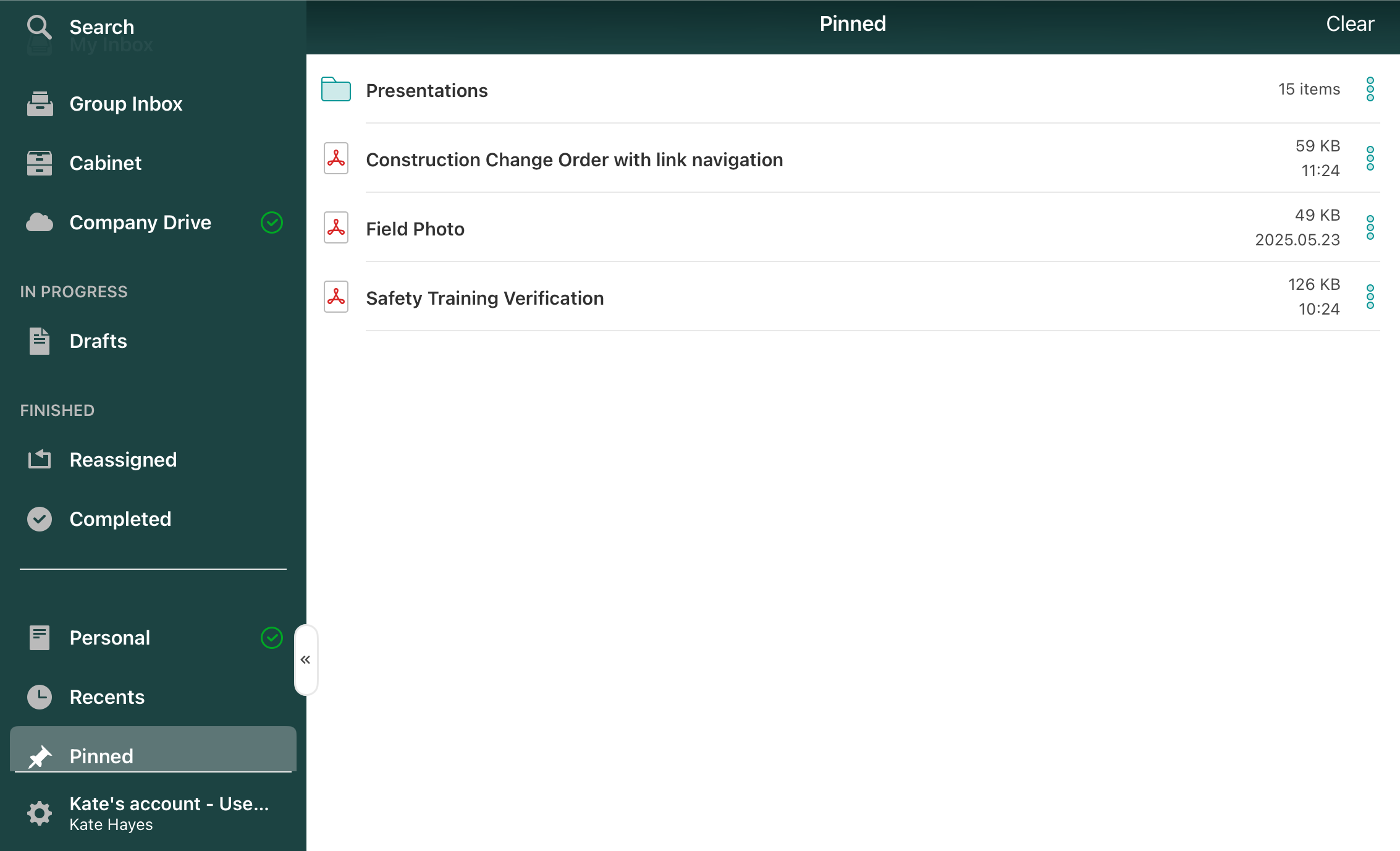
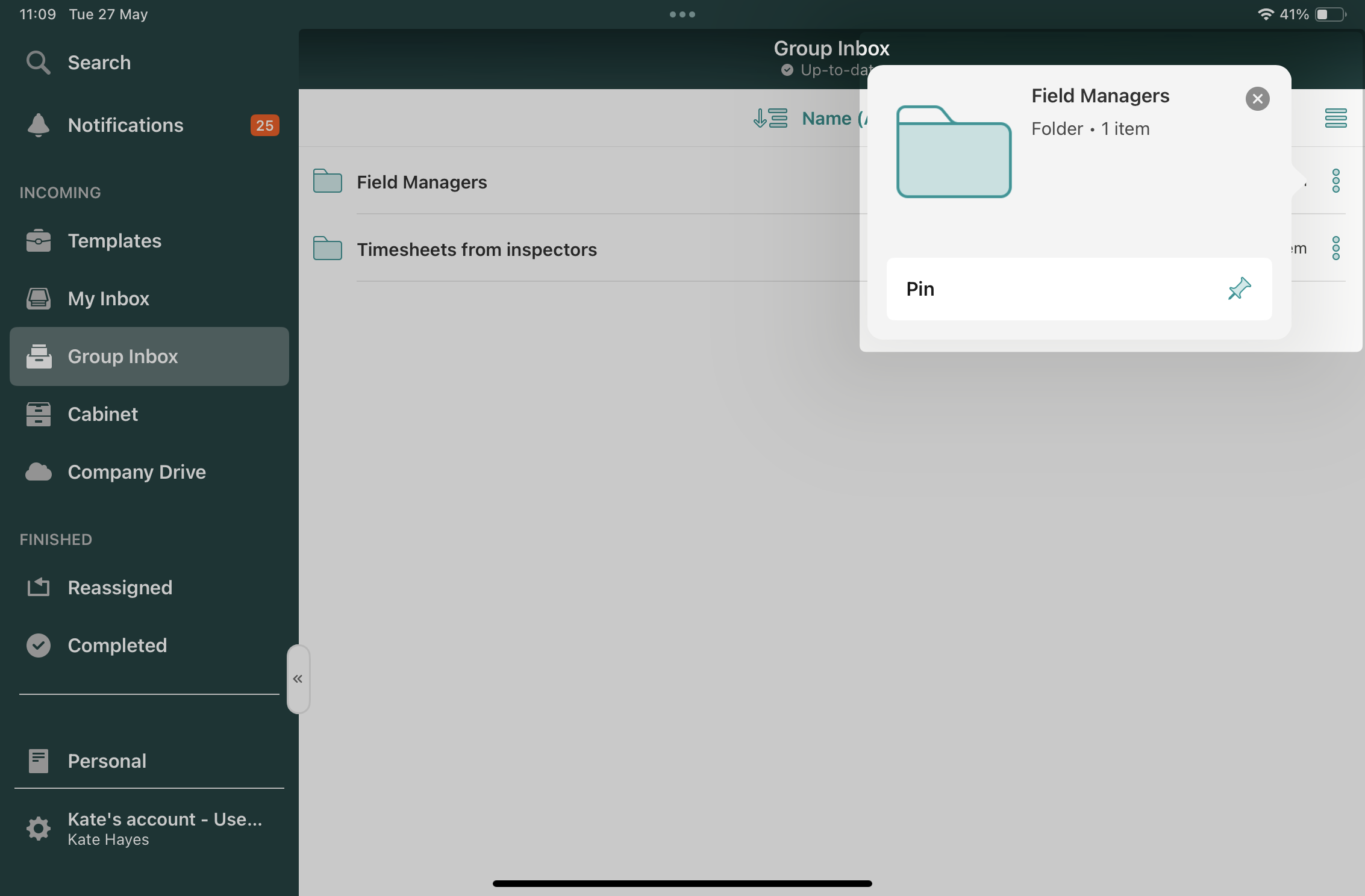
This can be done by clicking on the three dots next to the document’s name and selecting the Pin action.
Once done, the pinned document will be available in the Pinned section of the app. When you start making edits to the document in the Pinned section, it can be saved to the folder in either the Personal or Company Drive sections.
Can’t find what you’re looking for? Feel free to contact us at support@fluix.io if you have any questions or comments.
Check what you can do with Fluix. Explore features >