


Fluix Tasks
Two or more Asset Collections in Your Dynamic Forms
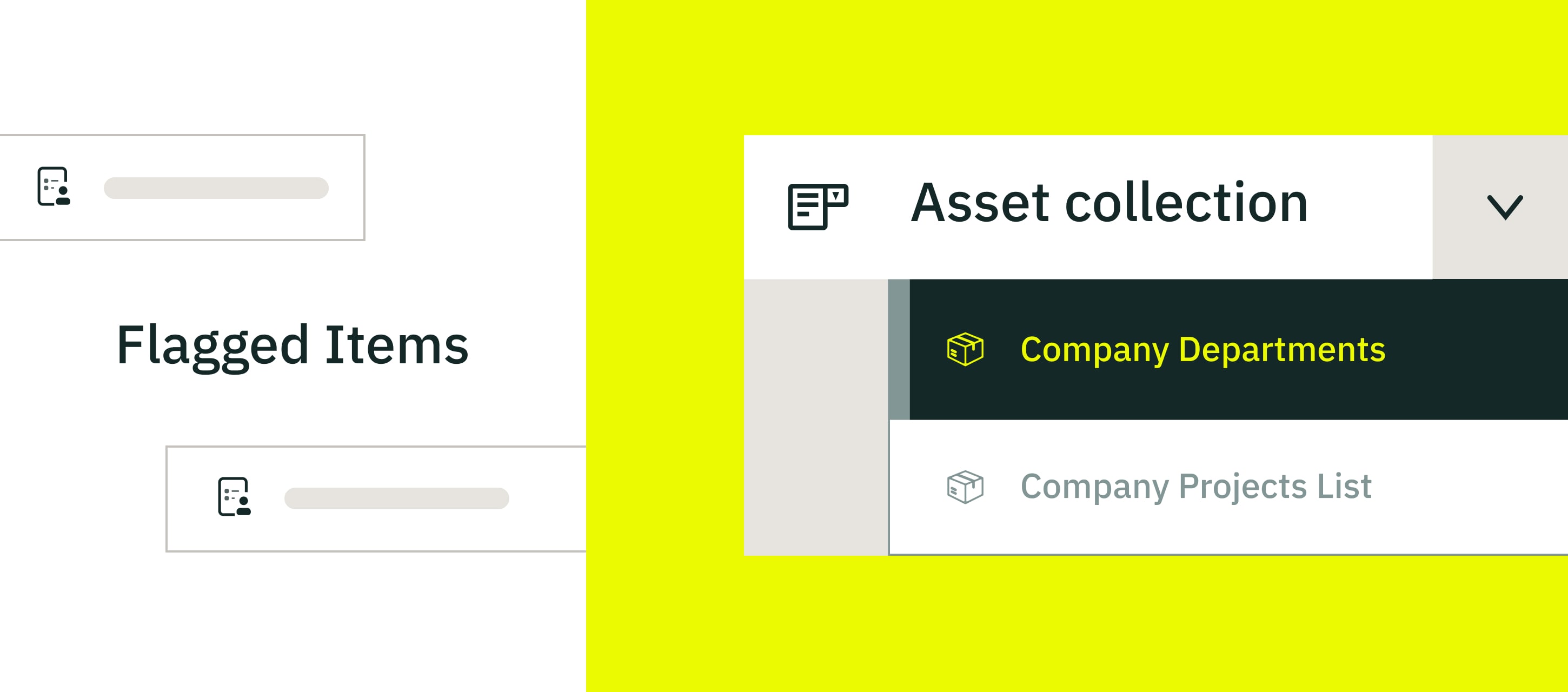
Field productivity becomes even more accessible! Admins can now attach multiple asset collections to a single Dynamic Form. This allows you to add several drop-down fields to a single form, each pulling from the appropriate list (assets, locations, categories, and more).
What this means for your field team:
- More accurate selections
- Less manual entry
- Faster form completion
- Reduced admin effort
Everything your team needs is already in the dropdowns; they just select an option and let the form auto-fill the data.
Better Visibility & Access for Issue Reports
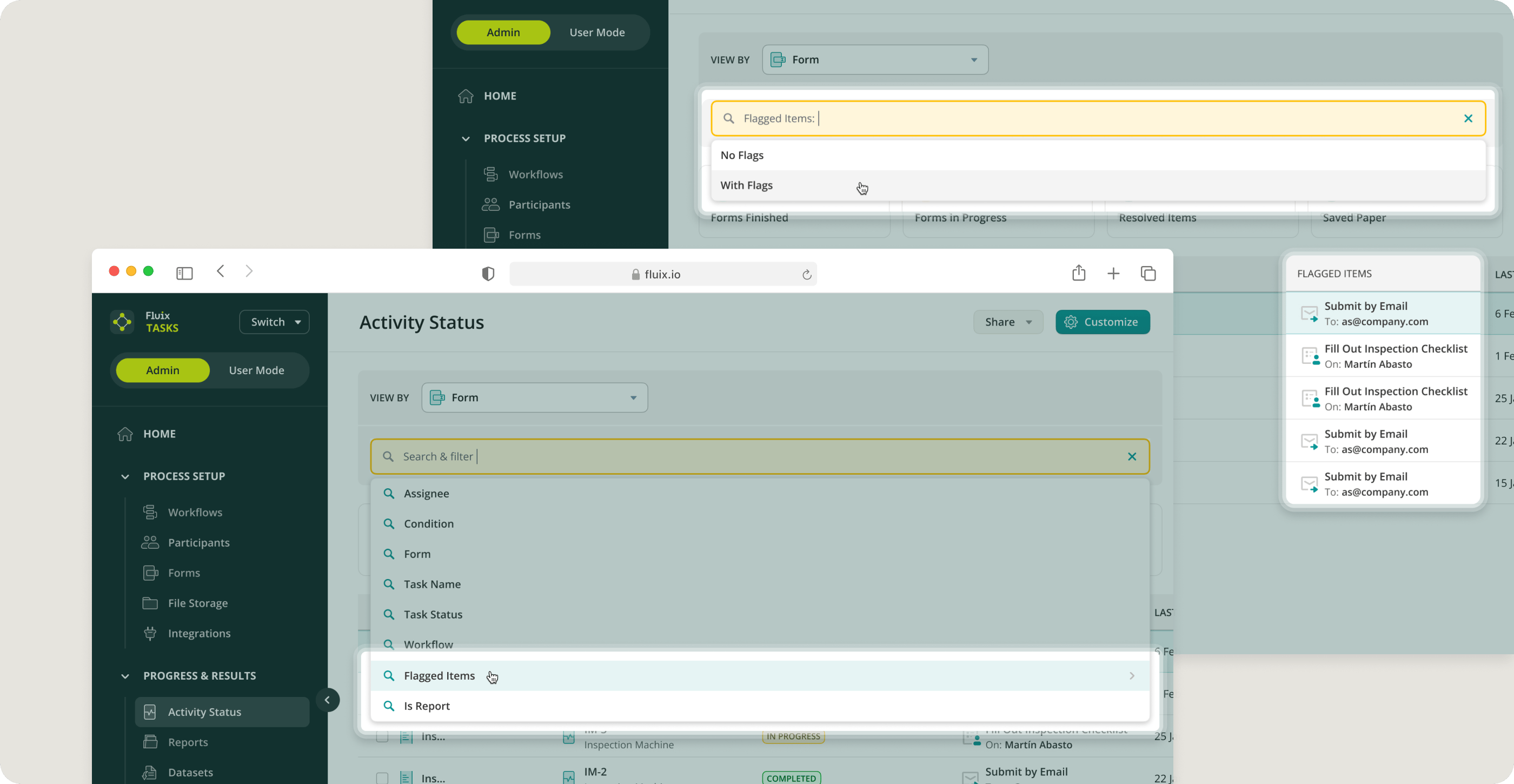
When an issue is flagged, staying on top of it is now much easier. Issue reports are now available in Activity Status, giving admins a clear overview of:
- What was reported
- Where it was routed
- What’s still in progress
Faster follow-ups and clearer communication help keep your field operations running smoothly.
Fluix Docs
New Submit Action: Folder with Original Template
We’ve introduced a new workflow action – Folder with Original Template.
You can now configure workflows, so completed documents are automatically routed back to the folder where the original template was opened.
- For your field team, nothing changes; they simply complete and submit the form.
- For you, everything stays neatly organized across projects and locations.
Read more about this functionality in this Help Center article.
If you have questions or need help getting started, reach out to us at support@fluix.io, and we’ll be happy to help.