


In Sent for Signature tab you can see the documents that were emailed and are waiting to be signed.
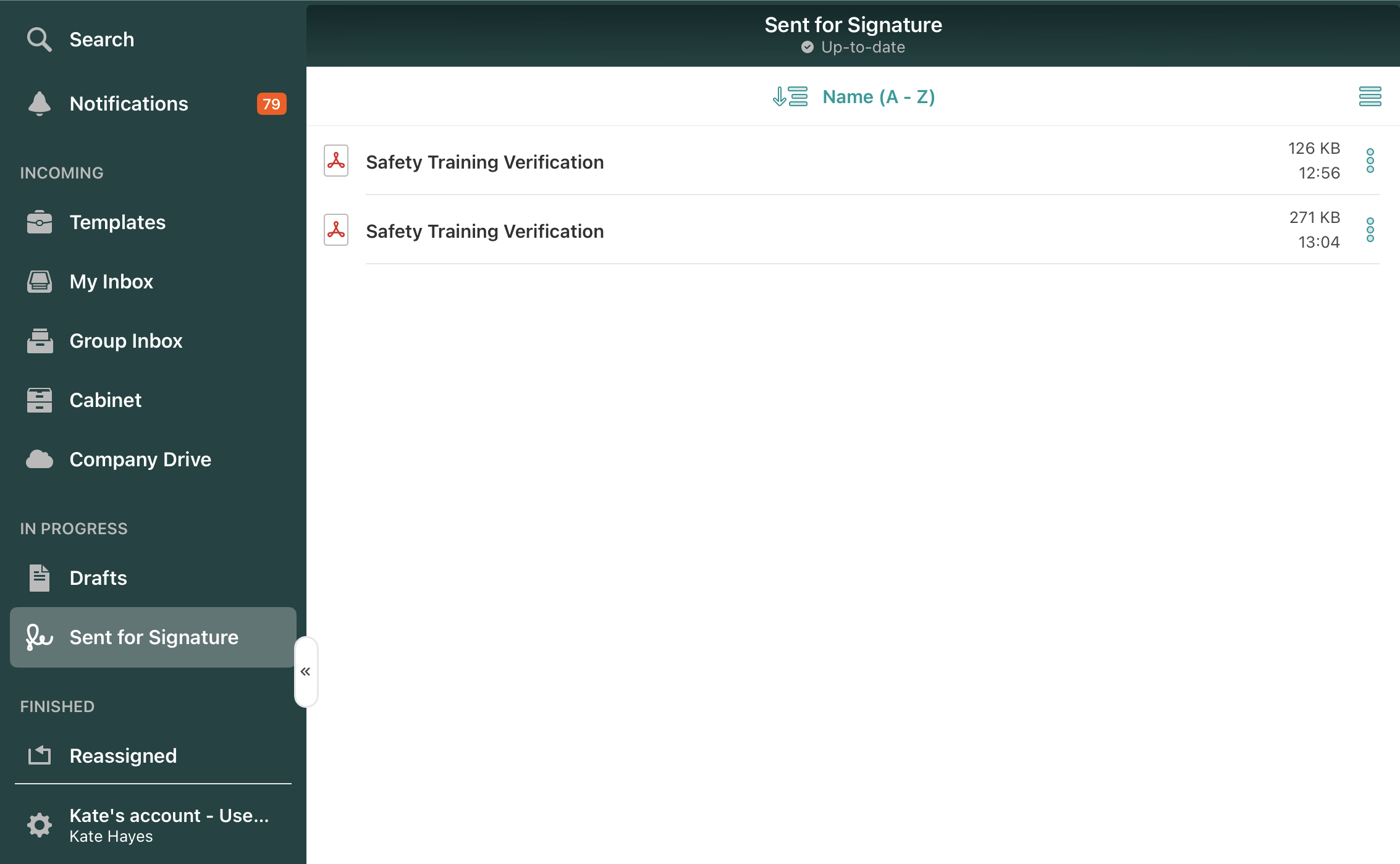
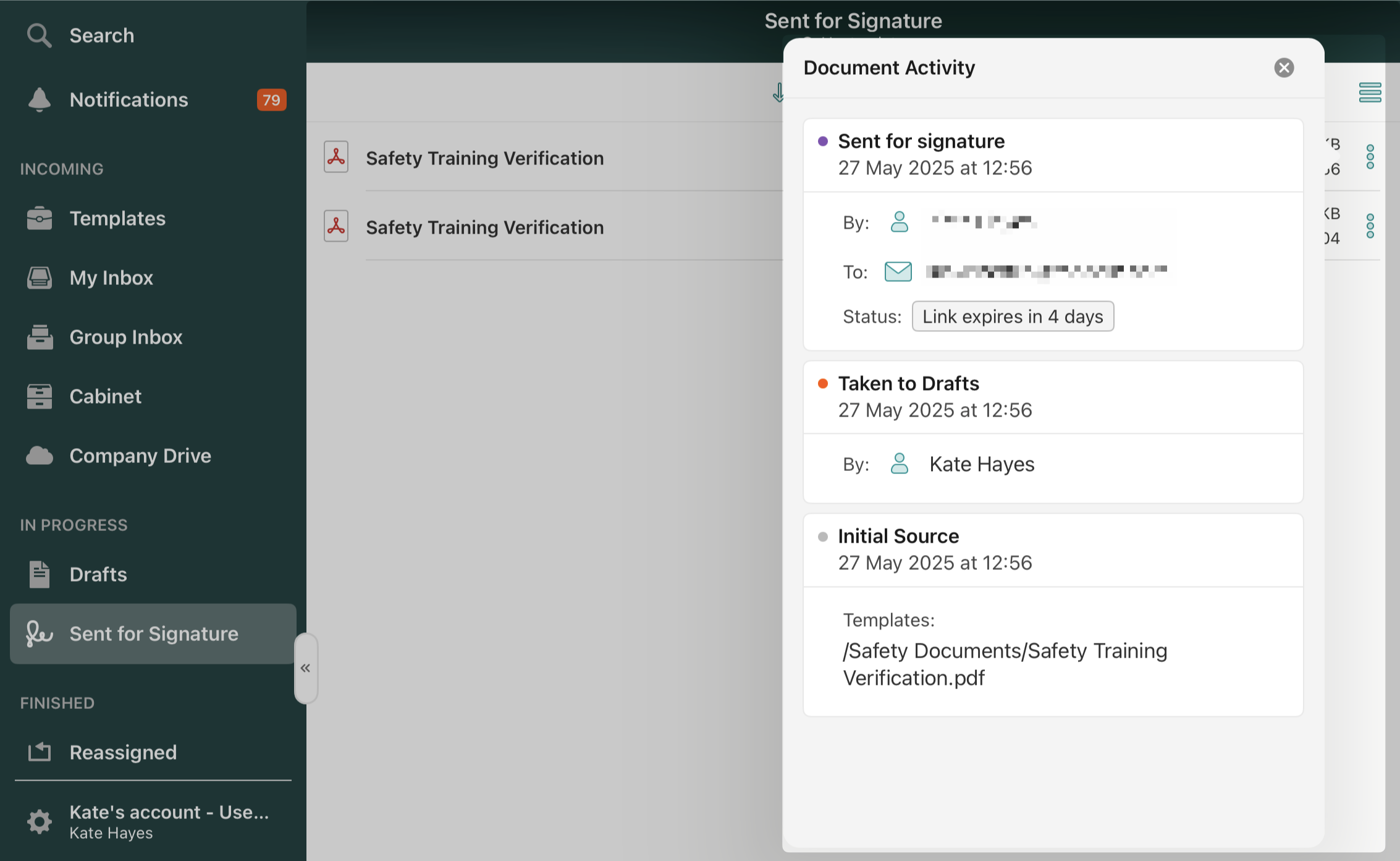
If you would like to check the email address of the recipient to whom the document was sent to be signed, open the Sent for Signature section and tap on the three dots next to the document’s name. In the opened window next to the Last action, you will see the recipient’s email address.
If you need to revoke the signature request and make a document unavailable for the signer, go to the Sent for Signature section, tap on the document to open it, and tap the Void button in the upper right corner.

Can’t find what you’re looking for? Feel free to contact us at support@fluix.io if you have any questions or comments.