


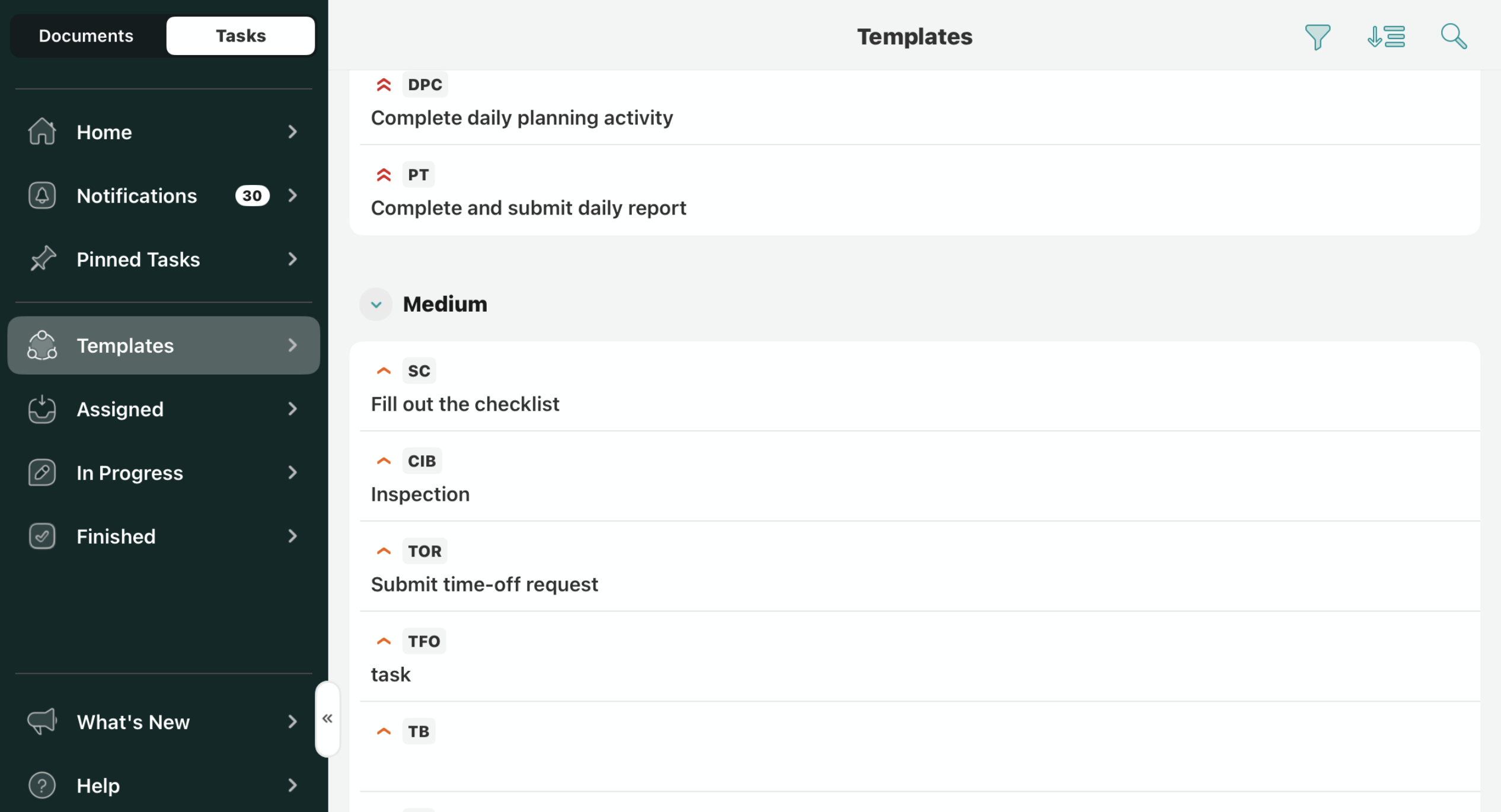
The templates section displays the tasks with the documents pre-configured by your company admin. You can initiate them at any time, even offline. Since these tasks are always available in the Templates tab, you may initiate as many tasks as needed with empty template forms ready to be filled out.
Sorting the tasks
You may sort the tasks in the Templates section by the following options:
- Priority
- Task ID
- Task Name
The Priority option lets you sort the tasks from critical to low priority.
The Task ID option lets you sort the tasks based on the task abbreviation in the alphabetic order or vice versa.
The Task Name option lets you sort the tasks based on the task name in the alphabetic order or vice versa.
Search for the relevant tasks
In the upper right corner of the Templates section, use the Search icon to locate the tasks you need to complete.
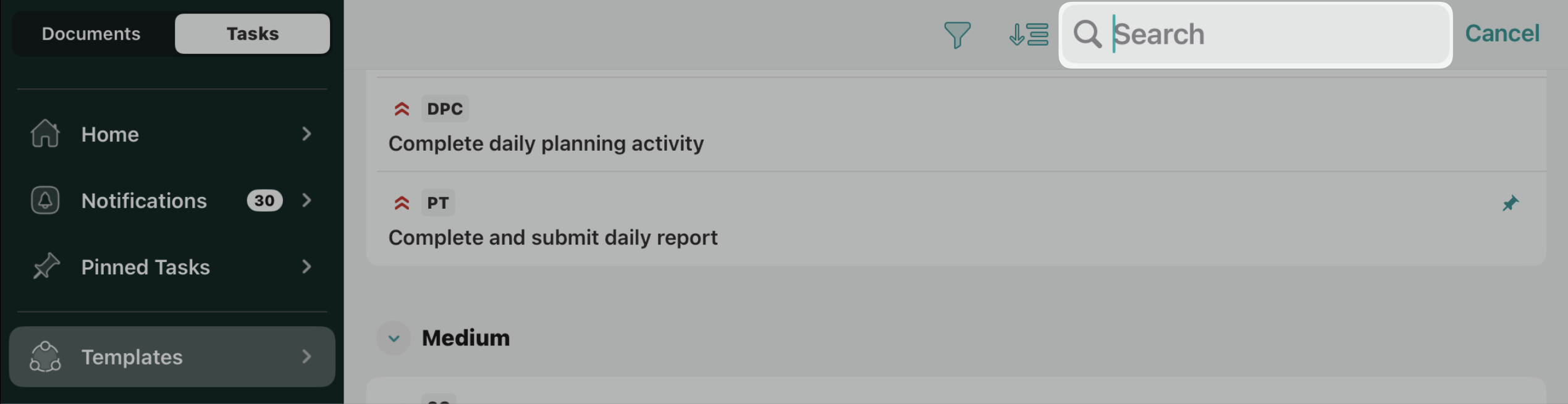
In order to review the task and to start working on it, tap on its line containing the basic information about the task.
Feel free to contact us at support@fluix.io if you have any questions or comments.