


The Form Library consists of a list of templates created by Fluix and forms that you, as an admin, can build in Fluix Form Builder.
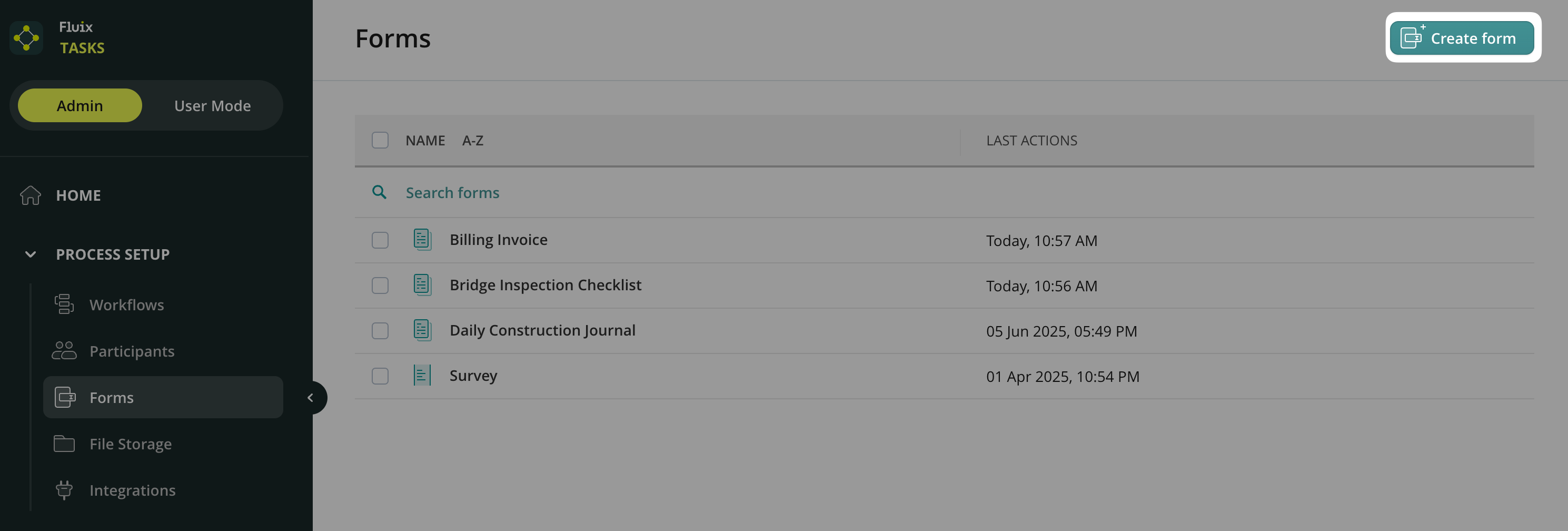
To create a new form, navigate to the Admin Tab -> Process Setup -> Forms section. Click Create form in the upper right corner. Later, you will be able to use it while creating a workflow.
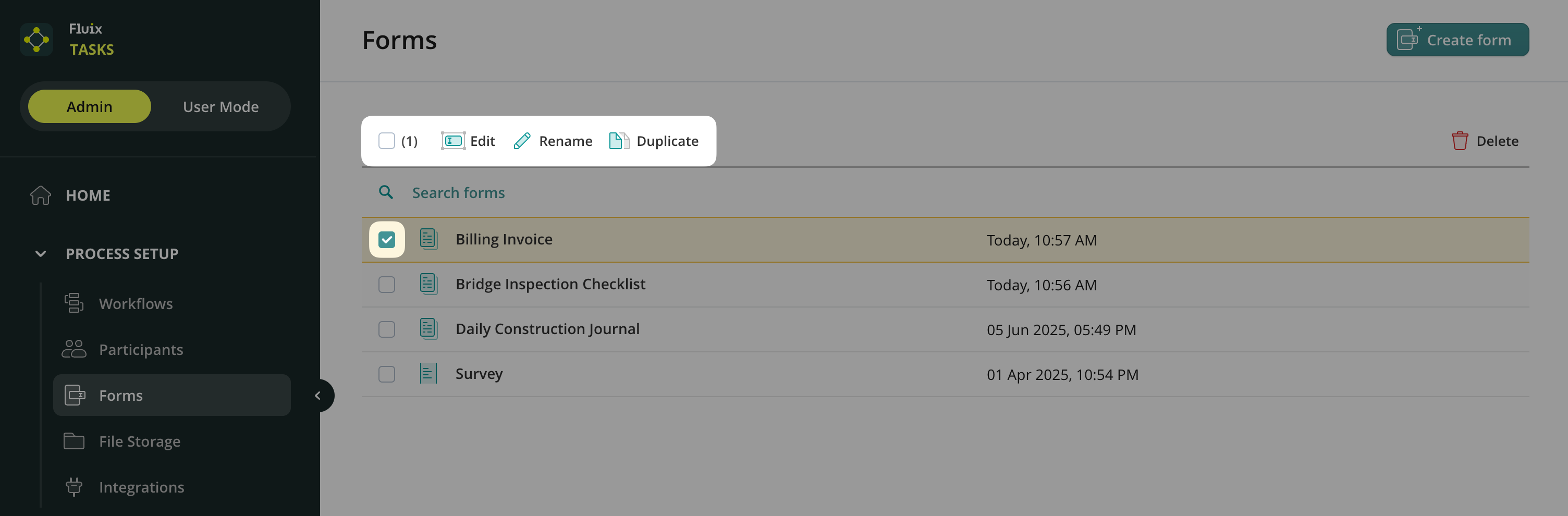
Upon selecting any form, you will see the list of available actions that you can perform with a form. In particular, you will see Edit, Rename, Duplicate, and Delete actions.
- Edit, Duplicate, and Rename actions will be helpful if you plan to build a variety of workflows that need a similar form included. Create one form from scratch or adjust one from the template library and edit it according to the specific workflow. Duplicate it and edit it to suit the other workflows related to your processes.
Use Fluix Templates or Create Your Own Forms
Ready-to-Use Fluix Templates
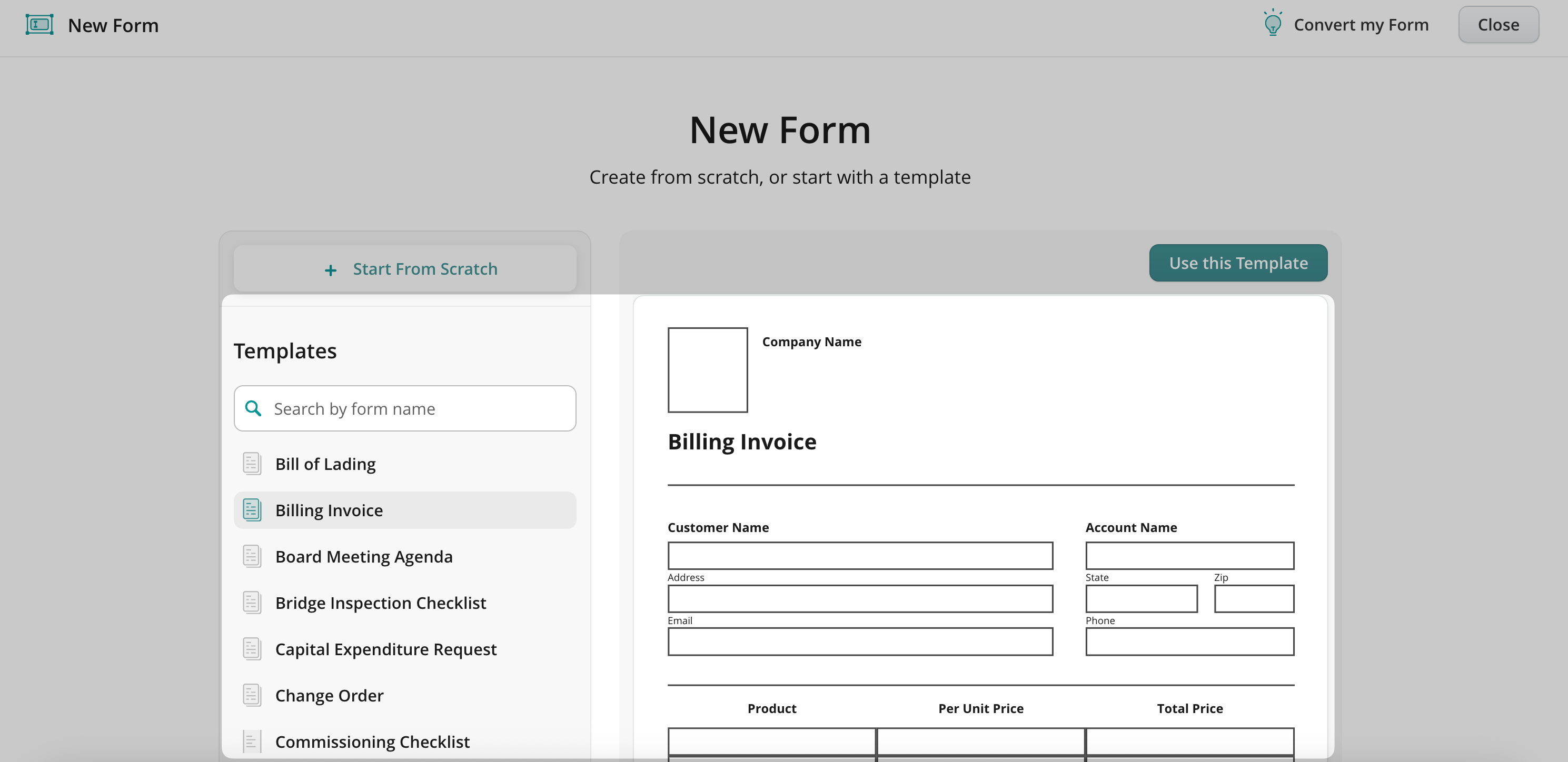
On the next page, you’ll see a list of templates created by Fluix.
Browse the catalog, choose any template, and click Use this Template to customize it for your workflow.
Create a Form from Scratch
Click Start From Scratch above the templates list to build your own form. You can create either a classic static form or a dynamic one.
We’ll guide you through using the Form Builder in the next article.
Convert Your Existing Form
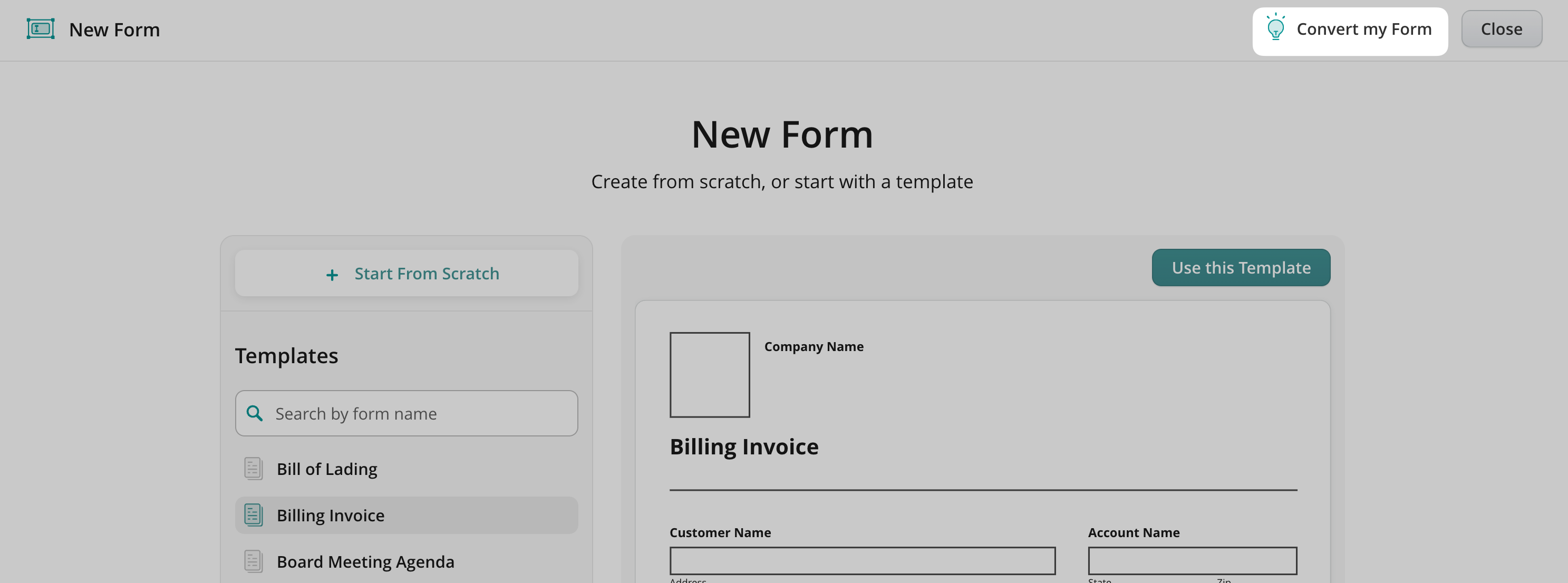
Need to digitize your existing document? Use the Convert my Form option to send us your file (accepted formats: PDF, PNG, JPG, DOC, DOCX, XLS) up to 5 MB.
Once submitted, our experts will turn your document into a fillable Fluix form and contact you to walk you through using it in your process.
In case of any questions, feel free to contact us at support@fluix.io