


In the top right corner of the Dashboard section, you can find the system Alerts and New Product Updates Announcements:
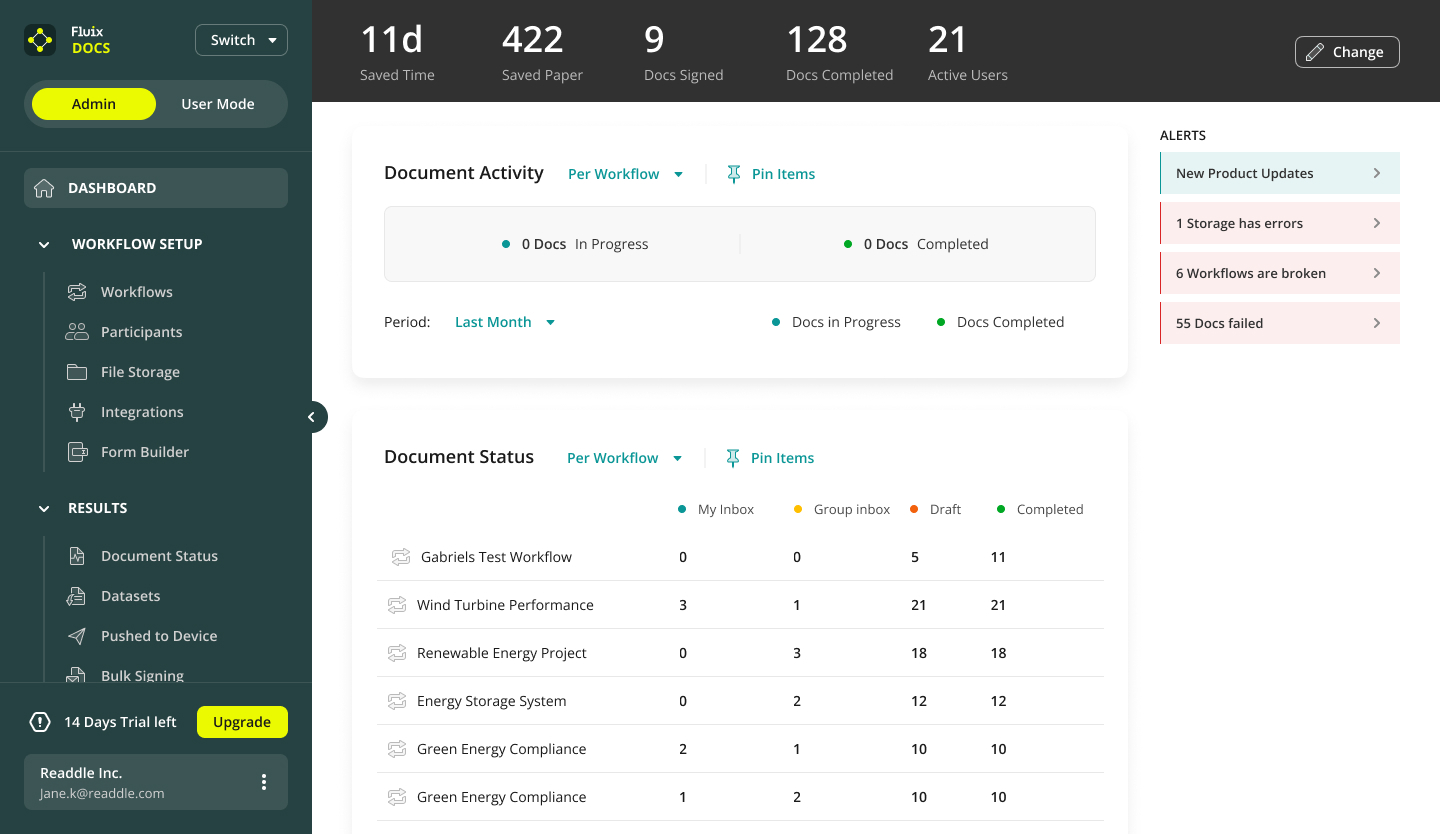
There are four types of Alerts:
- New Product Updates. Be up-to-date with the recently released features and improvements, and follow the link in the Alert to check the news.
- Your company storage got disconnected from Fluix. In this case, please follow the link in the Alert to the Integrations section to reconnect your storage.
- Workflow-related issues. If your company storage is used in a workflow as a document source and/or destination, and one of the folders was deleted or renamed on your storage, such a folder will be highlighted in red and the workflow will get an issues tag. In this case, please follow the link in the Alert to the related workflow and check which folder is affected. Then you’ll need to press the Edit Workflow button and select a new folder from your storage.
- Documents failed to be submitted for the respective reasons, e.g., the external storage got disconnected or ran out of free space, which provoked the fail-to-submit alerts.
Was it helpful? Feel free to contact us at support@fluix.io if you have any questions or comments.
Check what you can do with Fluix. Explore features >