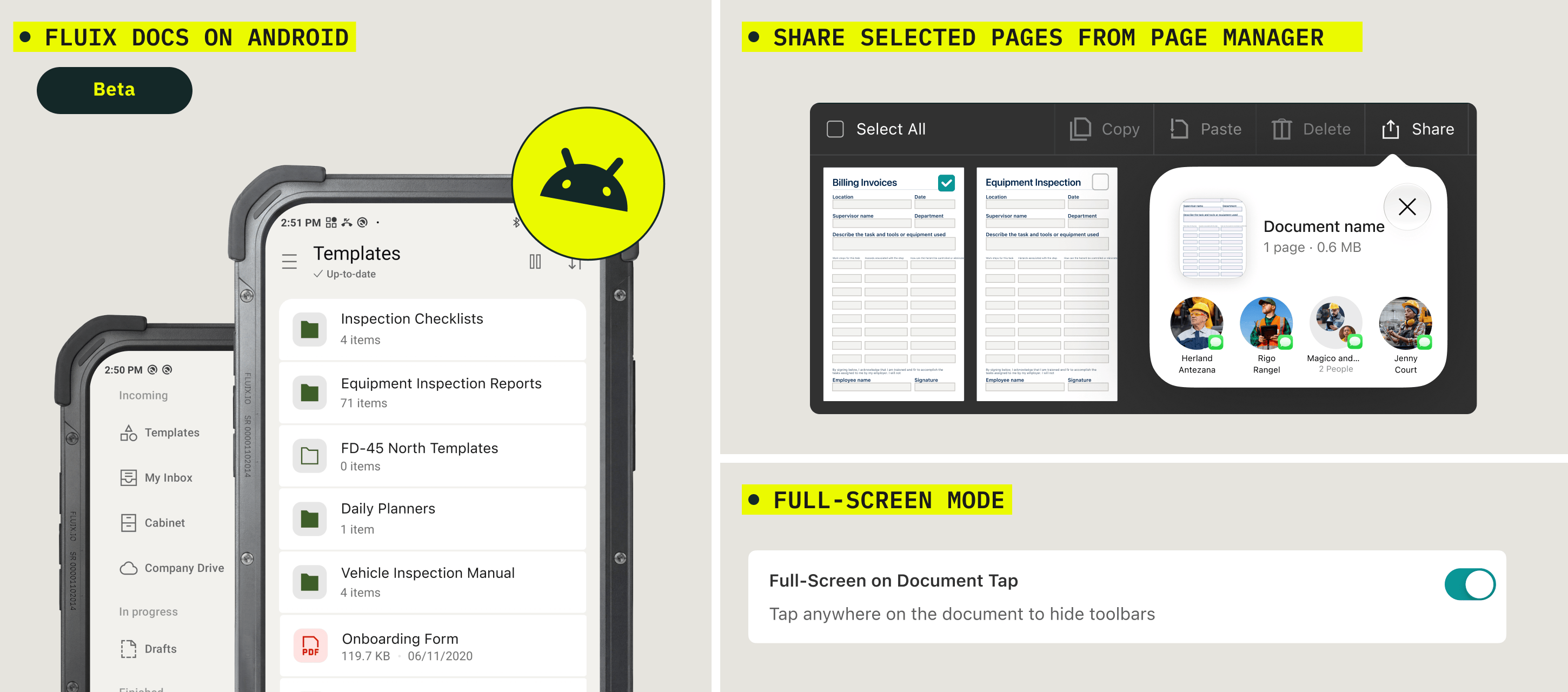
Fluix Docs is coming to Android, and you can try it first!
Fluix Docs for Android is now in beta, and we’re opening early testing to everyone. If you, your team, or your contractors work on Android phones or tablets, now’s your chance to get Fluix in your hands before the official release. Join the Android beta – email us at support@fluix.io, and we’ll get you set up.
Note: The beta covers the core essentials: form filling, e-signatures, and annotations, all with full offline support. Not every iOS feature is there yet, and that’s exactly where you come in. Your feedback will directly shape what we build next.
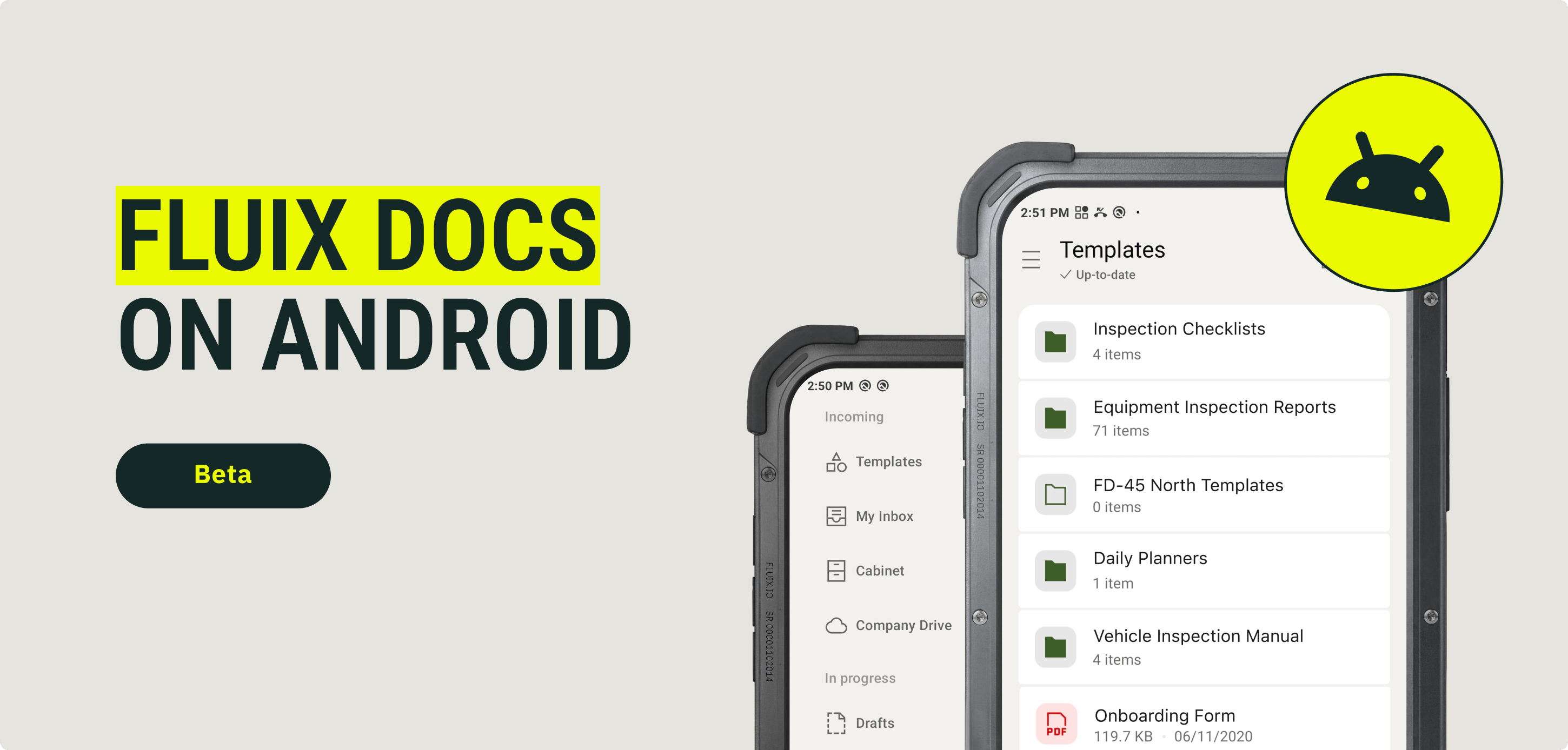
Share just the pages you need
Work in your language
Fluix Docs is now available in Brazilian Portuguese, Turkish, and Serbian (Latin script). The app automatically follows your device’s language settings, so if your phone or tablet uses one of these languages, Fluix will too, with no setup needed. It’s now easier for teams across different countries to work together in the same app. 🙂
To change your Fluix Docs app’s language manually, go to your device’s settings, find the Fluix Docs app, and in the app settings, choose your preferred language.
Keep your toolbar where you need it
If you often switch between open documents, tapping a page and accidentally hiding the toolbar and tabs can slow you down. You can now turn off full-screen mode in your Settings, so your controls always stay in view. It’s your choice: set up Fluix the way that works best for you.
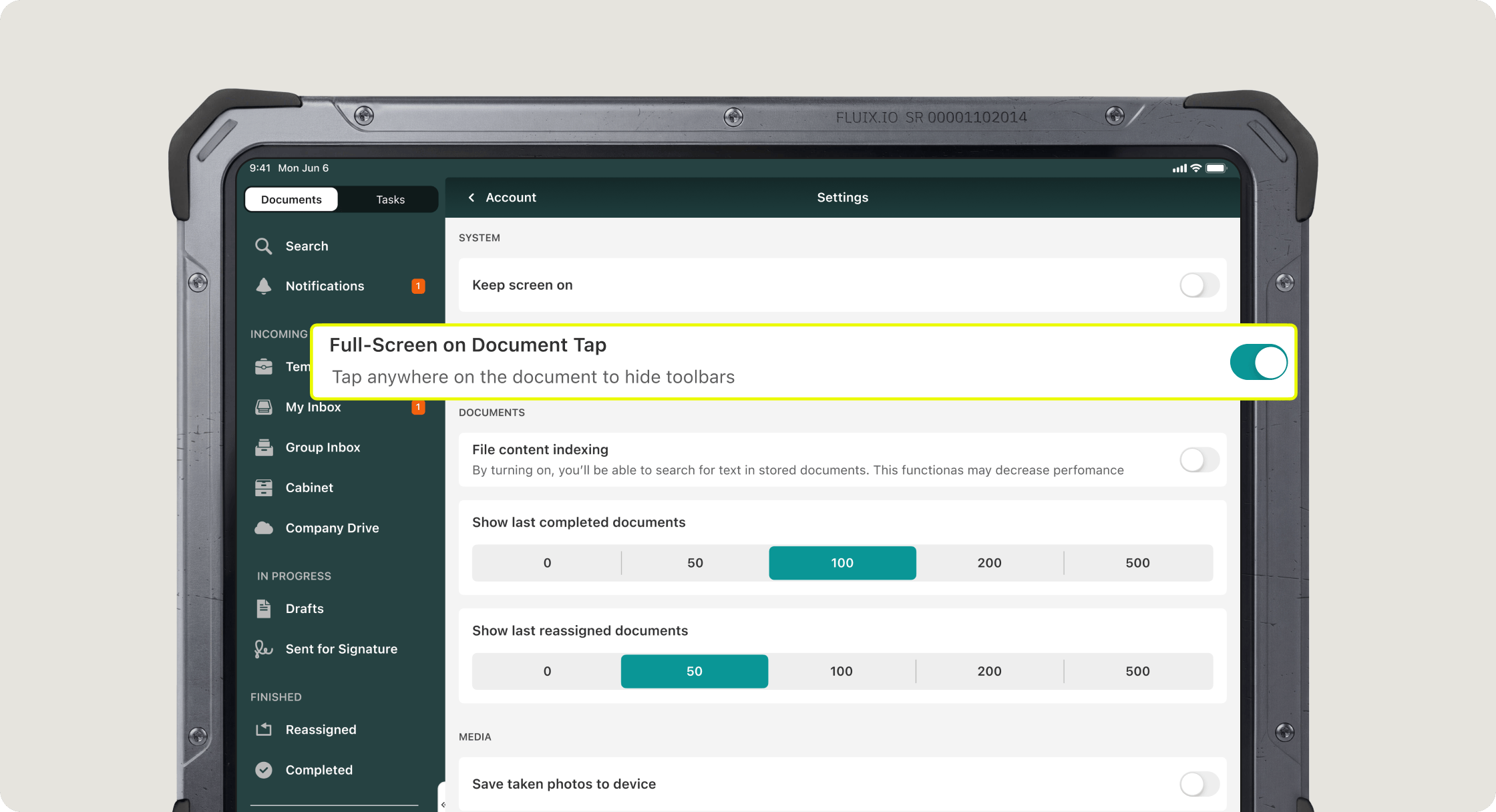
Check the how-to tutorial in our Help Center.
Ready for iOS 27, and more reliable all around
Fluix Docs now fully supports iOS 27. We’ve also fixed several issues to keep your work running smoothly, including app freezes, a crash when switching accounts, and time and file-naming glitches.
Feel free to contact us at support@fluix.io if you have any questions or comments.