


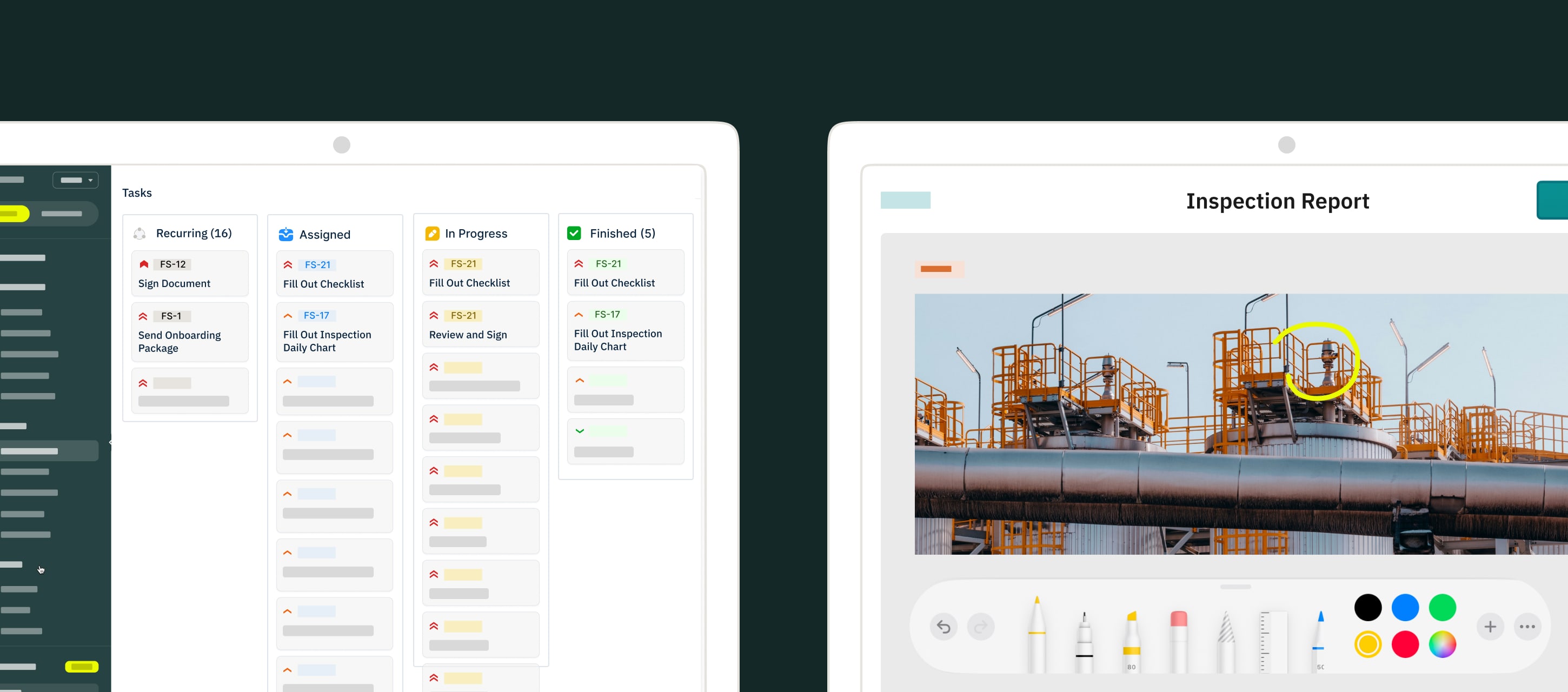
Fluix is a software that helps companies automate routine tasks for their team and increase productivity. Once your account is set up by your company administrator, you will receive an invitation letter to create your login password and to log into Fluix from an iPad, iPhone, Android Tablet or Phone.
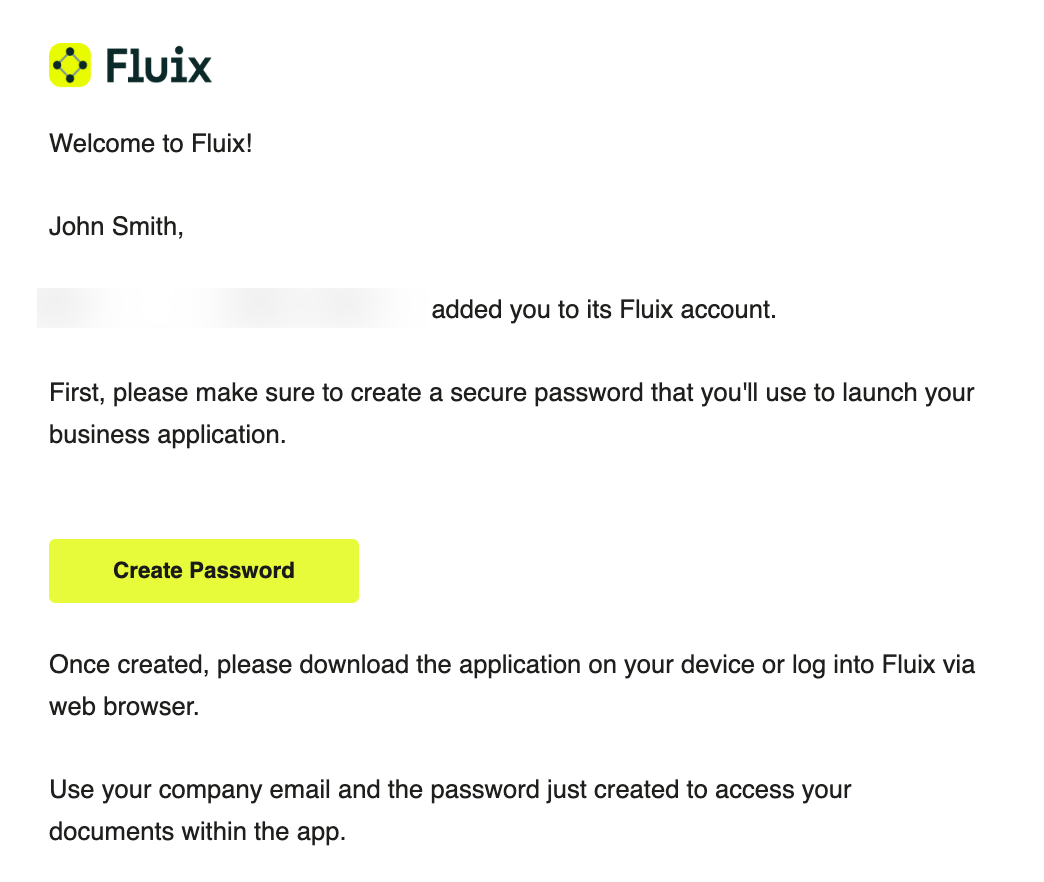
If you used to download the apps from the App Store or Google Play Store (i.e. your company is not distributing apps on your device directly), then find Fluix in the App Store or Google Play Store, download it and log into the app using your email and password, or use the Single Sign-On (SSO) option, if it has been configured for your company account.
Once logged in, you’ll see the list of the following sections:
- Home
- Notifications
- Pinned Tasks
- Templates
- Assigned
- In Progress
- Finished
With Fluix, you can easily fill out and sign PDFs, add images, scan barcodes, submit documents via workflow to your colleagues and customers, etc.
This guide provides tips on how to use Fluix, manage documents, and how to troubleshoot in case something goes wrong. We are always glad to hear your feedback and ideas at support@fluix.io.