


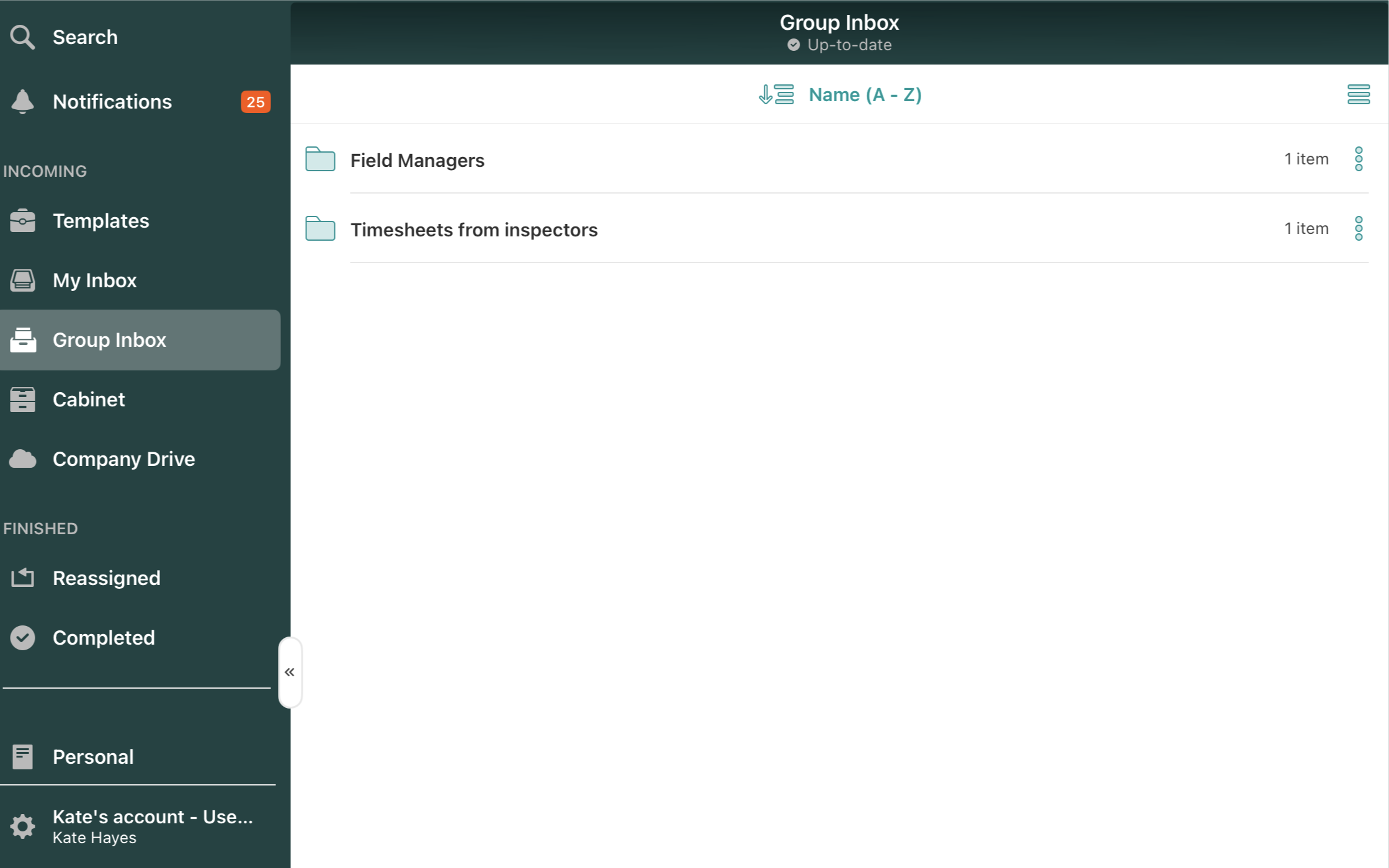
The Group Inbox section becomes active if you receive a document that has been sent to a group of people that you belong to, and an action is required from one of you:
Once you receive a document in this section, you will need to assign it to yourself in the lower right corner to be able to edit and annotate:
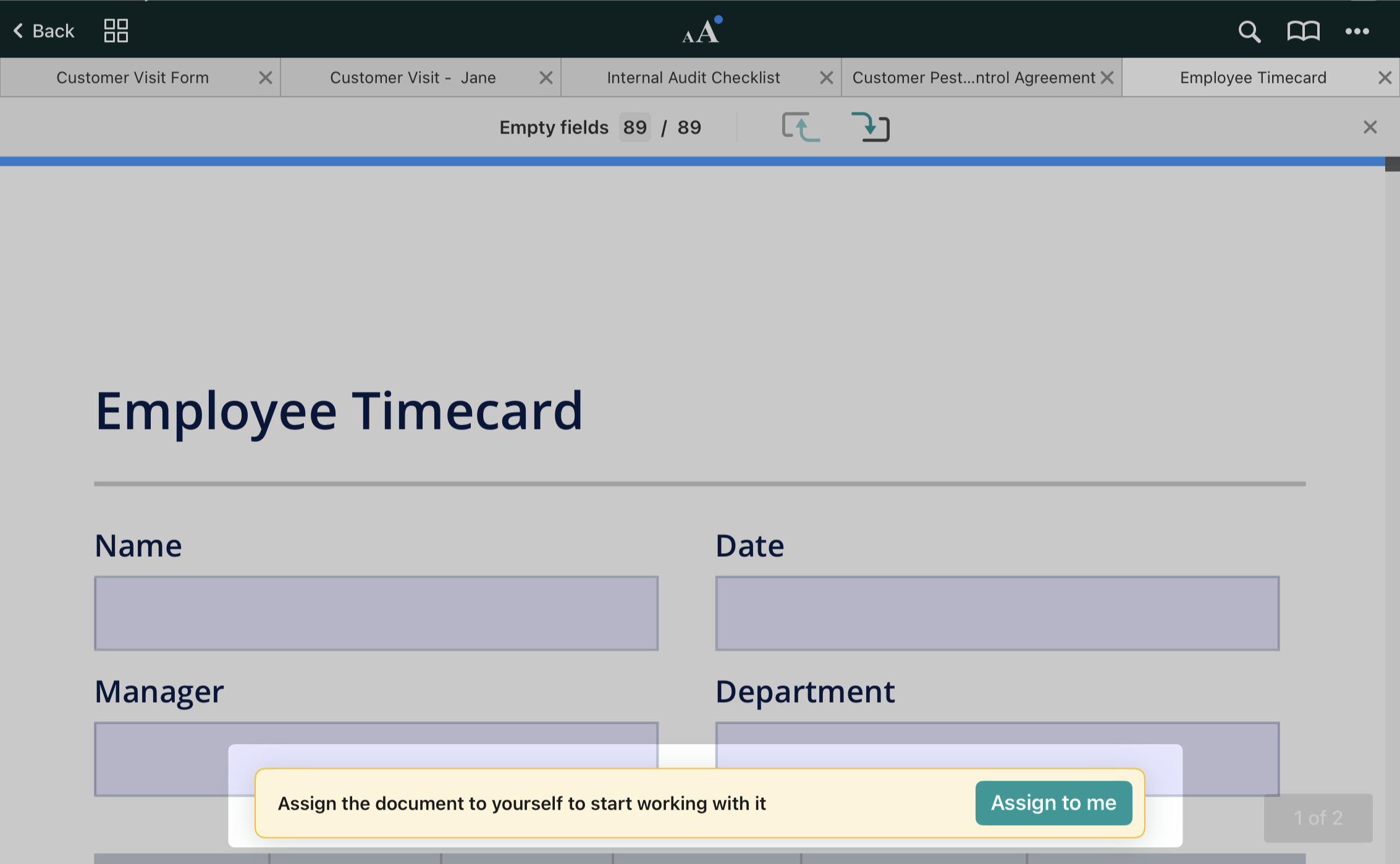
Once assigned to yourself, the document moves from Group Inbox to Drafts as a draft and becomes unavailable to other members of the group.
After making changes to the document, you can either submit it by tapping the Submit button in the top right corner or save a draft to Drafts by tapping the arrow in the top left corner.
Once a day, you receive an email digest listing all available documents in the Group Inbox at that moment. Contact your company account Admin to manage your email notifications preferences.
Feel free to contact us at support@fluix.io if you have any questions or comments.