


Fluix Tasks:
Quickly preview photos submitted by your field team.
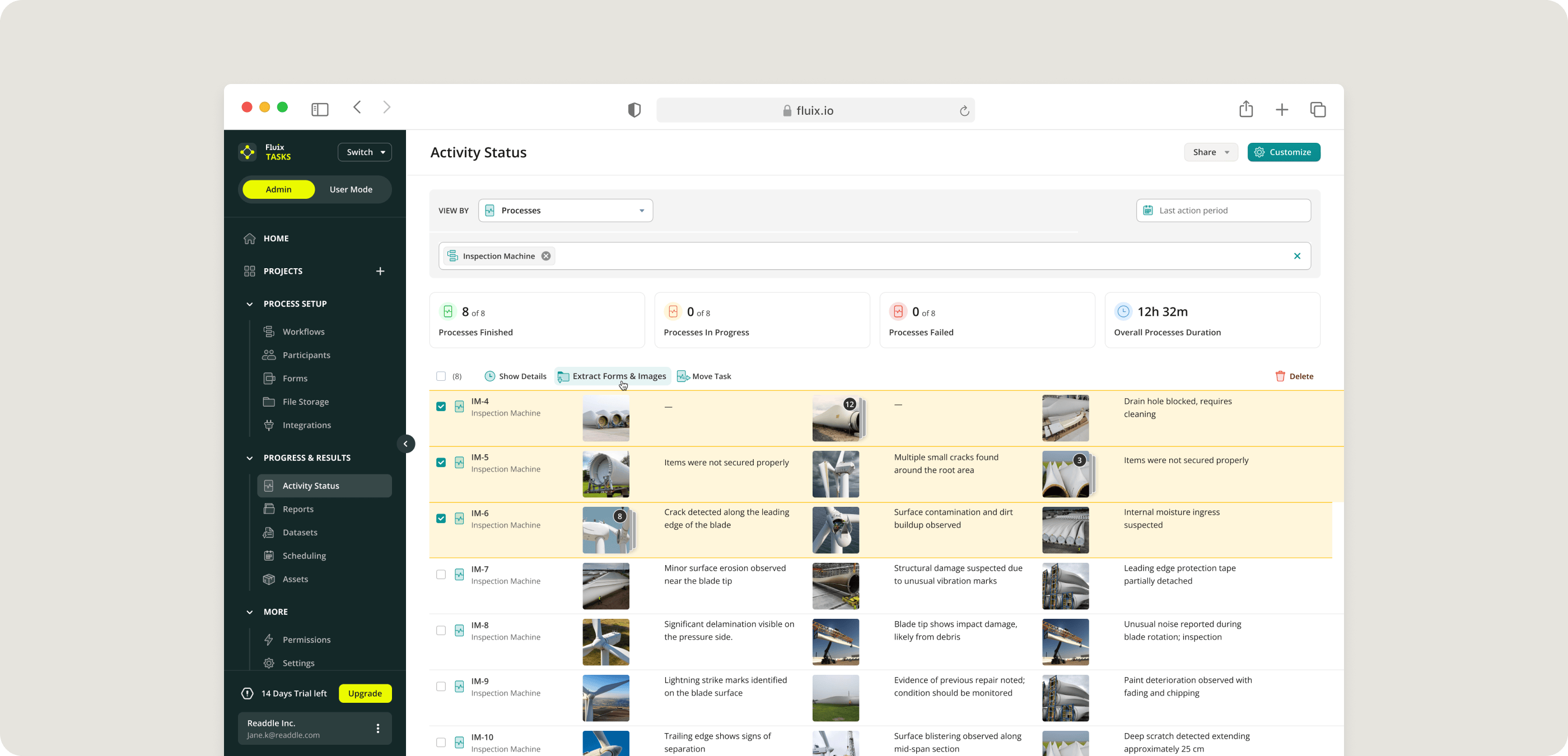
You can now view photos directly from Activity Status, giving you instant access to visual updates from the field.
This makes it easier to:
1. Review job site photos in a few clicks,
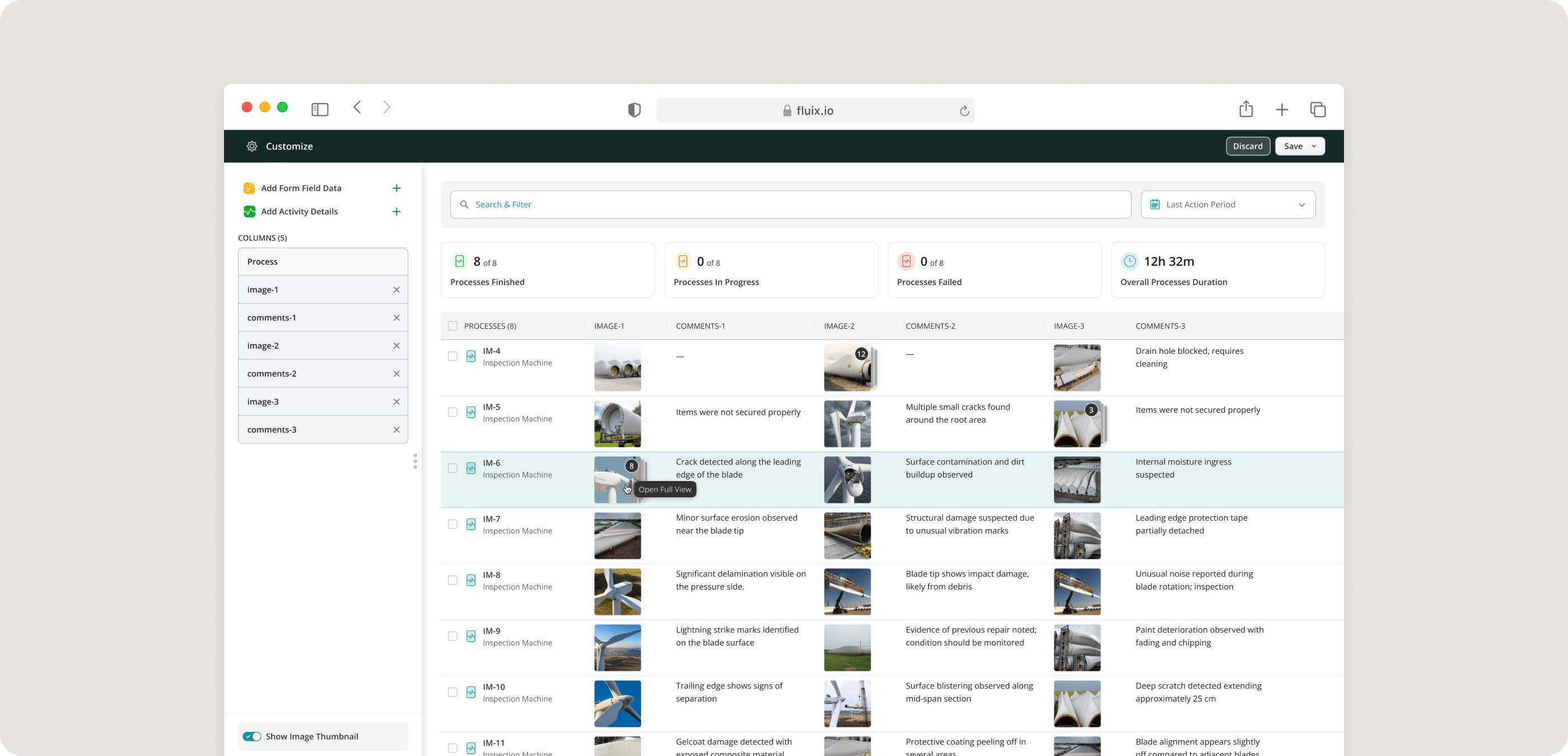
2. Confirm work completion without opening each form and extra scrolling.
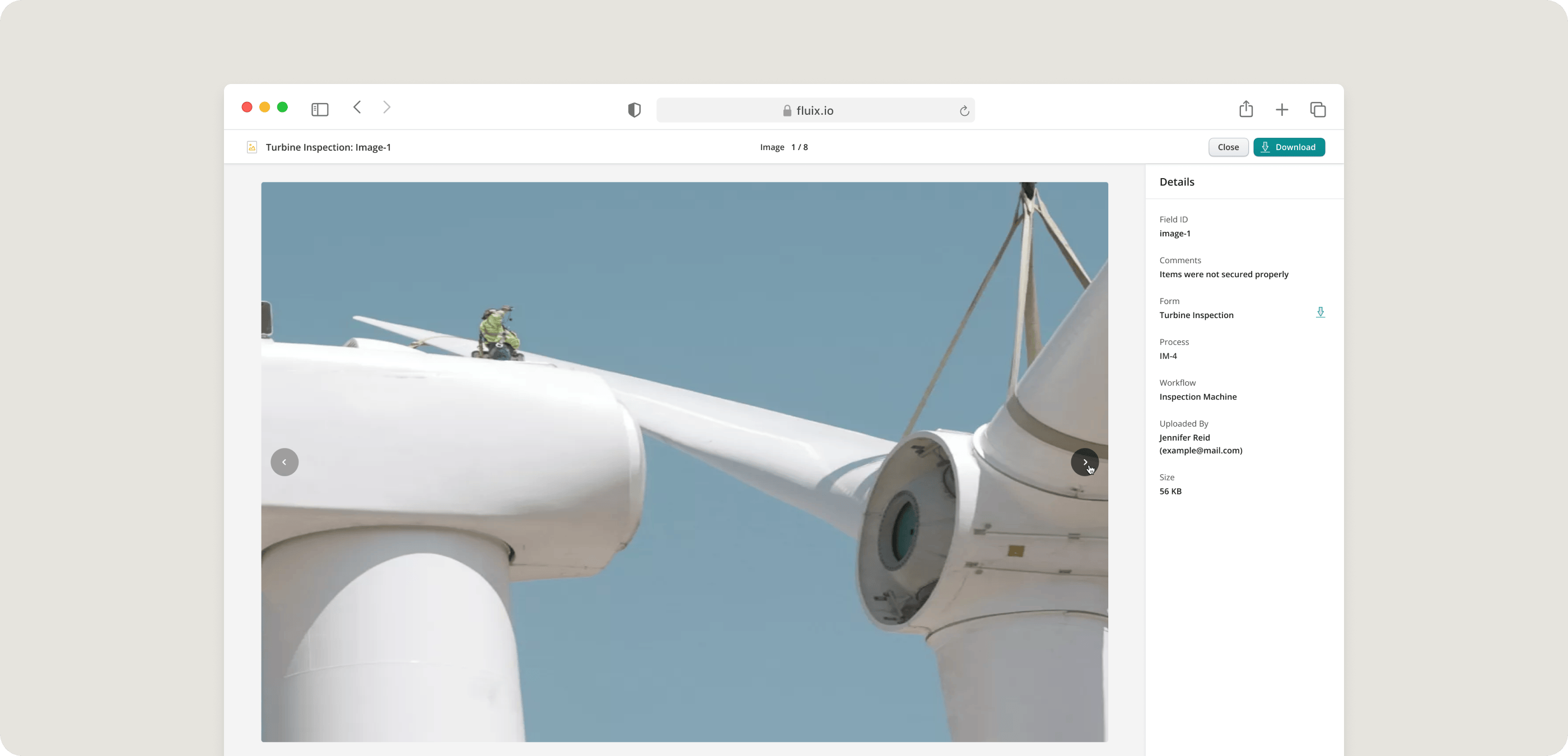
3. Quickly download images when you need them.
Track form completion progress across workflows
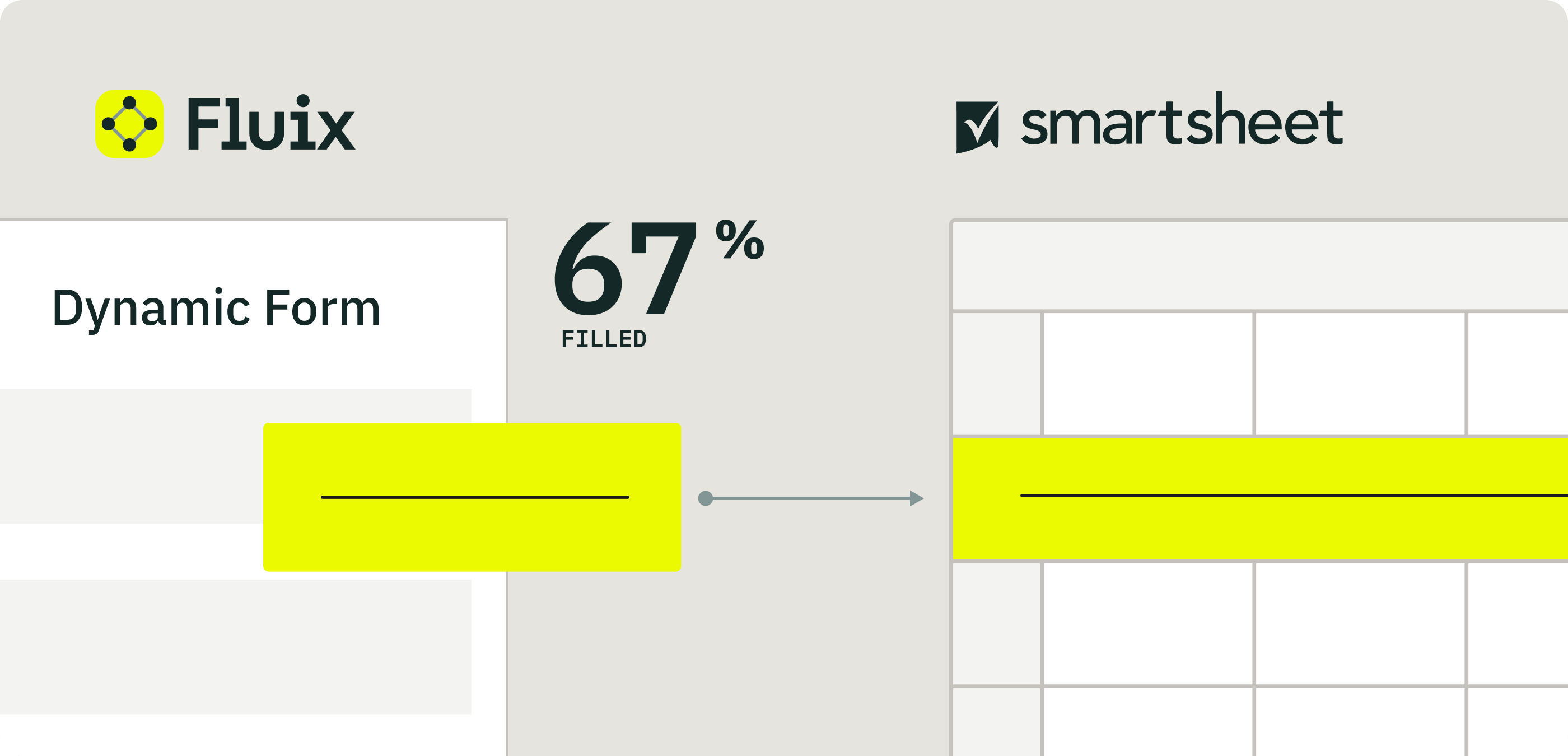
Stay up to date on your field team’s efficiency. A new Completion Rate column in the Activity Status → View by Form mode shows the percentage of completed fields in each form. With this update, you can:
- See how complete each submitted form is at a glance
- Identify missing information faster
- Push this data to the external tools like Smartsheet.
Charts new additions
Charts are now more powerful: you can create them directly from the Form View Reports, edit existing charts, and download them as images. When duplicating a Report, all charts are now copied automatically. Charts now also support additional system data, giving you more options to track progress and performance.
If you have questions or need help getting started, reach out to us at support@fluix.io, and we’ll be happy to help.