


Fluix Tasks
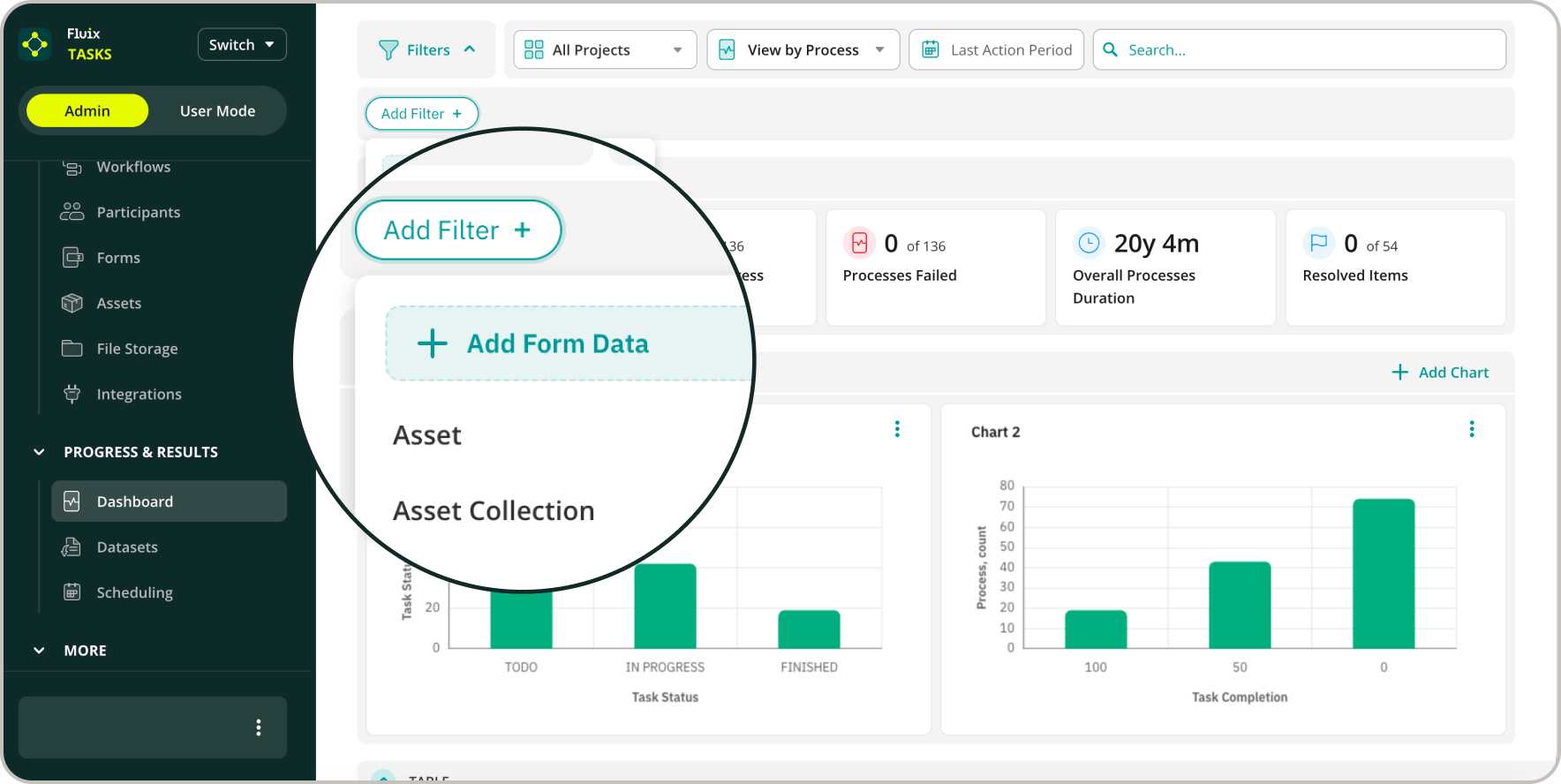
Filter your Dashboard data by every major field type your forms capture.
You can now pinpoint exactly the submissions that are important to you. Let’s say you need the forms completed in a specific date range. Or the checklists where a safety item was flagged? You can filter your data by any of them and see just those results. Filter by:
- Date fields
- Single checkboxes
- Checkbox groups
- Checklist questions
- Signatures
- Images
For quality and compliance managers who live in these reports, every field becomes a lens – filter by failed checks, unsigned forms, or a single site’s submissions in seconds.
Learn more in this Help Center article.
Start Exploring Fluix Faster: Sign In with Google or Microsoft
For teams eager to try Fluix for their business, getting started is now a single step.
New trials can sign up with a Google or Microsoft account rather than a separate email and password. Note: Only work email addresses are accepted.
If you have questions or need help getting started, reach out to us at support@fluix.io, and we’ll be happy to help.