Oct 21st, 2025, V. 2.6. - Filters, Landscape Mode, and Spanish Language Support
Fluix Tasks
Published: Oct 13, 2025
2 min read
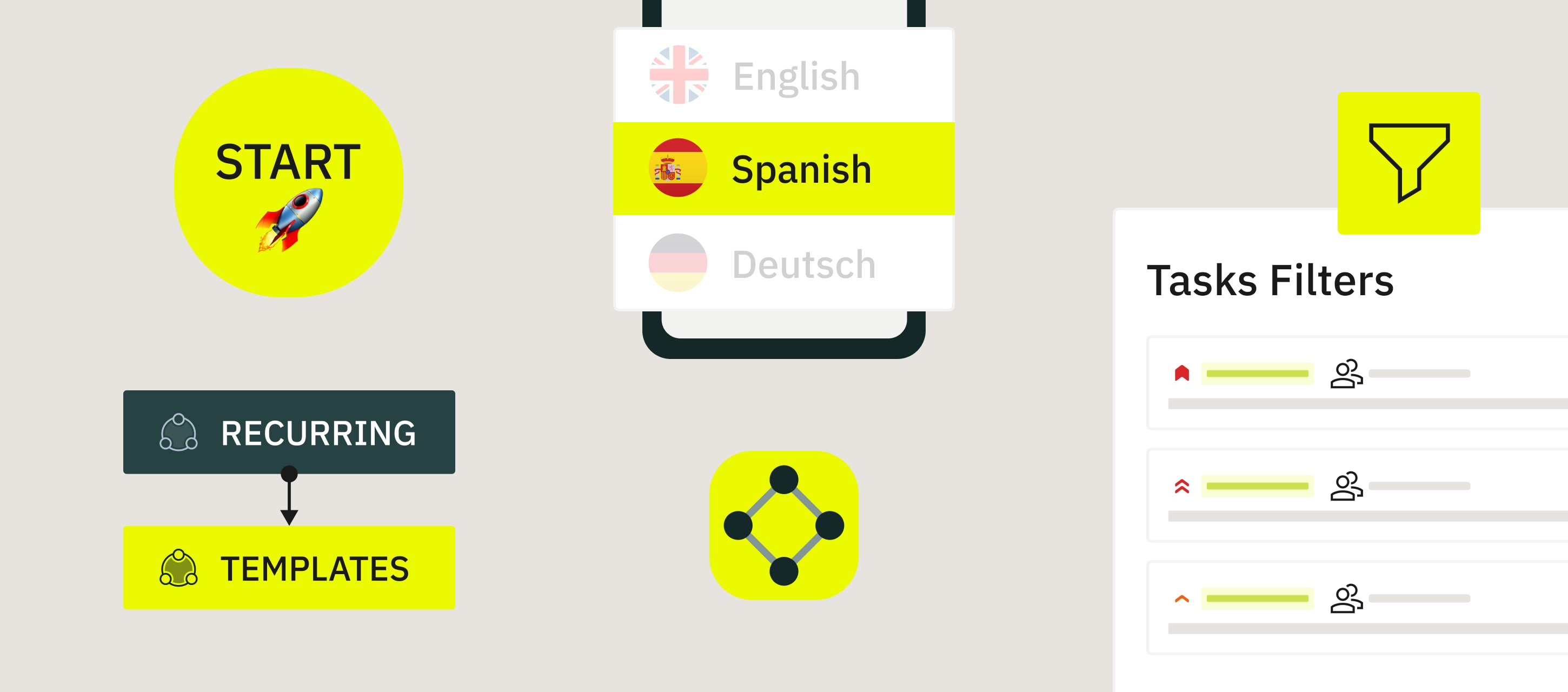
Start tasks faster than ever! No more searching — tap the new Start button in the bottom right corner to instantly begin any assigned task or choose a template to fill out and review. Perfect for when you’re on the go!
Recurring is now Templates. We’ve renamed the Recurring section to Templates to make it easier to find your regular tasks. Everything works the same as before, just with a clearer name!
Fluix Tasks app on iOS now speaks Spanish. ¡Buenos días! Prefer using the app in Spanish? You can now switch your app language easily:
Go to iOS Settings → Apps → Fluix Tasks → Language → Spanish, then reopen the Fluix Tasks app.
Landscape mode for iPhones. Good news for iPhone users: you can now view and edit forms in landscape mode! This mode offers more space and a better view while working on your tasks.
Smarter task filtering. Need to find a specific task? You can now filter your list by the following options so you always see what matters most first.
Priority,
Assigned,
Modified,
Due Date,
Workflow,
Assignee,
Group.
If you need help getting started, please email us at support@fluix.io.
Sign Up to Our Product Newsletter
The latest updates from our Product team, straight to your inbox