



Zapier is a platform that allows you to connect different software tools with each other.
Trello is a team collaboration tool that lets you organize everything to keep your projects on task. You can capture tasks for a project and create a board of ‘cards’ in the order they need to be completed.
By connecting Fluix with Trello via Zapier you can create Trello cards automatically once a form is completed in the Fluix app.
If you don’t have any workflow automation software yet, consider Fluix.
Make a step towards automation
See how Fluix can work for you.
Steps to connect Fluix and Trello in Zapier
To configure the integration, follow the next steps:
1. Log into Fluix, under the Data section and navigate to Datasets.
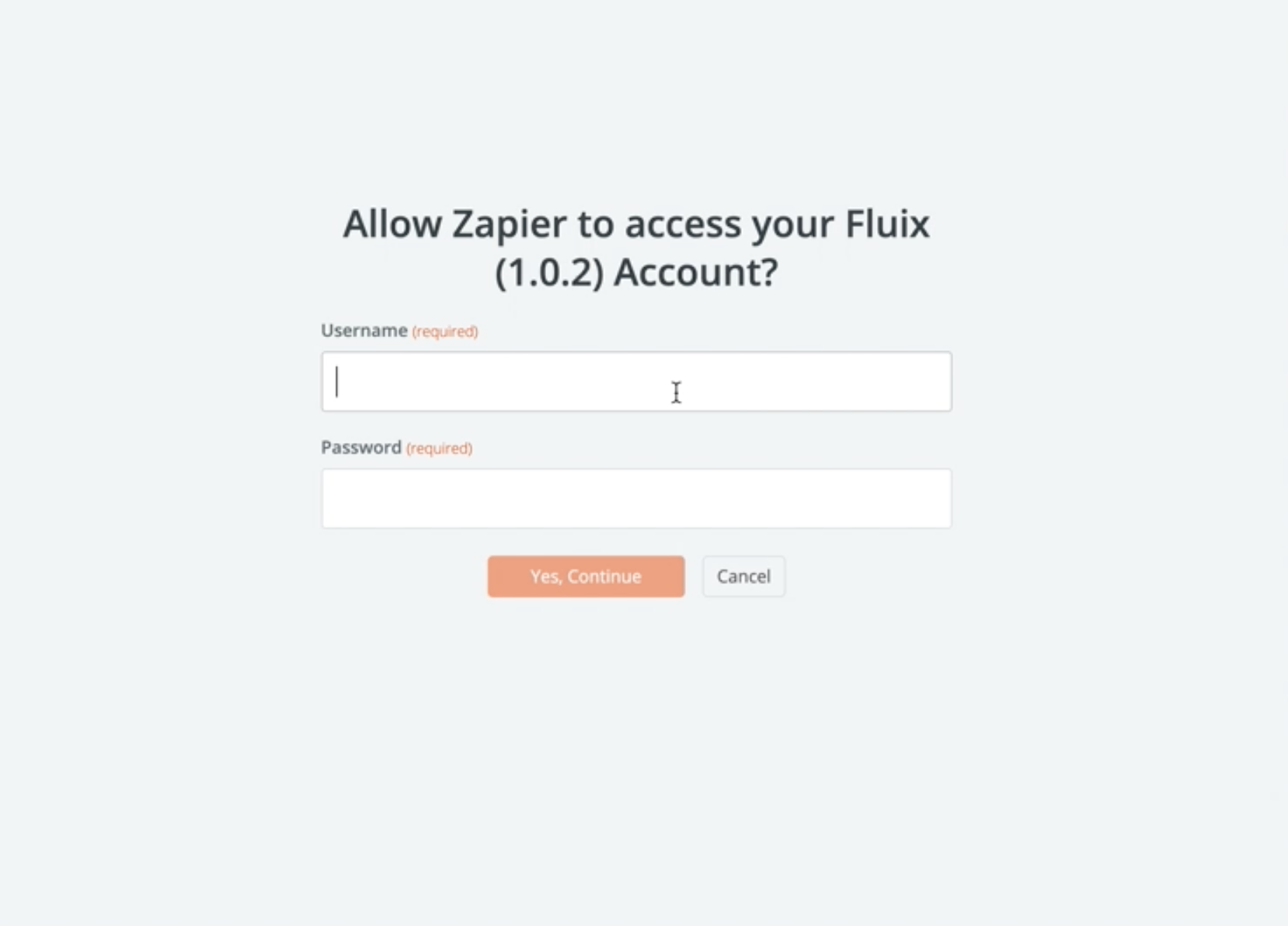
2. Select a dataset or its filtered view, click Export and copy username and password to the screen below:
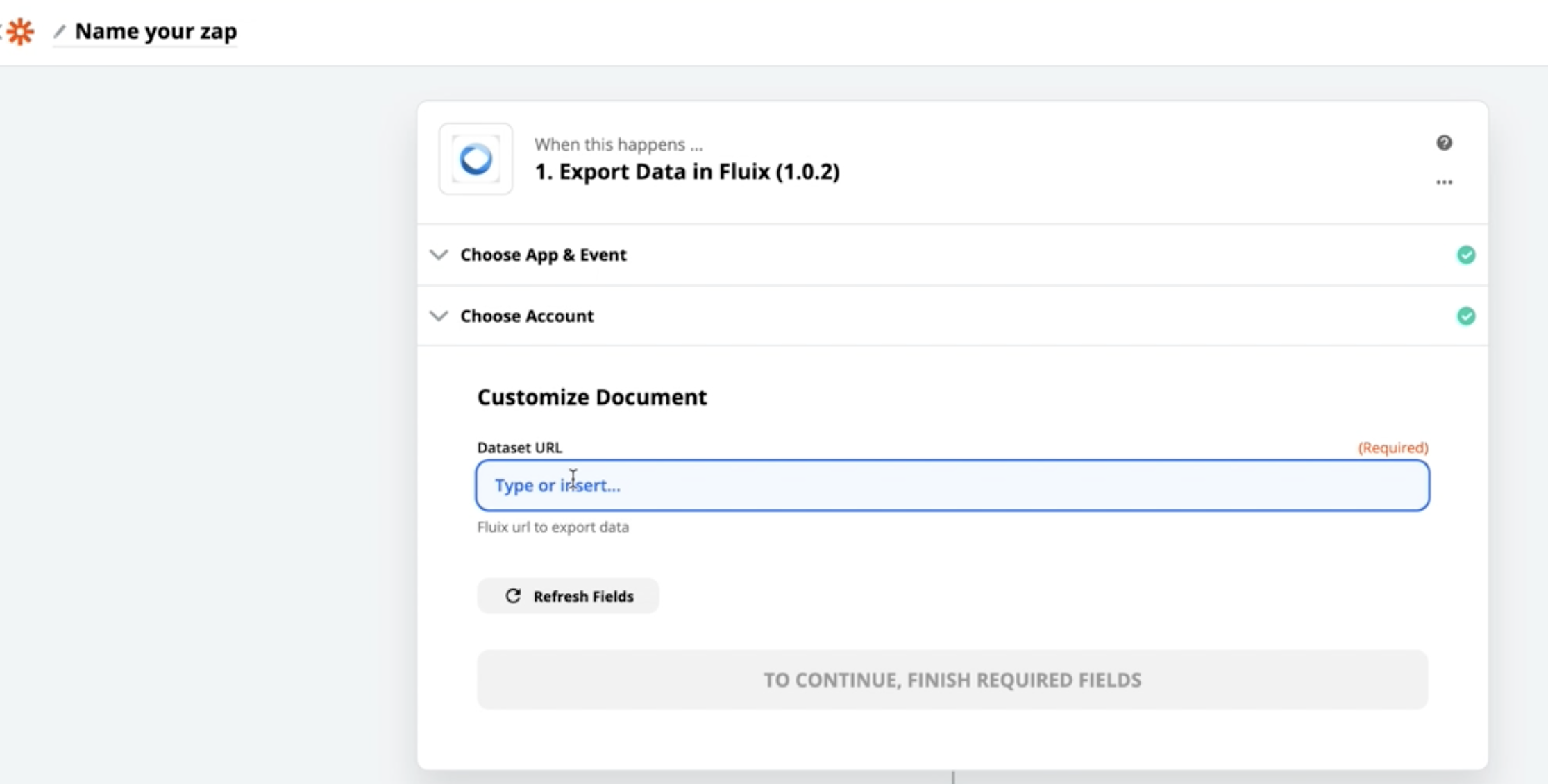
3. In Fluix copy Authorization link to PowerBI and paste it in Zapier below:
4. Then in Zapier add Trello, choose action event Create Card.
5. In description field, add the fields you need to be added to a card.
6. That’s it! Once a document is completed in Fluix, a new card will be automatically created in Trello.
In case you have any questions or difficulties with setup, contact our support at support@fluix.io and we’ll be happy to help you.
Check other business integrations here.