


You can review how much time users spend on tasks in the Dashboard section of your Admin Panel.
Steps to check task completion time:
1. Go to your Admin Panel and open the Dashboard section under Progress & Results.
2. Locate the task and check the box next to it.
3. Click Show Details.
4. On the next screen, you’ll see:
- A list of tasks from your workflows.
- Detailed user data, including the time spent on each task.
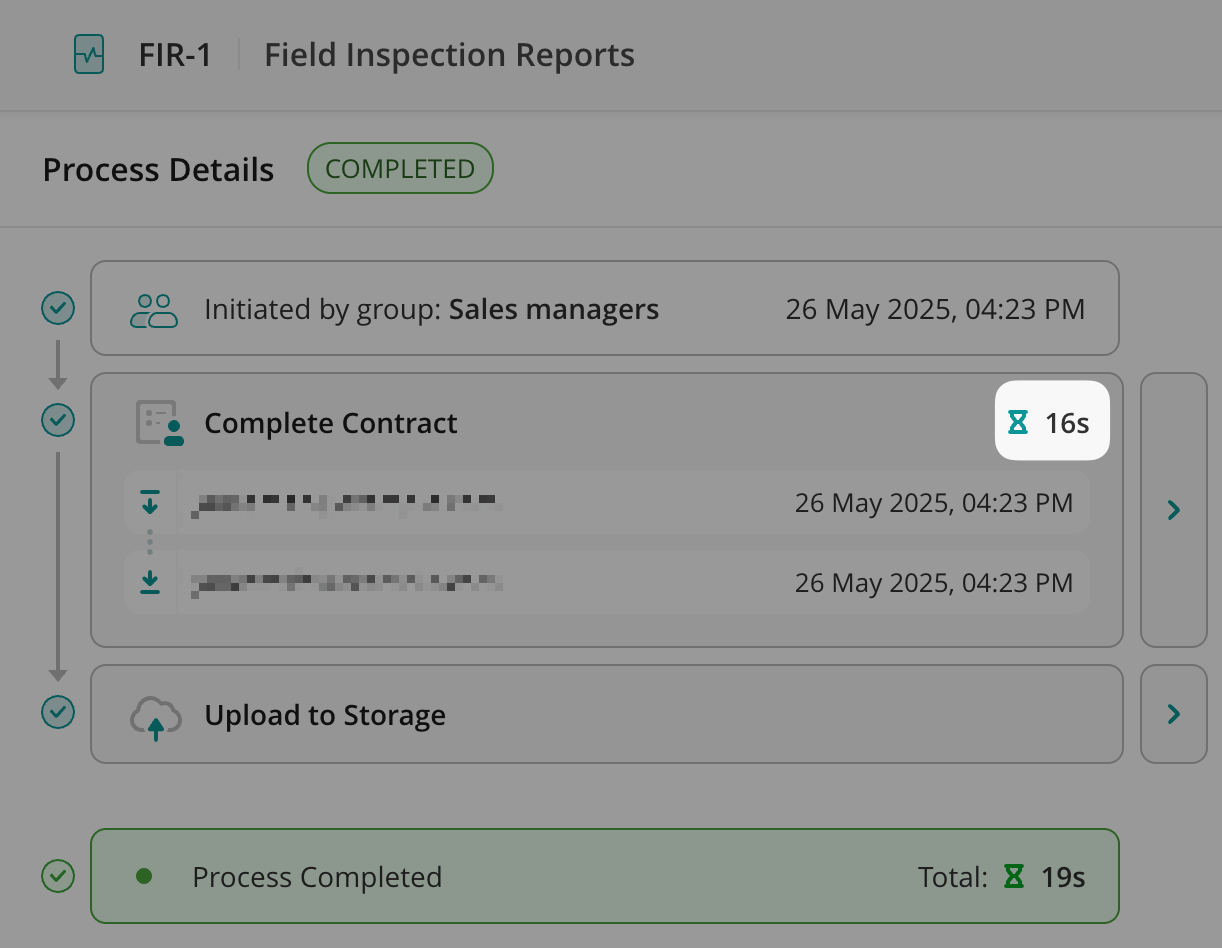
This allows you to analyze task completion times and monitor team efficiency.